Connect to multiple platforms.
Preview and adapt content per platform and publish everywhere from a single place.
How it works
Previews render your content using platform-specific constraints. You see exactly how copy truncates, how links display, and how media crops per destination.
- Select destinations for the content item
- Open previews to see platform rendering
- Adjust copy/media and re-check previews
- Share previews for review and sign-off
- Publish or schedule with confidence
Setup
- Connect platforms to enable destination previews
- Configure default crop and link policies
- Enable share links for reviewers
Tips
- Use previews early to avoid downstream edits
- Check mobile layouts where truncation is common
- Share a single URL to streamline approvals
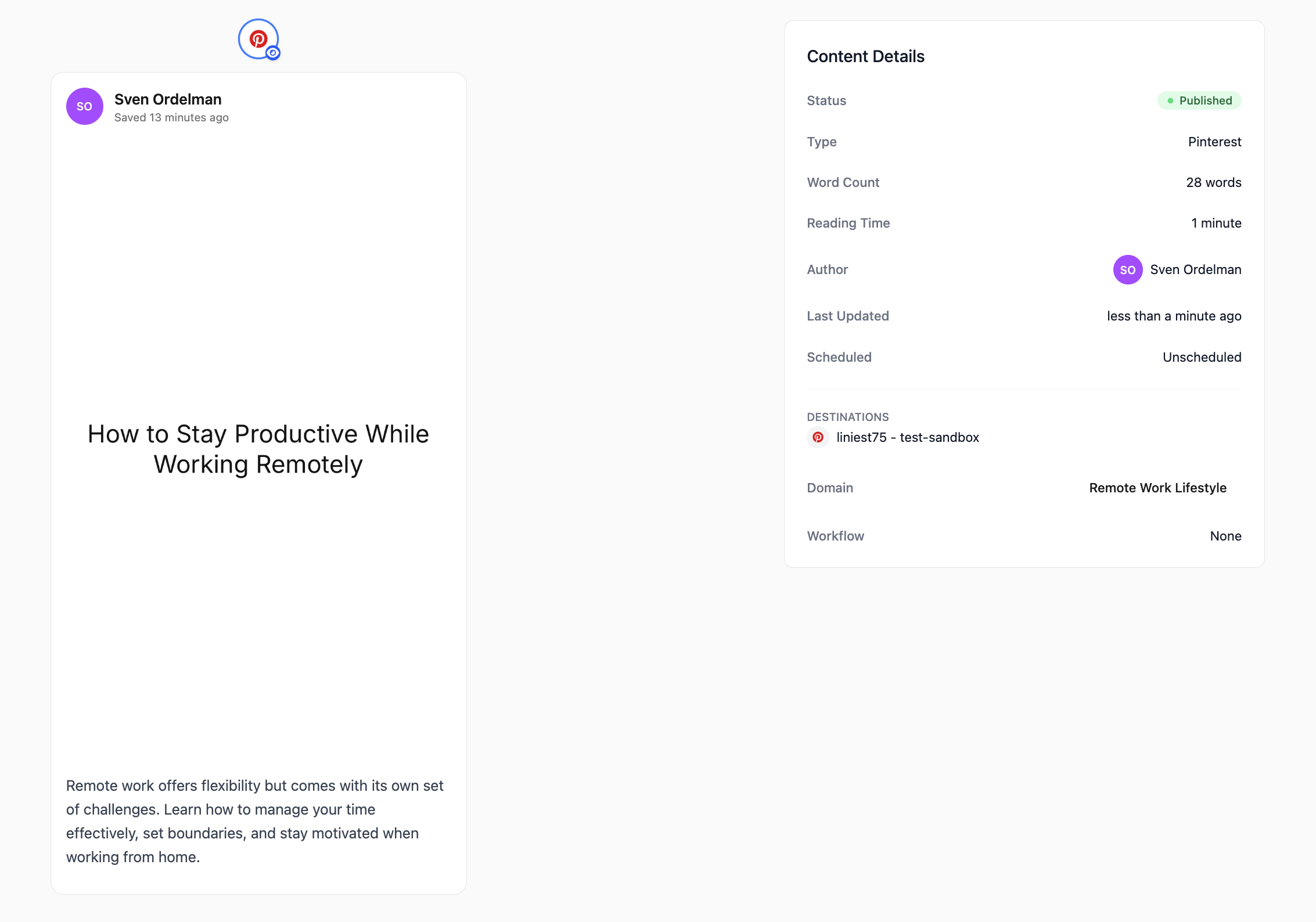
- One-click multi-platform posting
- Platform-specific optimization
- Content preview before publishing
What you’ll get
- Confidence before publishing
- Fewer reworks after posting
- Platform fidelity and consistency
Use cases
- Platform mockups for review
- Team sign-off checkpoints
- Pre-scheduled quality checks