Get a week or month of posts
Share one launch, link, update, or idea. Liniest turns it into a full set of social media posts.
Tell Liniest what happened in your business. It writes posts for each social app, then lets you review and schedule them in one place.
Create and schedule social media posts
Share an update once. Liniest turns it into posts for each social app. Review the drafts and schedule the ones you want.
Share one launch, link, update, or idea. Liniest turns it into a full set of social media posts.
Turn one idea into a LinkedIn post, an X thread, an Instagram carousel, and short video scripts.
See your drafts and scheduled posts together. Drag a post to a new date when your plans change.
Review, edit, schedule, and publish posts without jumping between different tools.
Less social media work
Start with one message. End with posts ready to publish.
1
Tell Liniest what happened.
8
Get posts made for each app.
1
See all your posts in one place.
How Liniest helps
Plan your posts, review the drafts, schedule them, and see what worked. Do it all in one place.
AI post creation
Share a product update, paste a blog post, or describe your idea. Liniest turns it into a clear plan and ready-to-edit drafts.
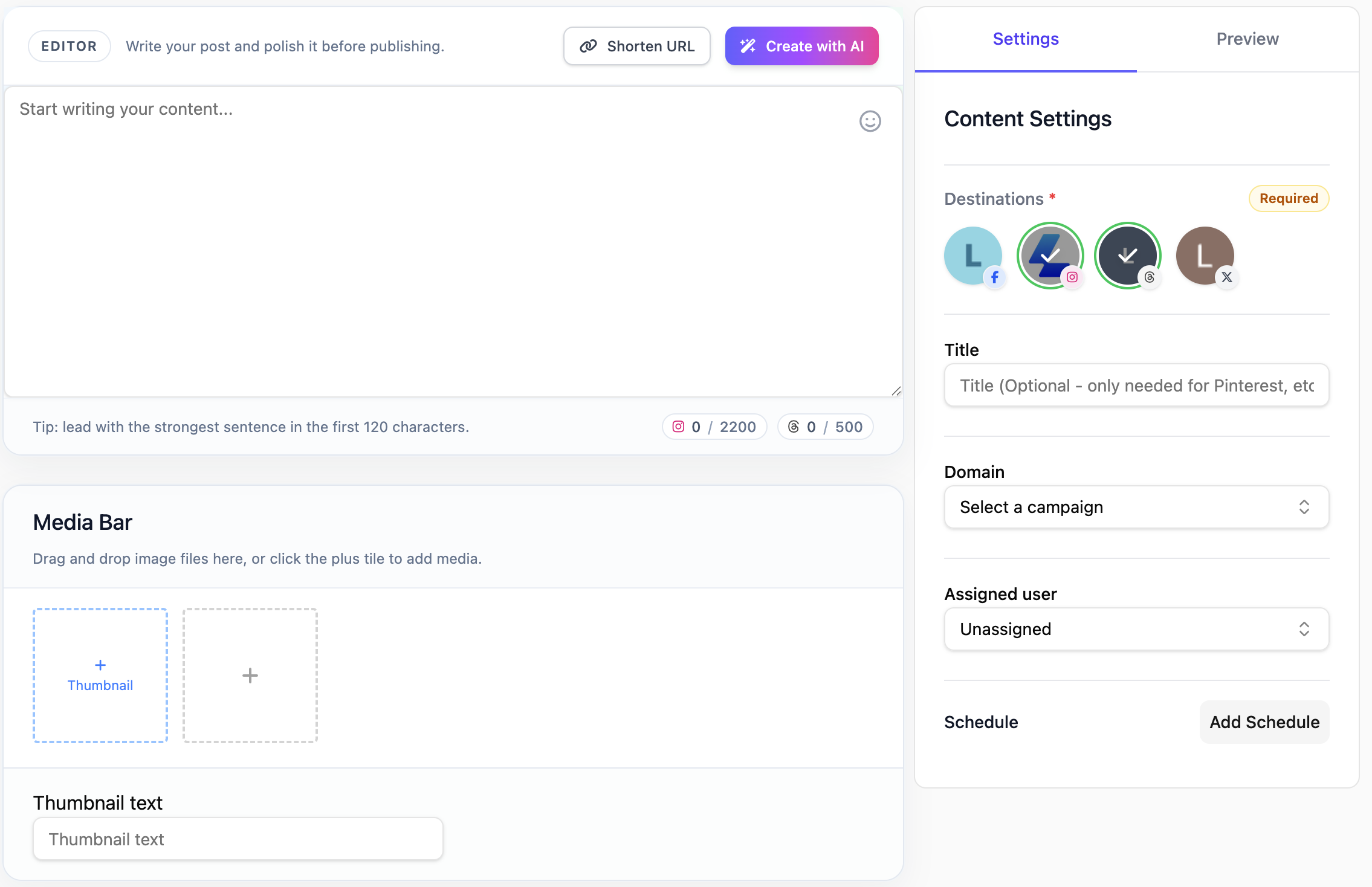
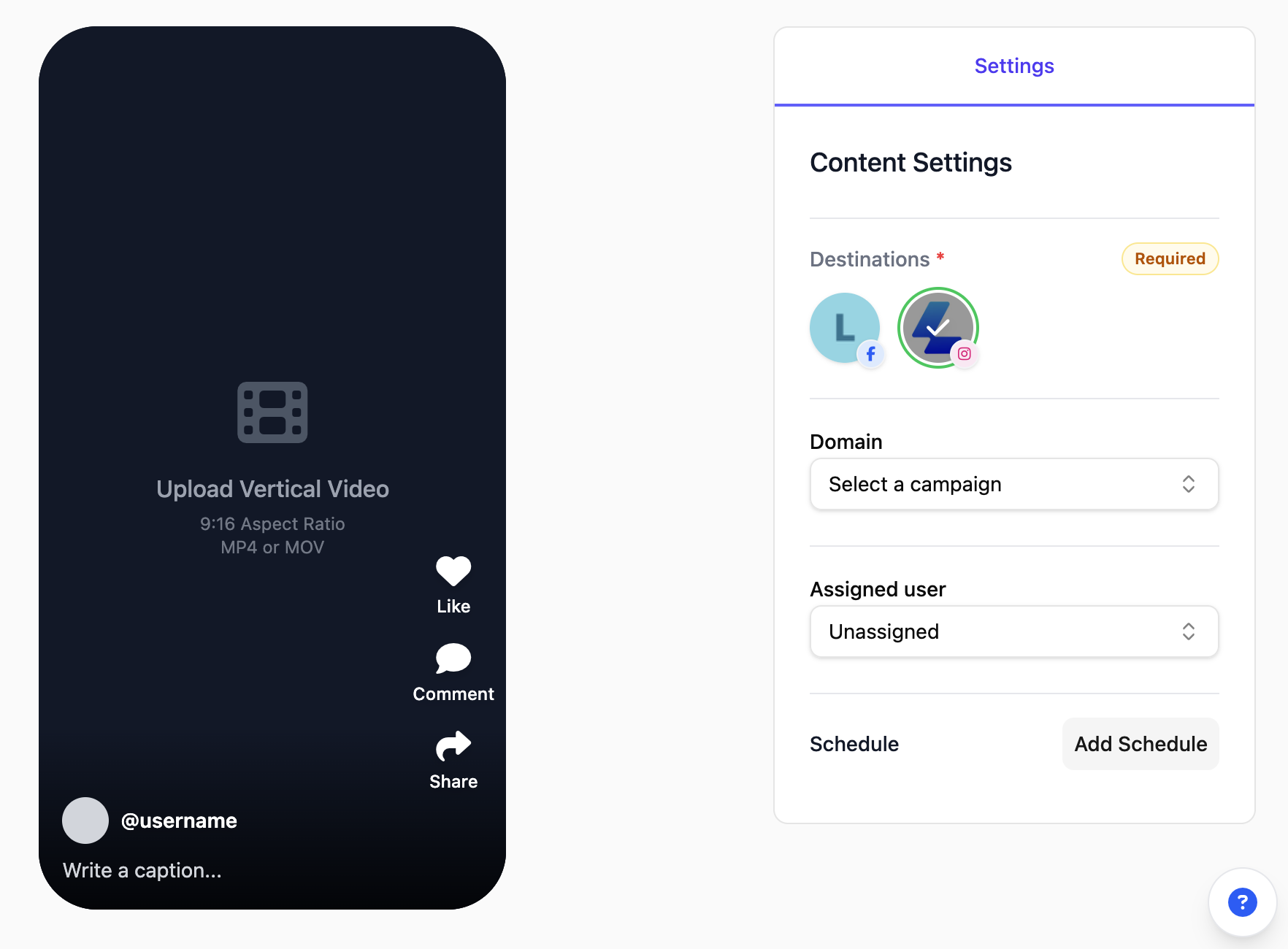
Platform-specific content
Liniest does not paste the same caption everywhere. It changes the length, style, and format to fit each app.
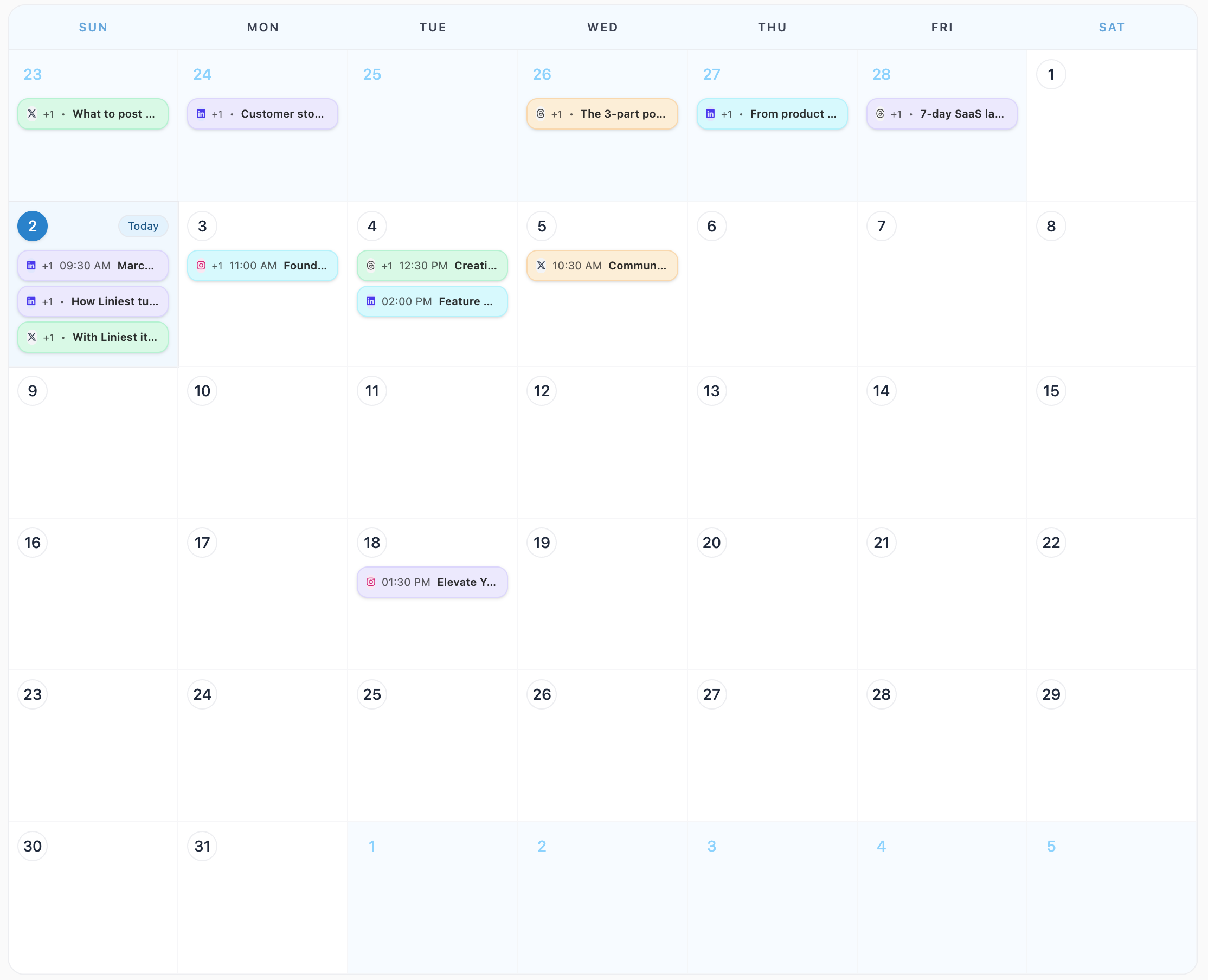
Visual content calendar
Plan every social media post on one calendar. Move posts when your plans change and see what is ready to publish.
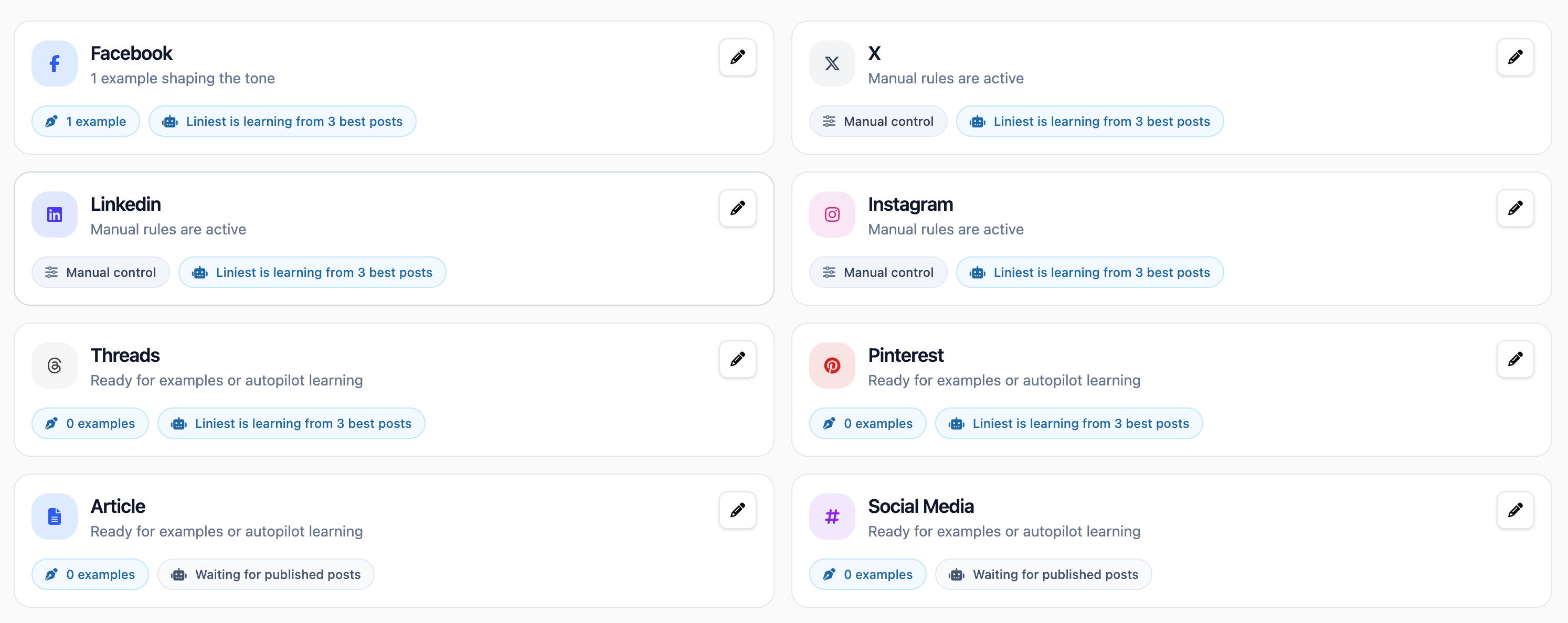
Brand voice settings
Add examples and simple writing rules once. Liniest uses them when it writes new drafts.
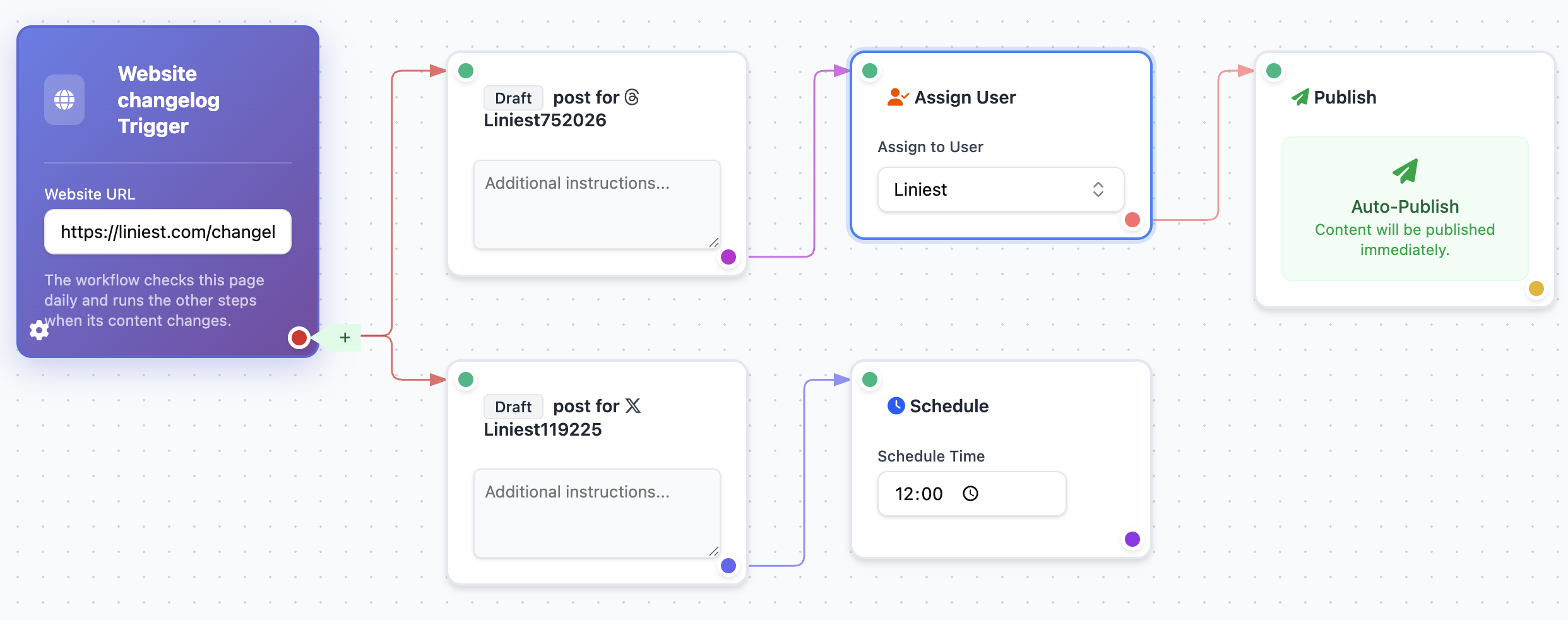
Reusable publishing workflows
Set up repeatable tasks for the content you publish often. Create drafts, schedule posts, and check what was sent.
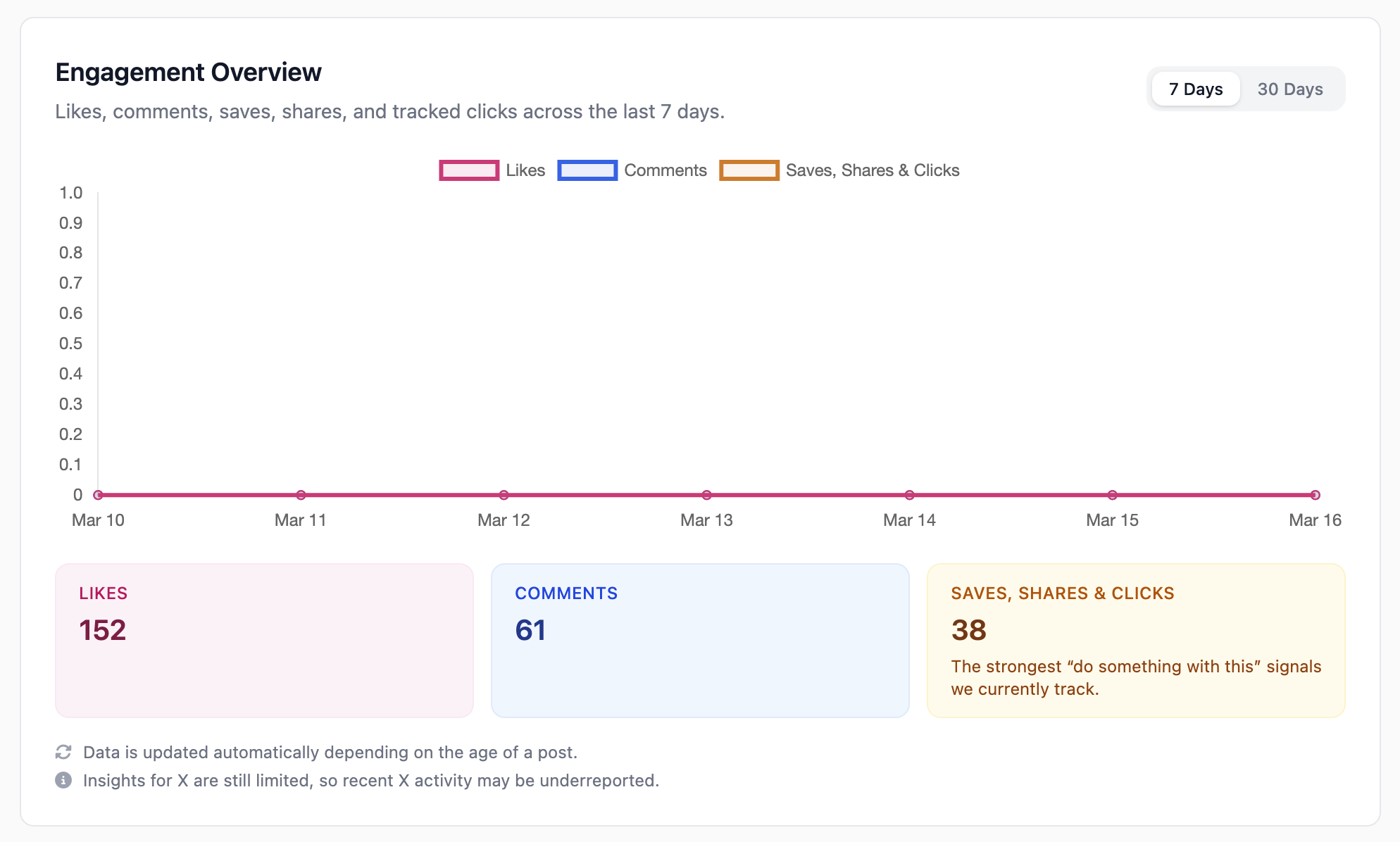
Performance dashboard
Check your published posts and engagement in one place. Use what you learn when you make your next set of posts.
Why use Liniest
Liniest handles the repetitive work: turning updates into posts, changing them for each social app, and keeping your calendar up to date.
Reason 1
Write one sentence about your business. Liniest fills your calendar with draft posts.
Reason 2
Liniest changes each post to fit the social app where it will be published.
Reason 3
Review and edit every post. Nothing goes live until you schedule it.
Posts for every social app
Liniest does not paste the same caption everywhere. It changes each post to fit the social app where it will be published.
Simple launch pricing
Create drafts with AI, review them, and schedule the posts you want.
$0 forever
$19/month
$49/month
FAQ
No. Tell Liniest what happened in your business. It creates a plan, writes different posts for each social app, remembers your rules, and helps you schedule the posts you want.
Liniest is for founders, SaaS teams, indie hackers, and creators who want to turn business updates into social media posts without writing every post by hand.
Liniest supports Instagram, X, Facebook, LinkedIn, Threads, YouTube, Pinterest, and TikTok. It makes different types of posts for each app.
Yes. Liniest creates drafts. You can edit a post, ask for a new version, and schedule only the posts you want.
Add examples of posts you like and tell Liniest which words, style, and calls to action to use or avoid.
Create your first posts
Tell Liniest what changed in your business. It will create drafts for each social app so you can review and schedule them.