Pinterest
Pinterest Scheduler
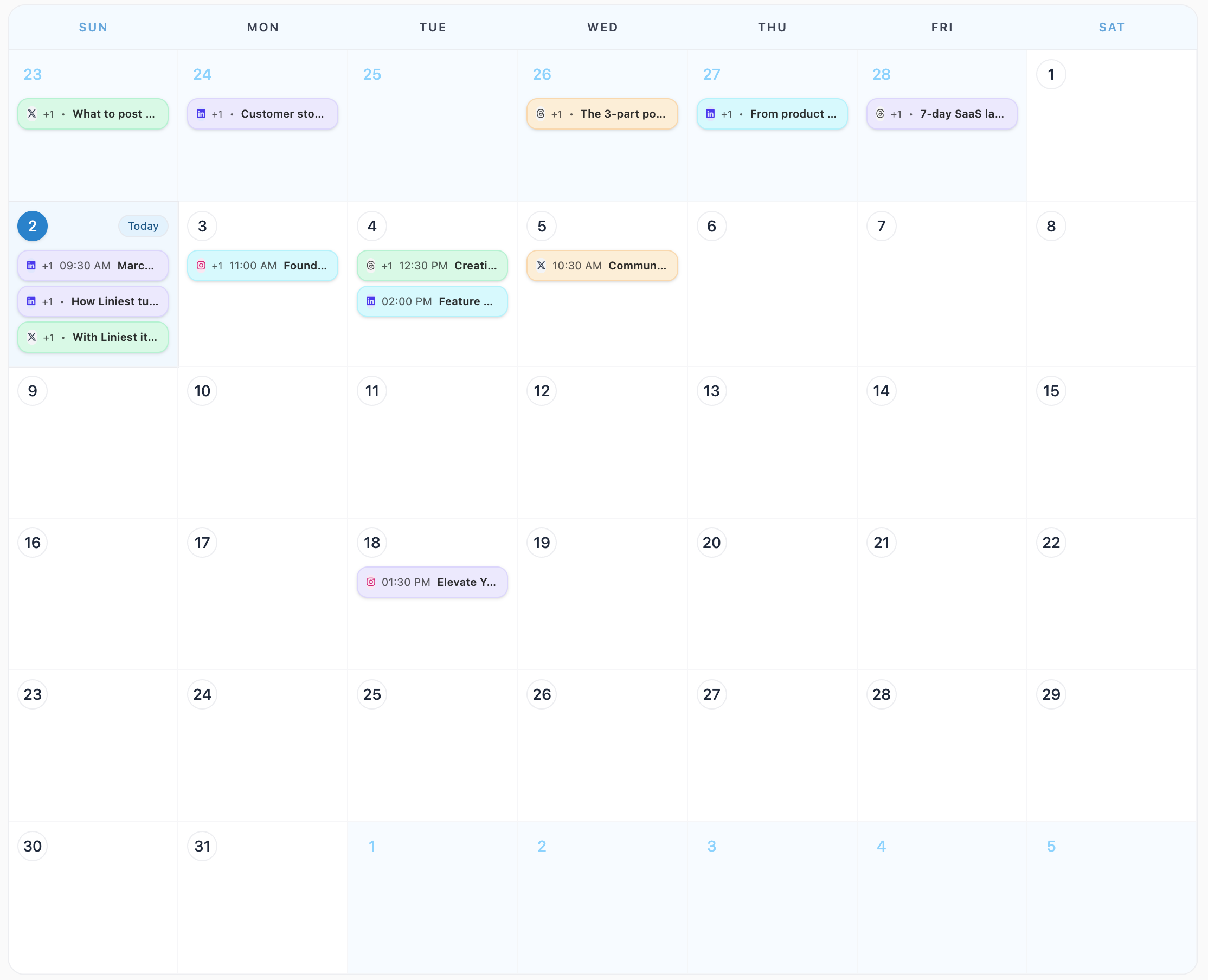
Best Pinterest scheduler for teams—plan and schedule Pinterest posts from a single calendar with brand‑safe previews and automation. Liniest gives you a single calendar, brand-safe templates, and channel-ready previews so every Pinterest launch looks intentional.
Why teams use Liniest for Pinterest
Publishing on Pinterest moves fast. Liniest keeps every draft, asset, and scheduling slot in one place so your team can move quickly without losing quality or consistency. You get a calm, reliable publish flow that turns ideas into live posts in hours, not days.
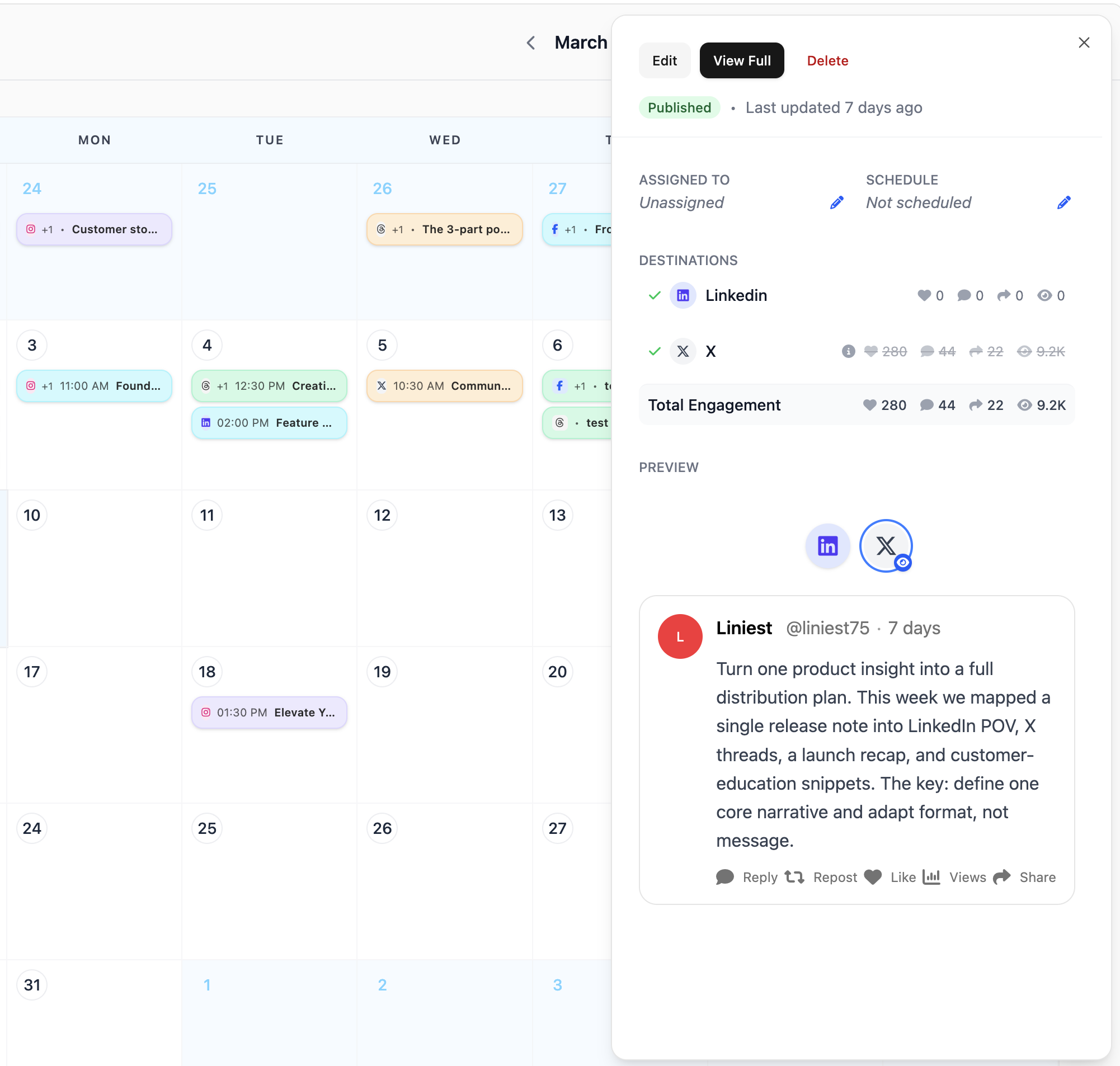
Single calendar
Plan every Pinterest post on the same calendar as the rest of your channels.
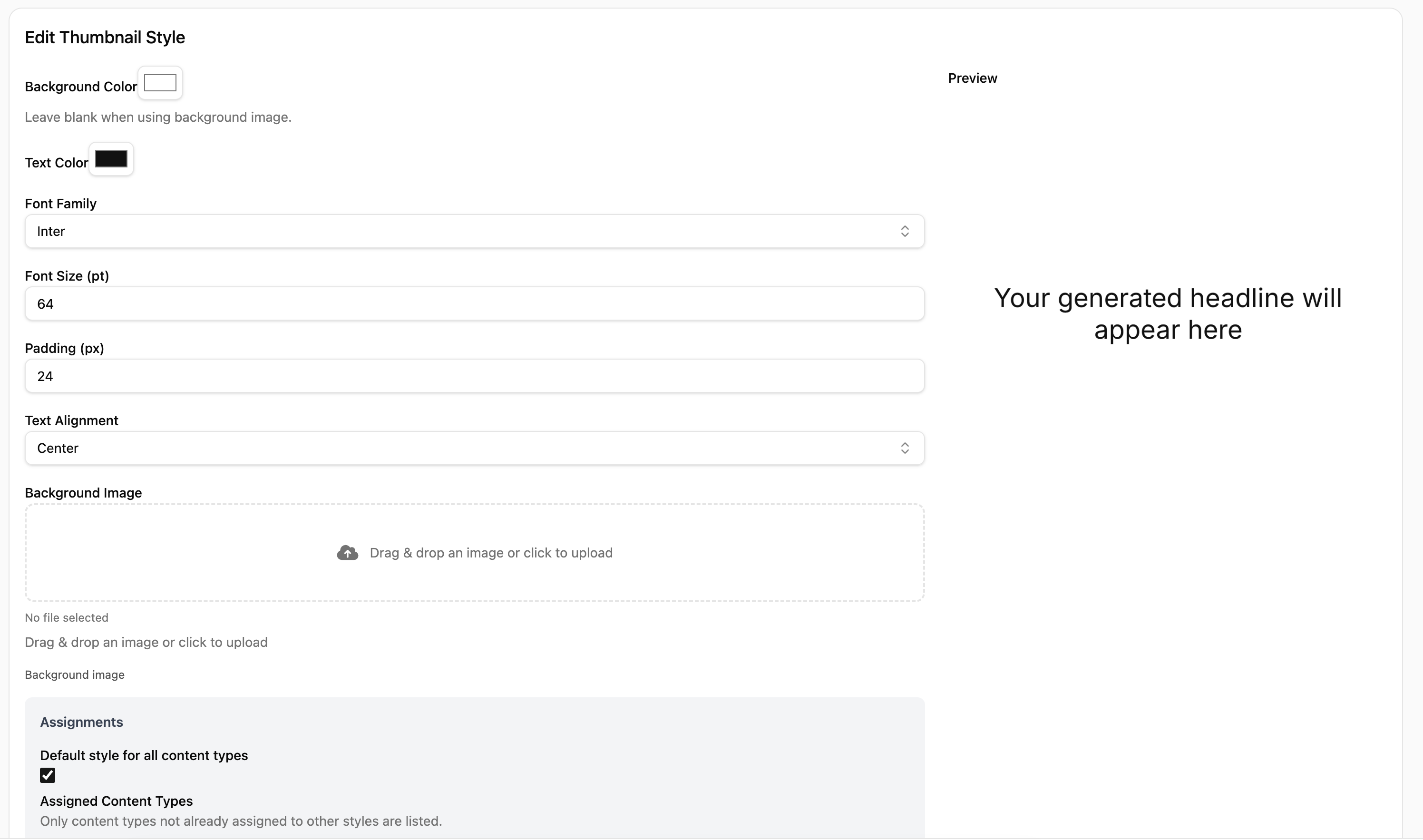
Brand-safe previews
See exactly how the post will look before you schedule it.
Reusable templates
Turn winning formats into templates so teams can ship consistently.
How to schedule with Liniest
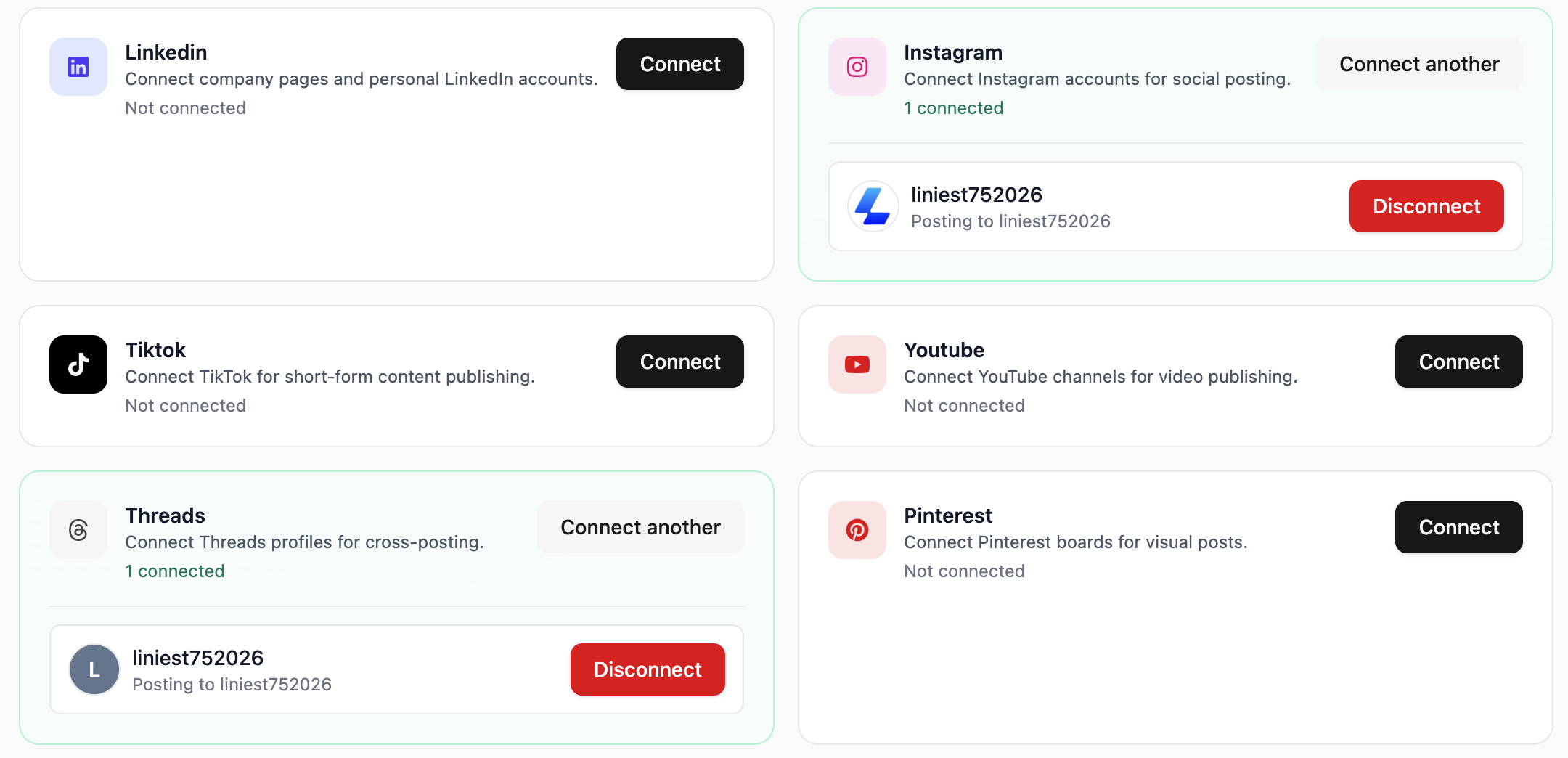
- Connect your account in Liniest and confirm permissions.
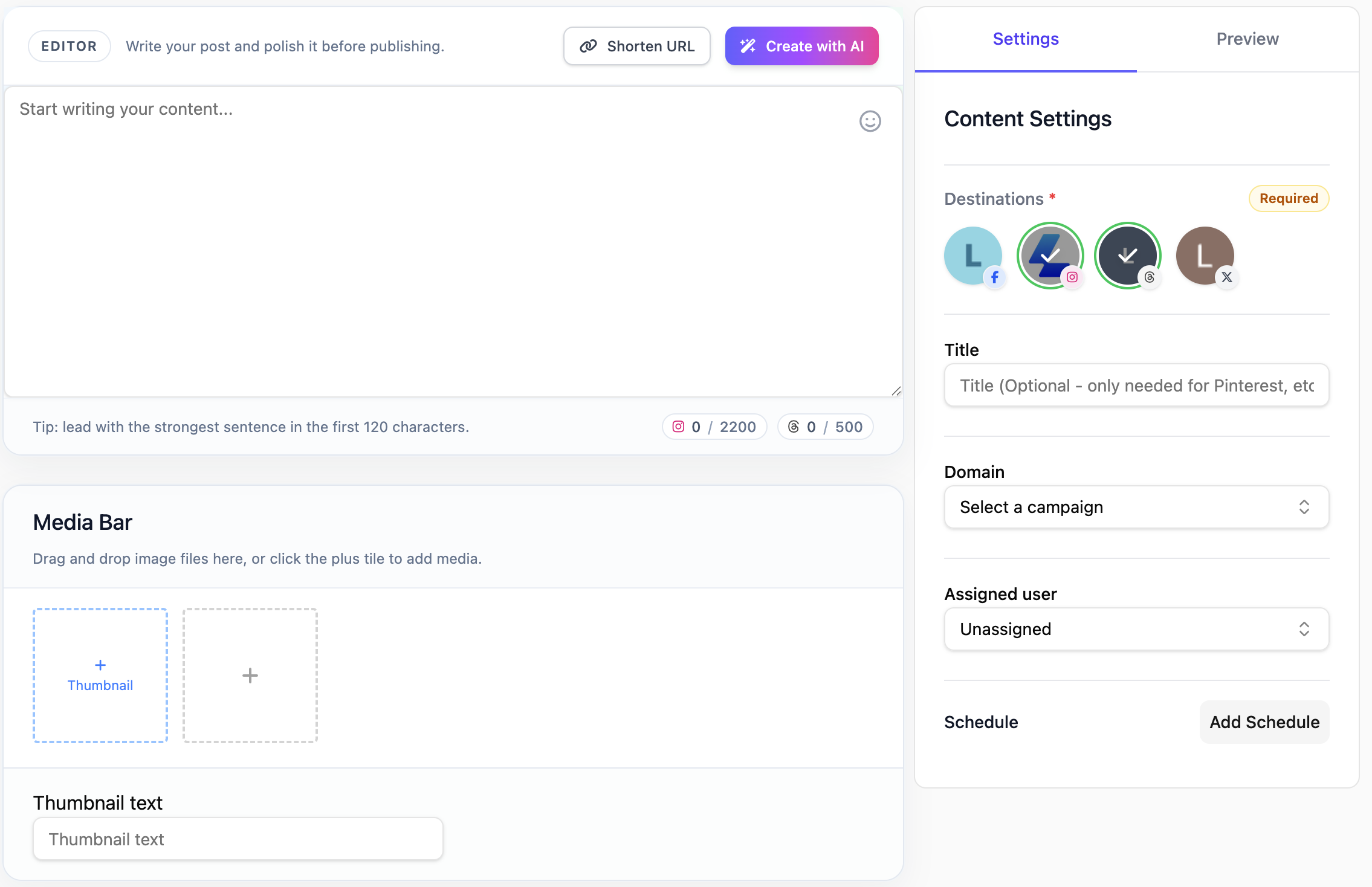
- Pick a content type and create your draft or upload assets.
- Check the preview for the platform and apply brand guardrails.
- Set the publish time or post immediately.
- Track performance and iterate with the next run.
Pinterest tips that keep momentum
- Batch schedule Pinterest posts for the week in one session.
- Keep hooks short and specific to the audience on the platform.
- Use native formats (image, short video, or text) for higher reach.
- Schedule at your strongest engagement windows.
Example Pinterest posts
- Schedule a Pinterest product announcement for Tuesday 9am with a follow-up reminder on Thursday.
- Queue a Pinterest carousel for a campaign launch and pair it with a short video later that day.
- Use the calendar to avoid overlapping Pinterest posts during key launches.