Facebook scheduler

Facebook scheduler

Schedule Facebook posts in Liniest using the same tools you use to write, preview, and organize them.
Content editorPreview + date pickerShared calendarOptional workflows
Facebook scheduler

What this page covers

A practical Facebook workflow inside Liniest

This guide focuses on what the product already does well: build the post, connect the right page, check the preview, and manage it from the calendar.

In the product
What you actually use to schedule

  • Connect the right page
  • Build the post with copy and media together
  • Set the time in the shared calendar
  • Automate recurring scheduling work

How to schedule Facebook content in Liniest

  1. 1Connect the right page in Liniest.
  2. 2Create the Facebook post in the content editor and attach any media you need.
  3. 3Use the preview to check the post before it goes live.
  4. 4Set the date and time, then manage the scheduled Facebook item from the calendar.
  5. 5If this task repeats often, reuse AI settings or workflows where they actually help.
Connect the right page

Feature 01

Connect the right page

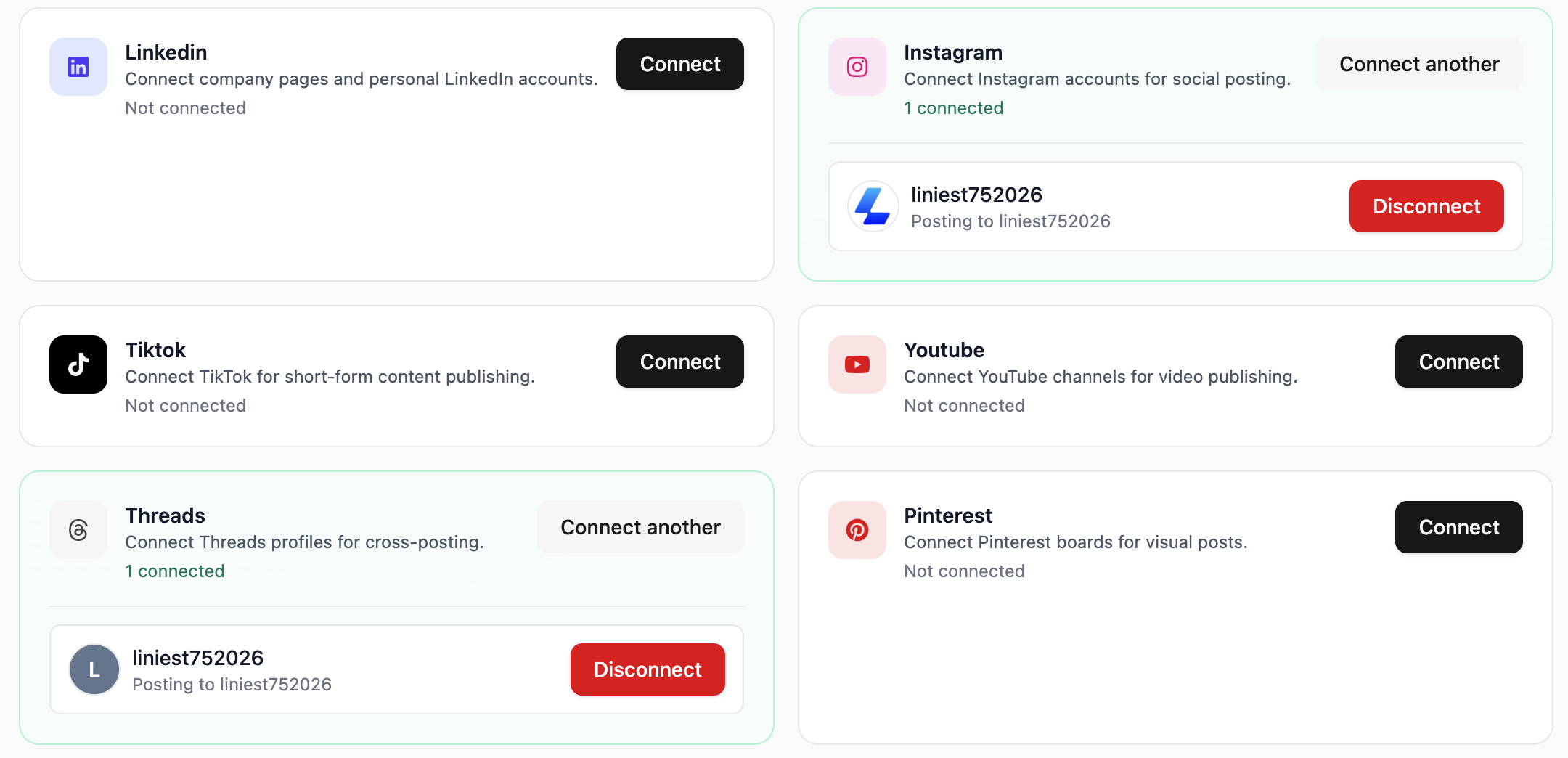
Liniest lets you choose the correct connected page before you schedule or publish the Facebook post.
  • Choose pages, accounts, channels, or boards from connected destinations
  • Keep destination selection inside the same draft flow
  • Use the same setup across the rest of your channels
Build the post with copy and media together

Feature 02

Build the post with copy and media together

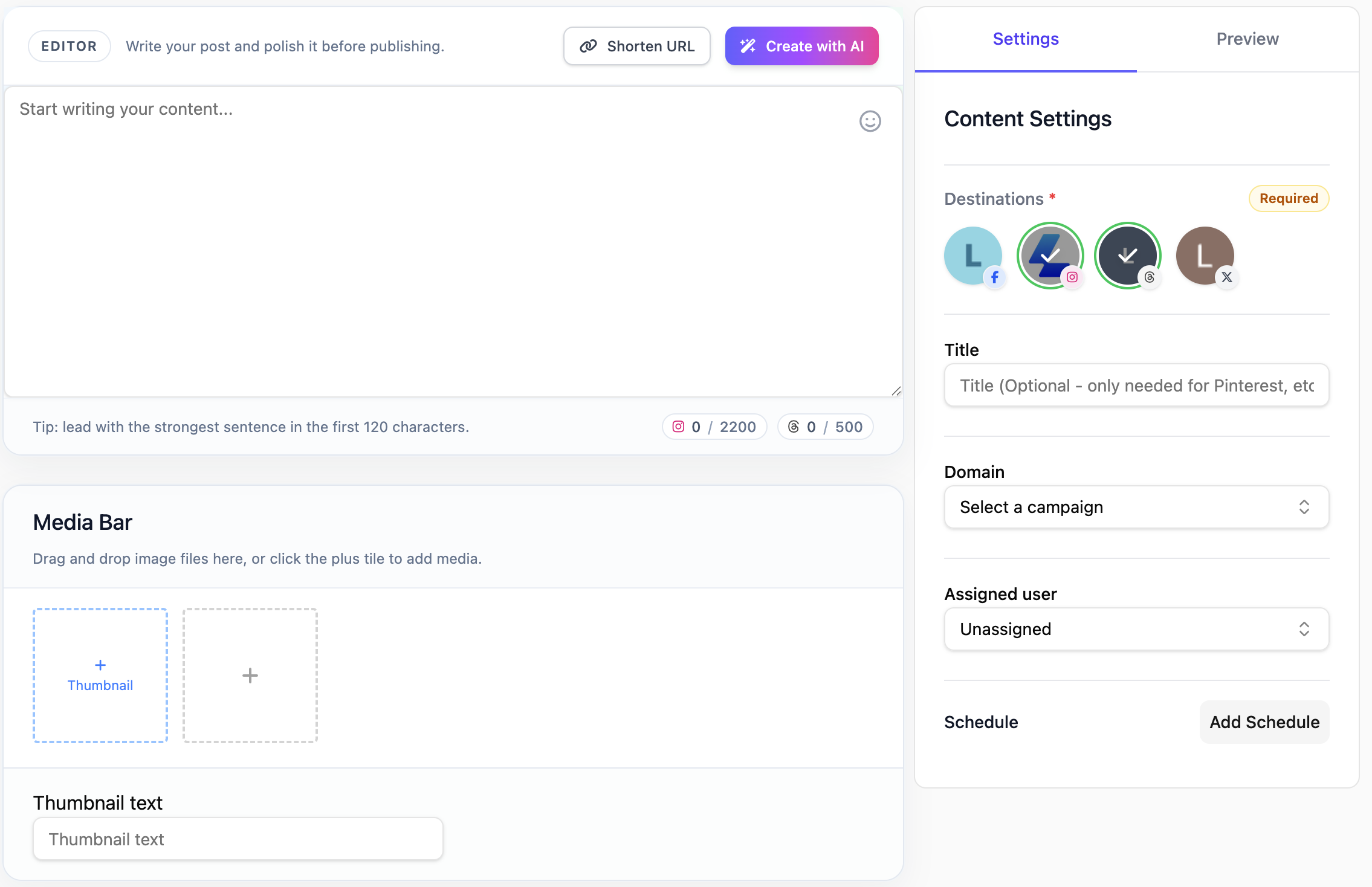
Prepare Facebook posts in one draft workspace so the caption, media, destination, and scheduling details stay aligned. That makes review easier and cuts down on last-minute fixes.
  • Upload media directly in the editor
  • Adjust the post for specific destinations when needed
  • Keep draft, media, and schedule tied to the same record
Set the time in the shared calendar

Feature 03

Set the time in the shared calendar

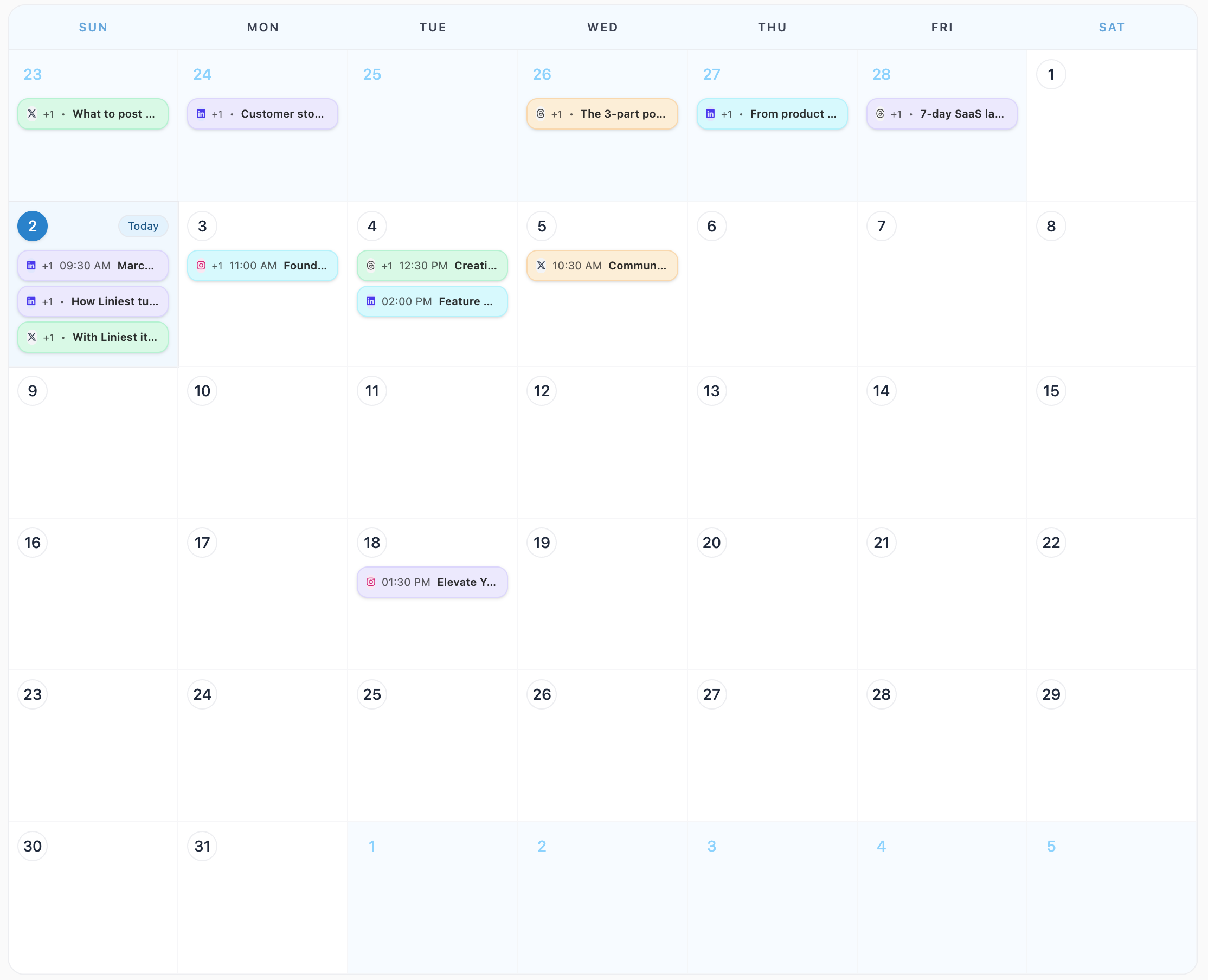
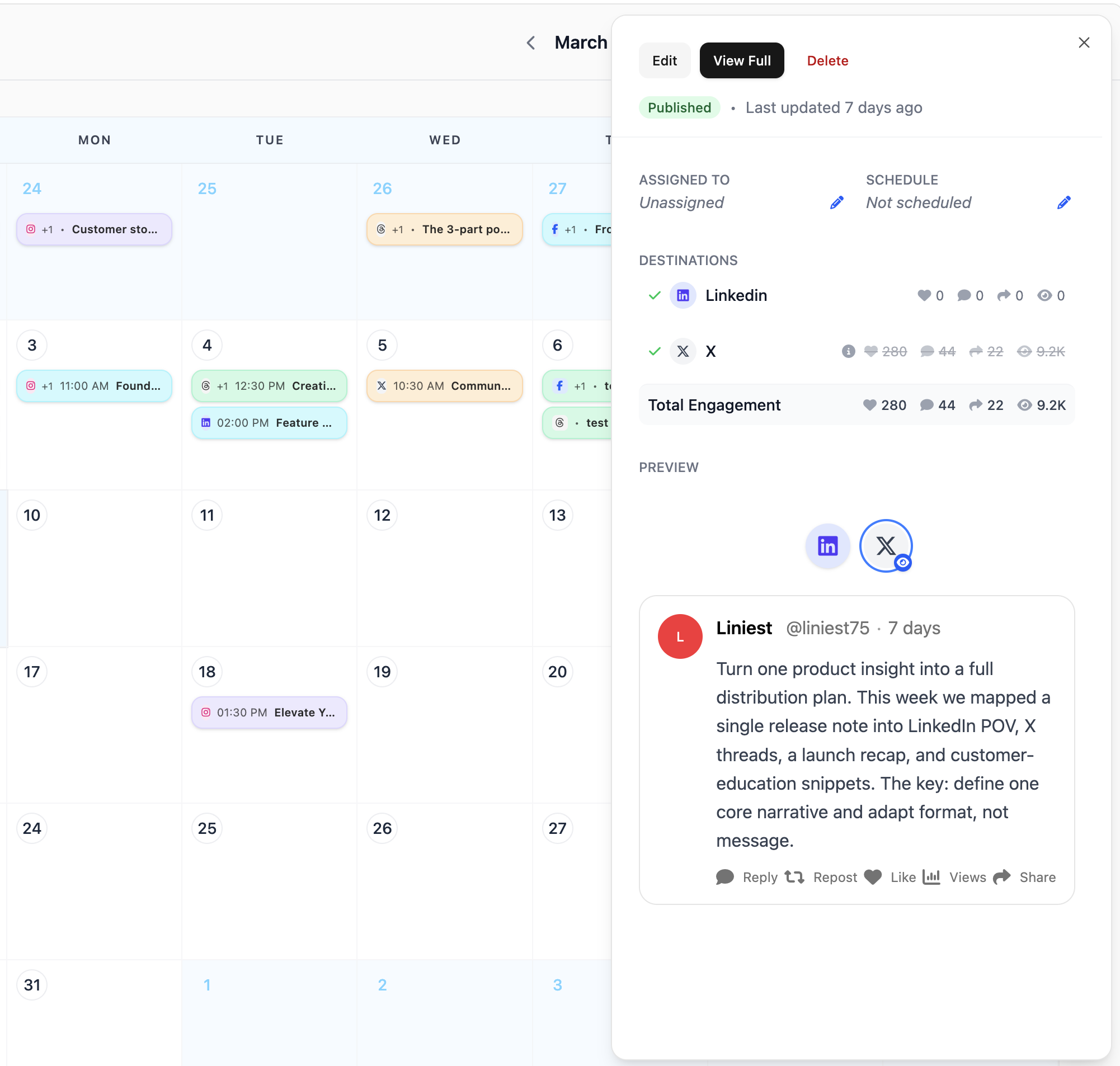
Use the Liniest calendar to schedule Facebook content, inspect details later, and move items when plans change.
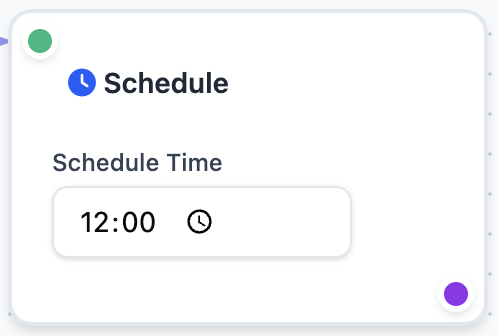
  • Set an exact publish date and time
  • Open scheduled items directly from the calendar
  • Drag and reschedule when timing changes
Automate recurring scheduling work

Feature 04

Automate recurring scheduling work

For recurring Facebook publishing, Liniest workflows can draft, assign, and optionally schedule content from a trigger such as RSS, a webhook, or a manual run.

  • Start from RSS, webhooks, or manual triggers
  • Draft, assign, and optionally schedule in one flow
  • Review run history and delivery logs

Common Facebook jobs this helps with

  • Prepare a Facebook event reminder with copy, image, and date in one item.
  • Keep page posts visible in the shared calendar so the team is not guessing what is next.
  • Use a workflow when the same recurring Facebook post needs to be drafted and scheduled repeatedly.

Facebook scheduler FAQ

Can I pick the right Facebook page before scheduling?

Yes. Destination selection is part of the draft workflow in Liniest.

Can I review the post before it is scheduled?

Yes. The preview tools are there to help you check the post before the final publish date is set.

Can Liniest help with recurring Facebook work?

Yes. Workflows can be used for recurring draft and scheduling tasks when that fits your process.