What this page covers
A practical TikTok workflow inside Liniest
The TikTok page is built around the product you already show elsewhere: a short-form editor, preview tools, destination controls, and optional workflows for recurring tasks.
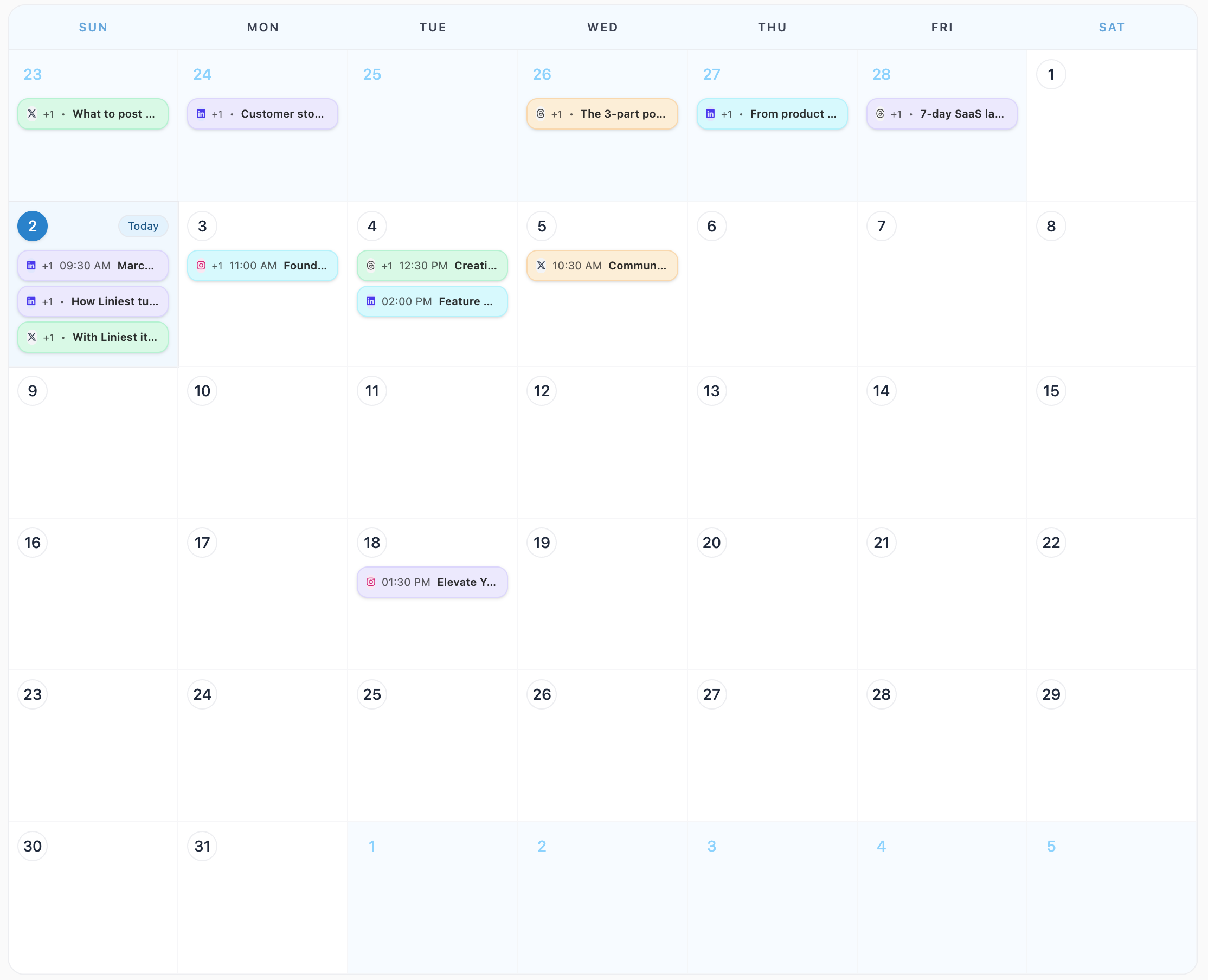
Schedule TikTok posts in Liniest with one workflow for the draft, destination, preview, and calendar timing.
What this page covers
The TikTok page is built around the product you already show elsewhere: a short-form editor, preview tools, destination controls, and optional workflows for recurring tasks.
In the product
Feature 01
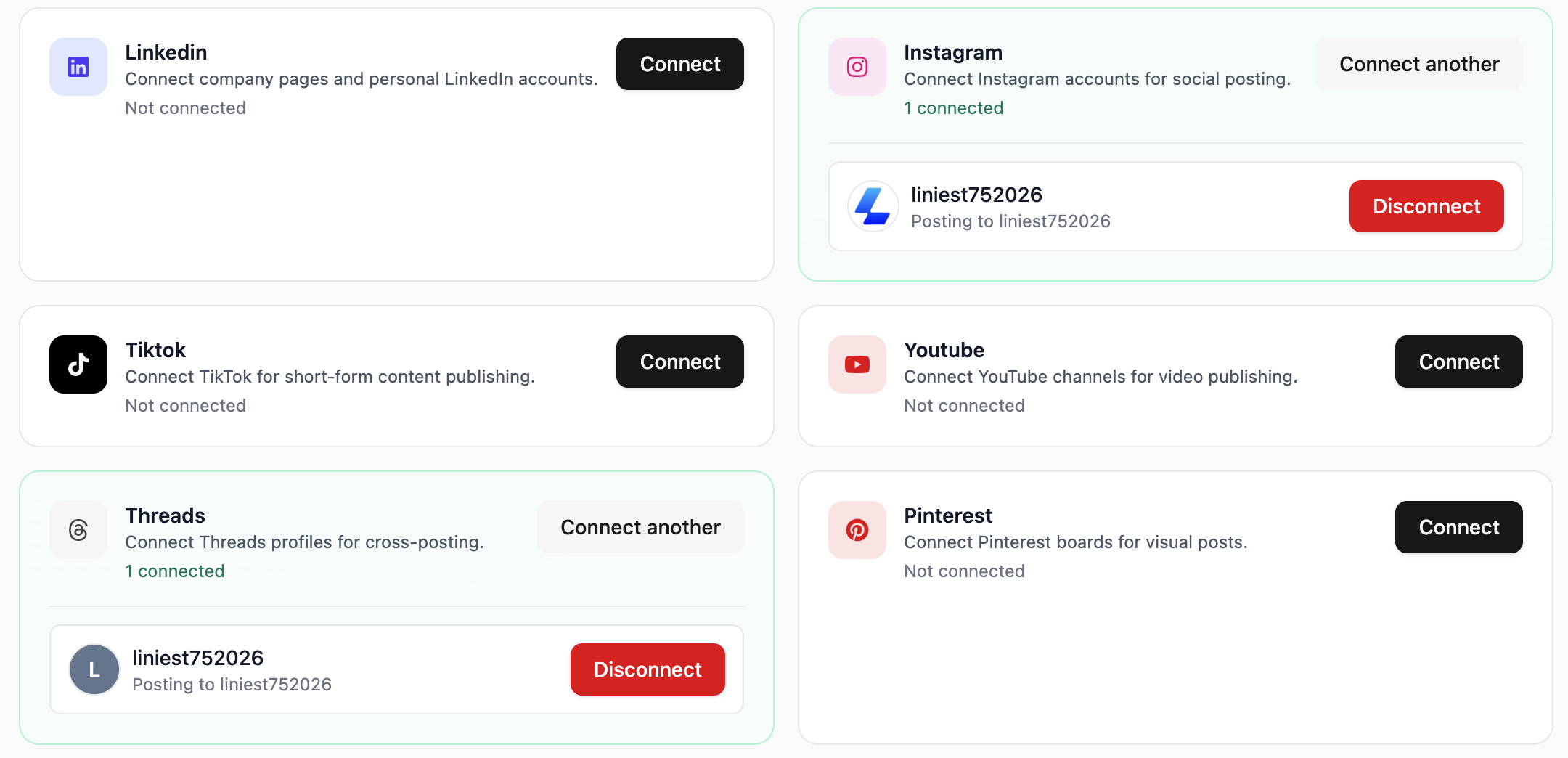
Liniest lets you choose the correct connected account before you schedule or publish the TikTok post.
Feature 02
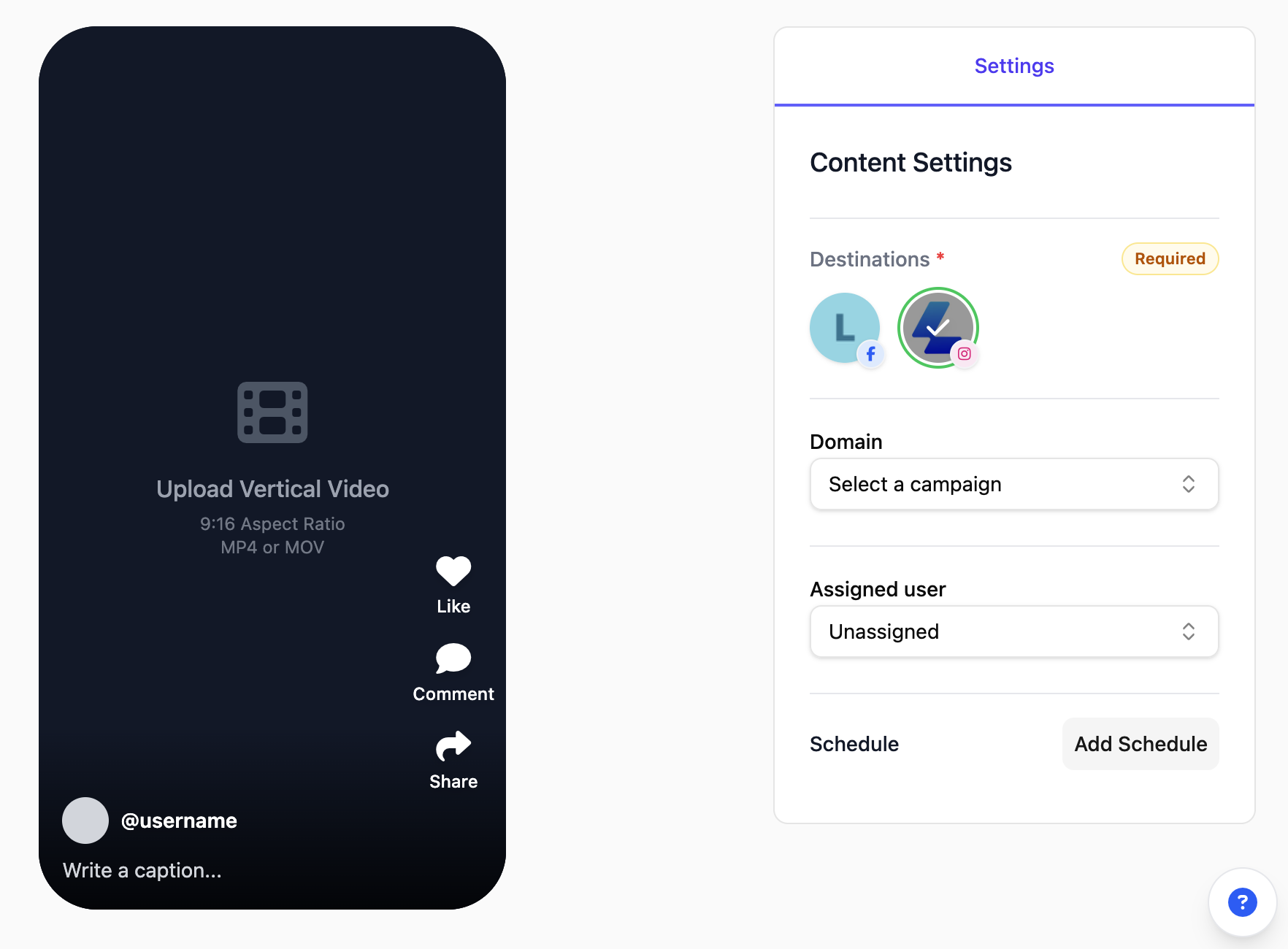
Use one draft flow for TikTok short-form content so the post, supporting media, and publishing details stay together. It is a more practical setup for fast turnaround than juggling separate notes, assets, and dates.
Feature 03
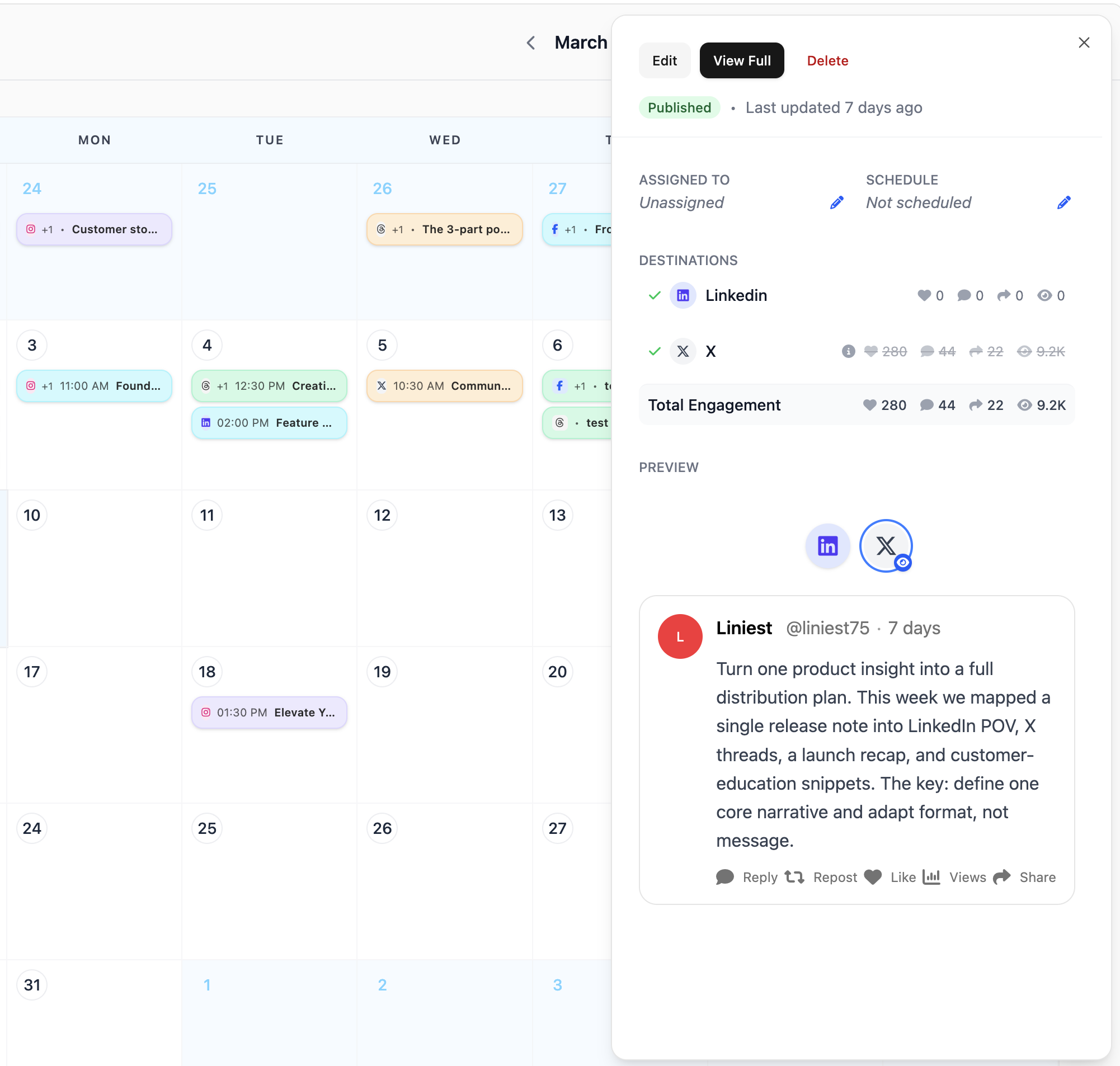
Use the Liniest calendar to schedule TikTok content, inspect details later, and move items when plans change.
Feature 04
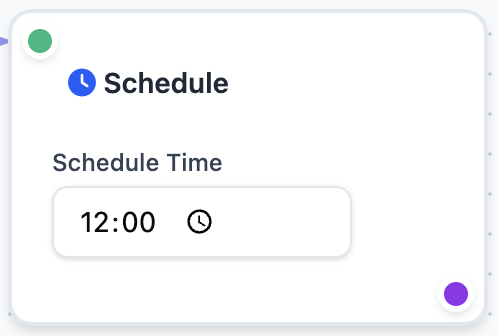
For recurring TikTok publishing, Liniest workflows can draft, assign, and optionally schedule content from a trigger such as RSS, a webhook, or a manual run.
Yes. The connected destination is selected before the content is scheduled.
Yes. Liniest includes a short-form content flow that keeps the post and publishing details together.
Yes. Workflows can handle recurring draft and scheduling steps when you want that.
Related features