What this page covers
A practical X (Twitter) workflow inside Liniest
The goal here is practical: keep the draft, destination, preview, and publish time together so posting on X takes fewer steps.
Schedule X posts in Liniest with one editor, preview tools, and a calendar for the publish date.
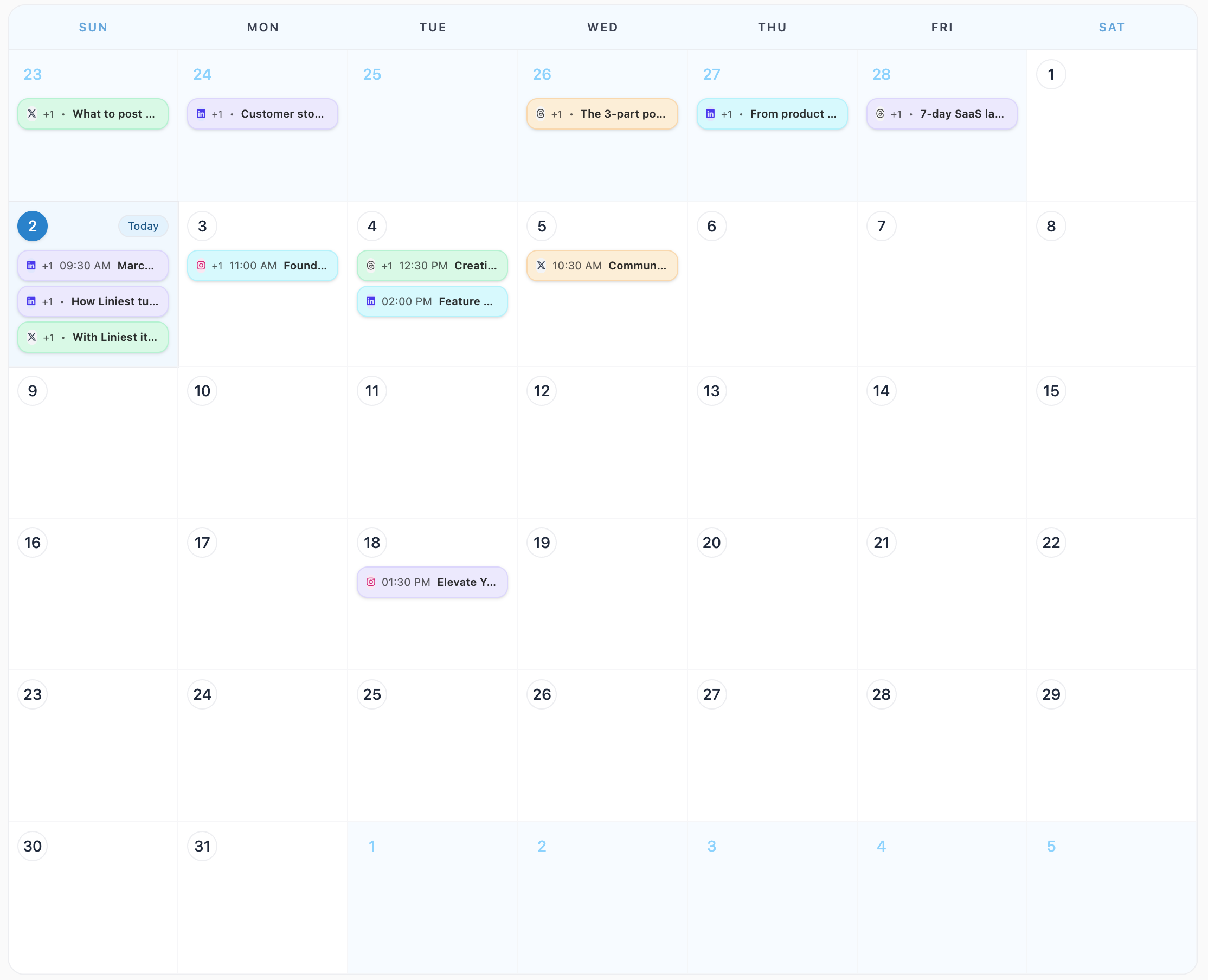
What this page covers
The goal here is practical: keep the draft, destination, preview, and publish time together so posting on X takes fewer steps.
In the product
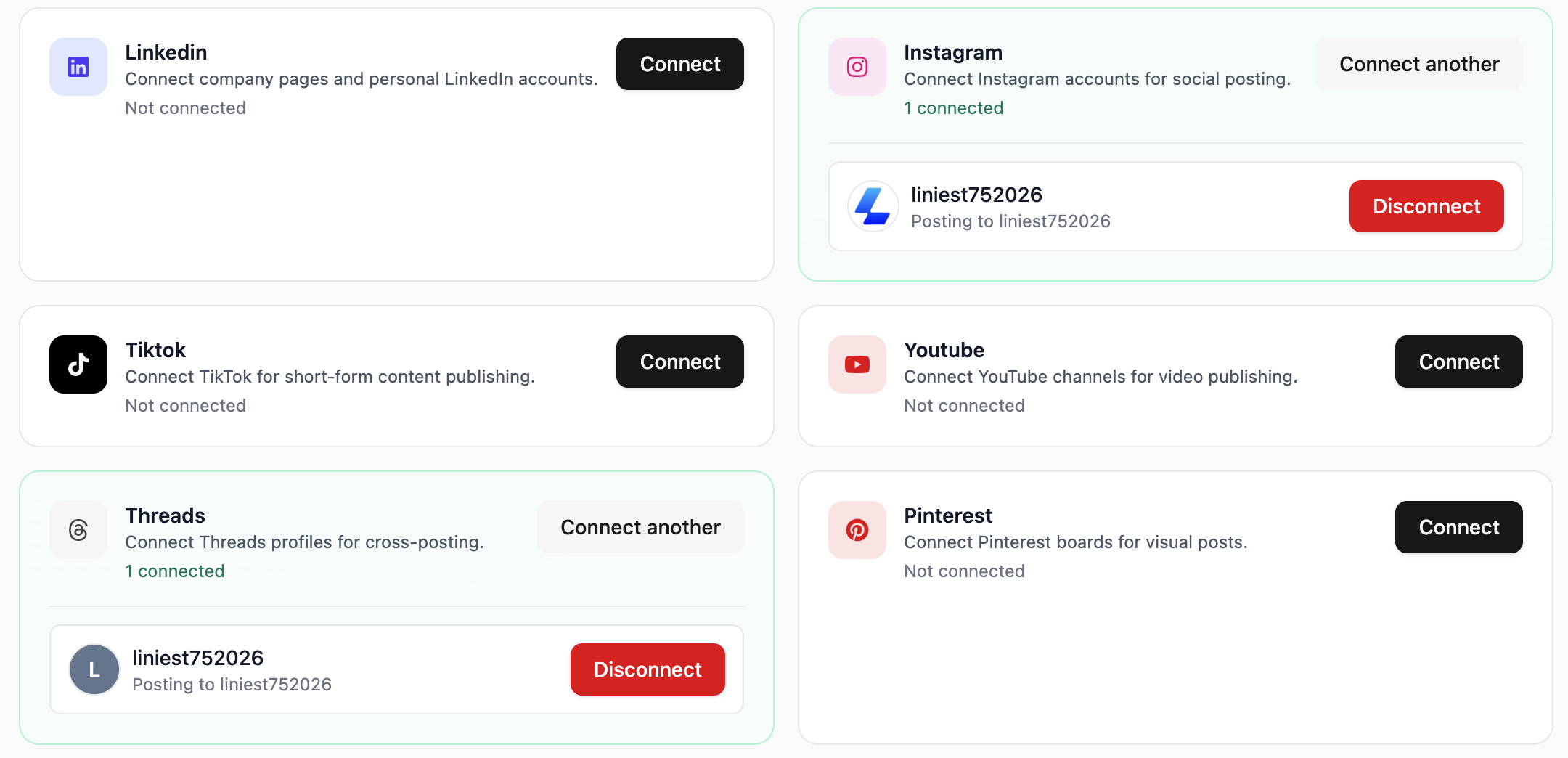
Feature 01
Liniest lets you choose the correct connected account before you schedule or publish the X (Twitter) post.
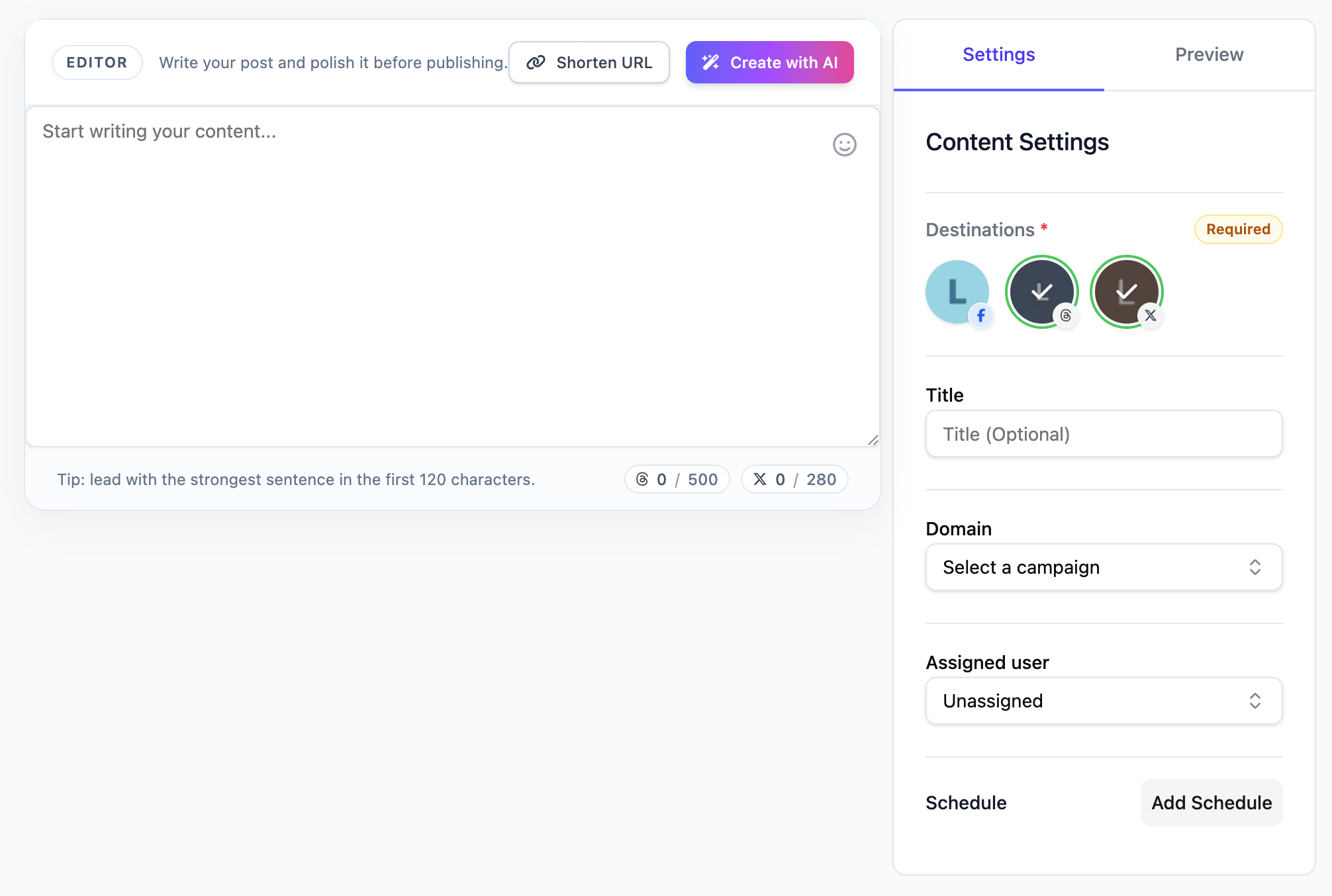
Feature 02
Create X (Twitter) drafts in one editor with rich text editing, media attachments, assignments, and AI assistance. The editor is built to keep the writing, destination, and scheduling context together instead of splitting them across tools.
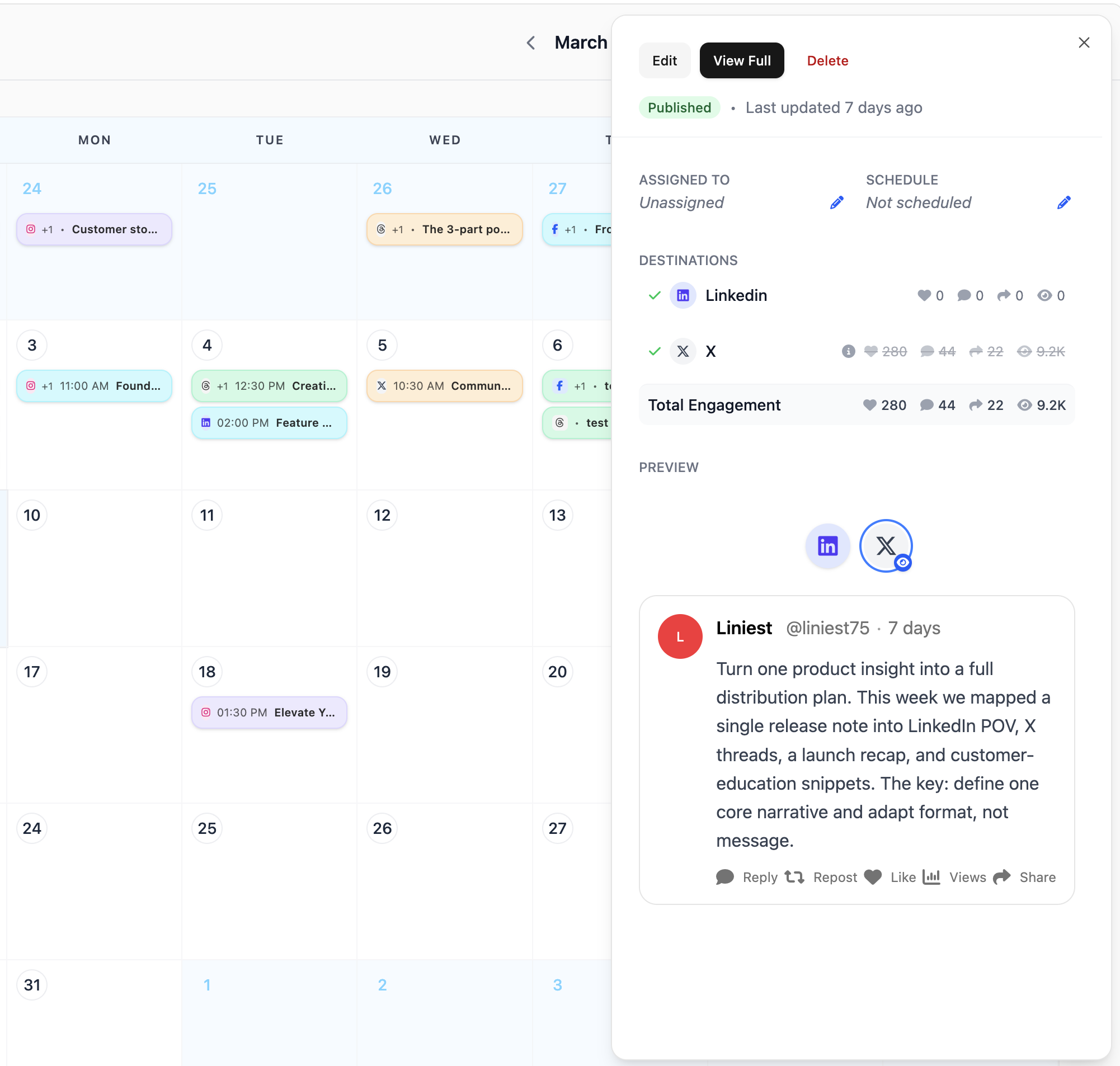
Feature 03
Use the Liniest calendar to schedule X (Twitter) content, inspect details later, and move items when plans change.
Feature 04
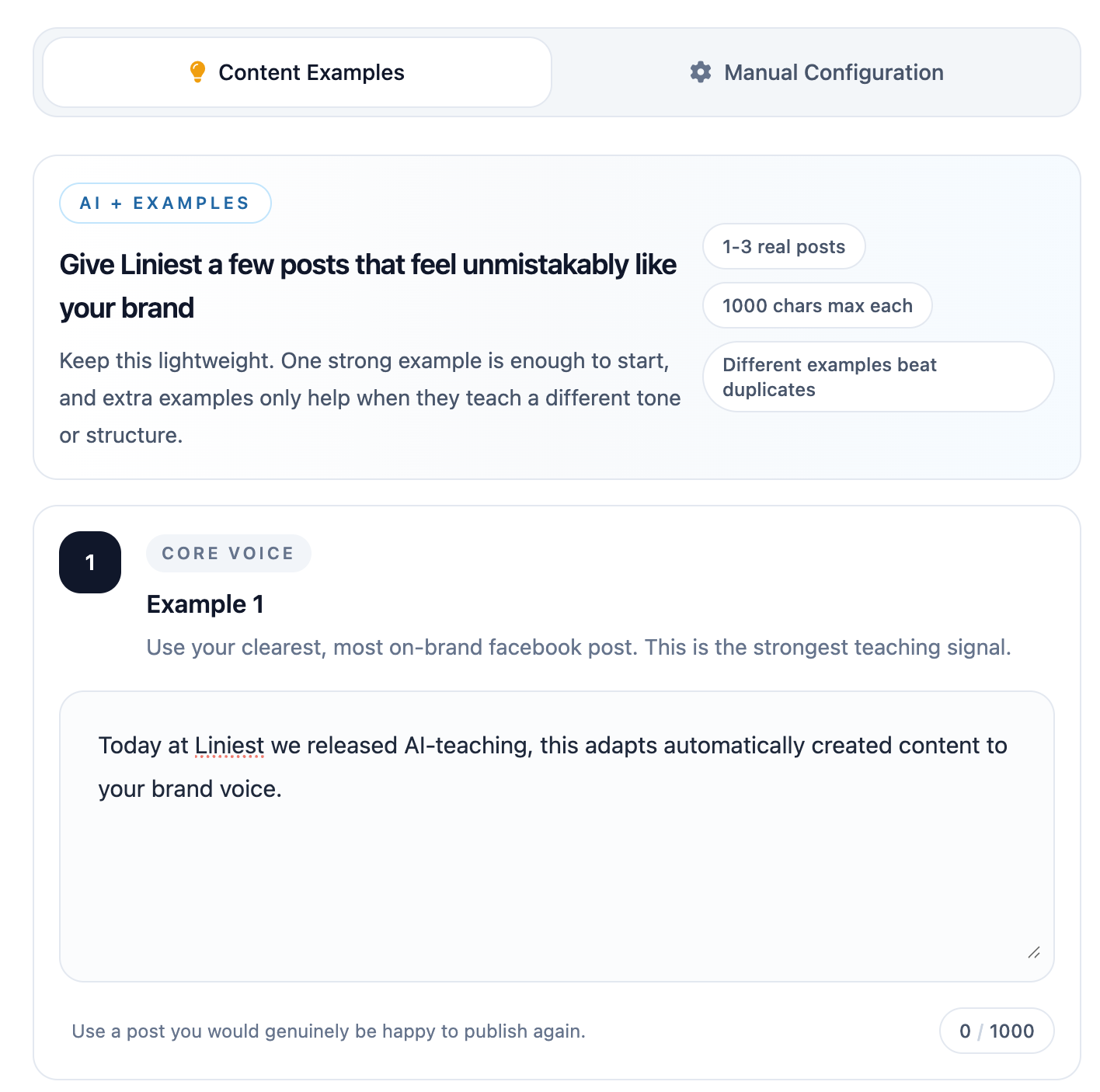
If your team uses AI to prepare X (Twitter) drafts, Liniest lets you teach tone with examples and set manual rules such as banned terms, formatting preferences, or platform-specific instructions.
Yes. The content editor keeps the copy, destination, and timing together.
Yes. Preview tools are available before the post is sent or scheduled.
Yes. AI settings can use examples and manual rules that are specific to this platform.
Related features