Automated thumbnails

Auto-generate brand-aligned thumbnails tailored for each platform, platform-ready.

How it works

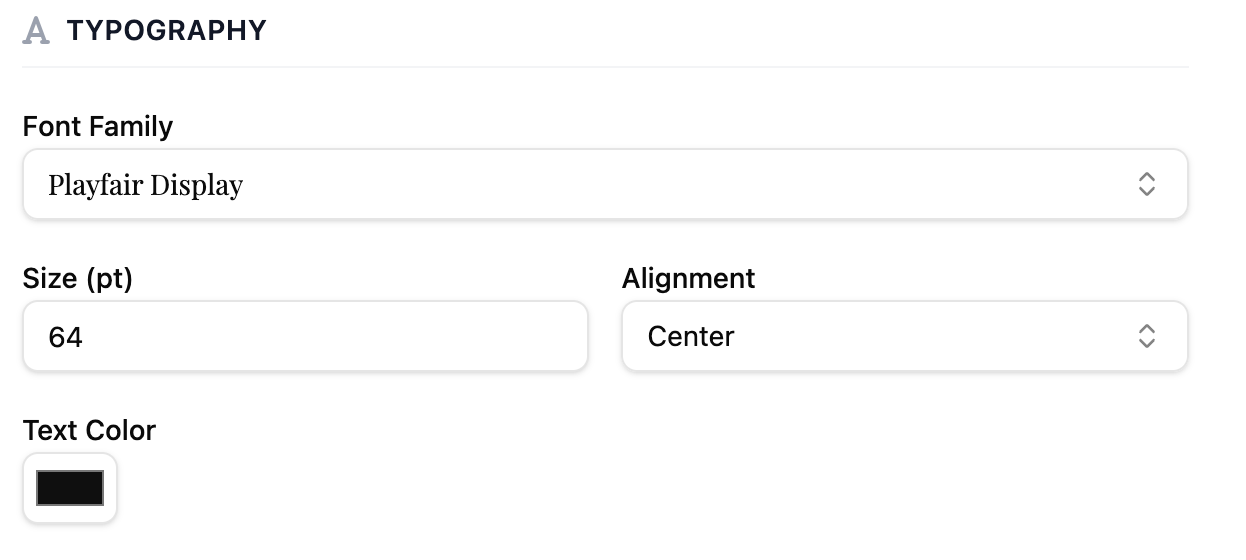
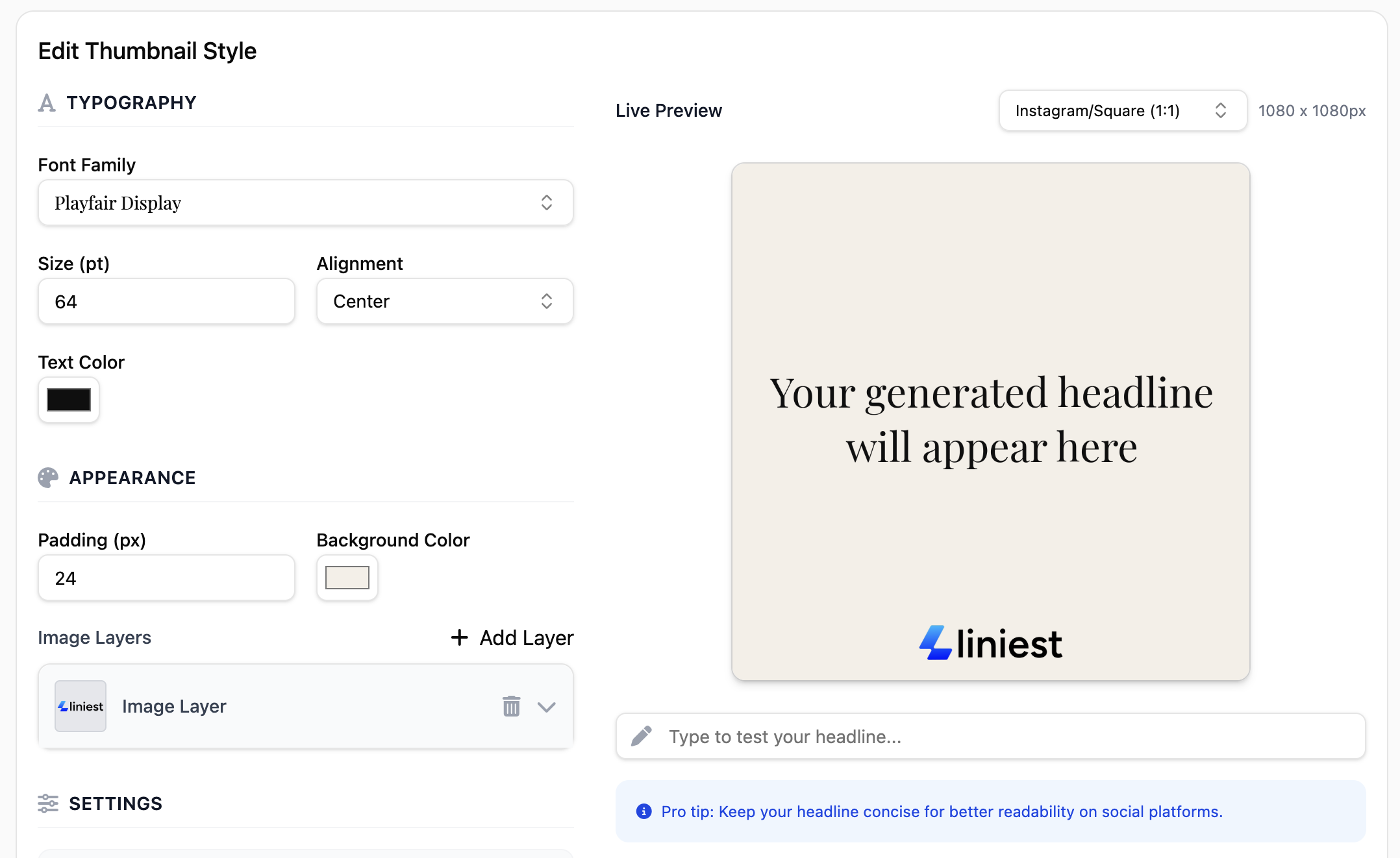
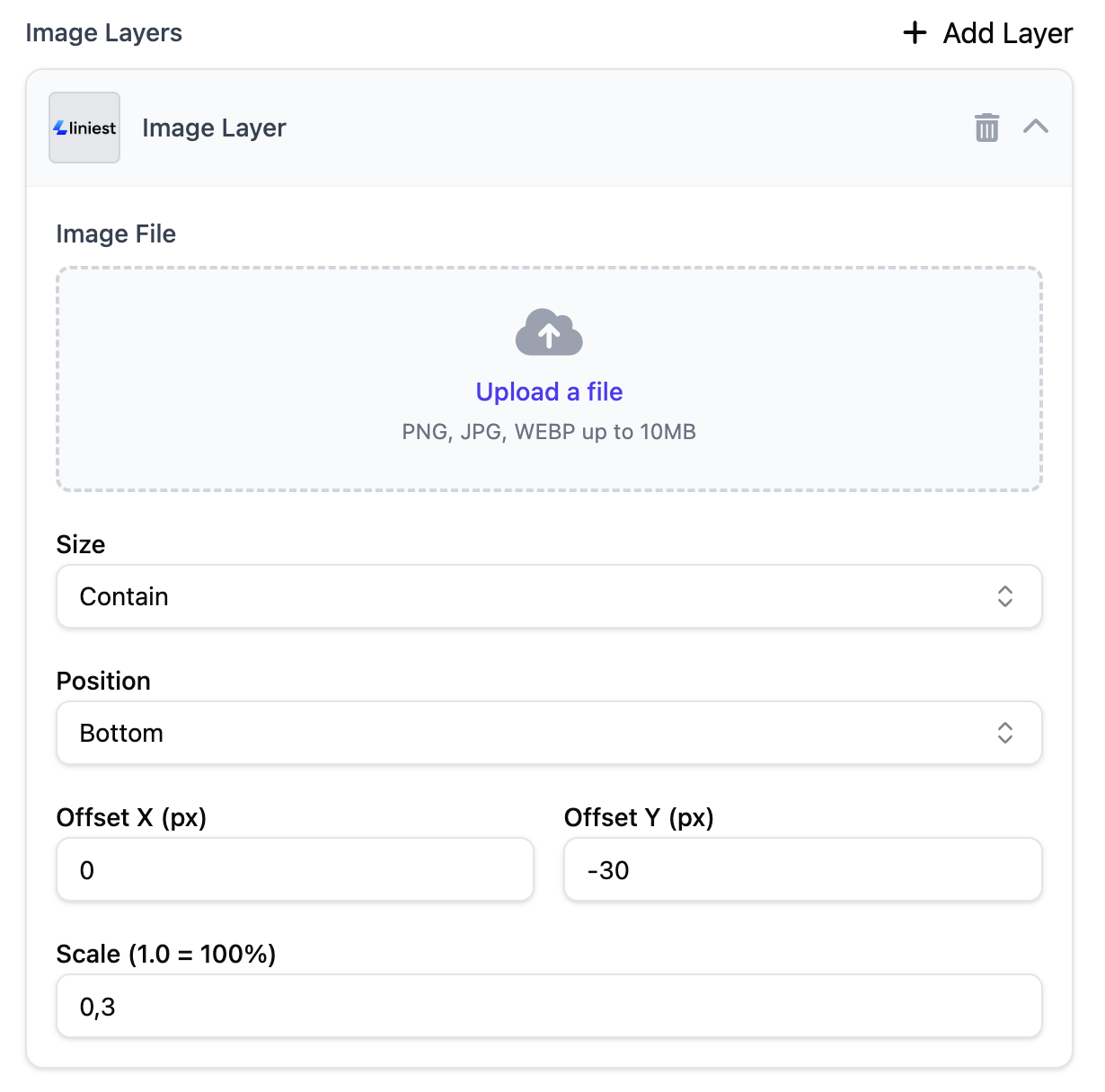
Thumbnail generation uses presets aligned to your brand. Choose a style, add text overlays, and export optimized sizes for each platform.

  1. Select a preset or create a new style
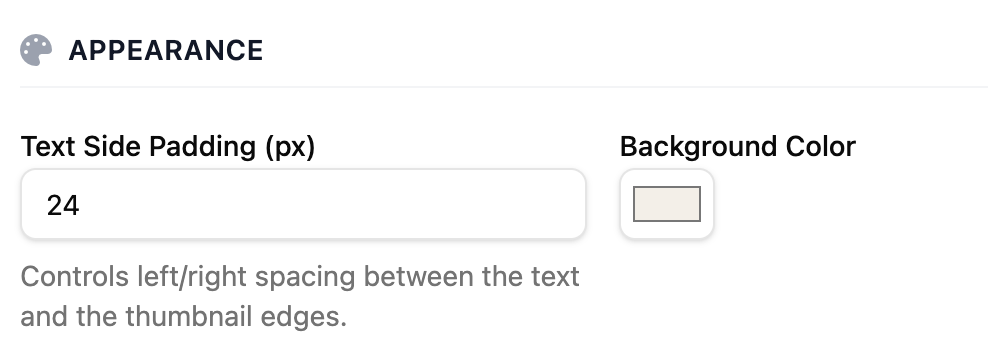
  2. Set colors, fonts, logo placement, and overlay rules
  3. Generate variants and pick your favorite
  4. Export sizes per platform or save to your library

Setup

  • Upload brand assets (logo, fonts, palette)
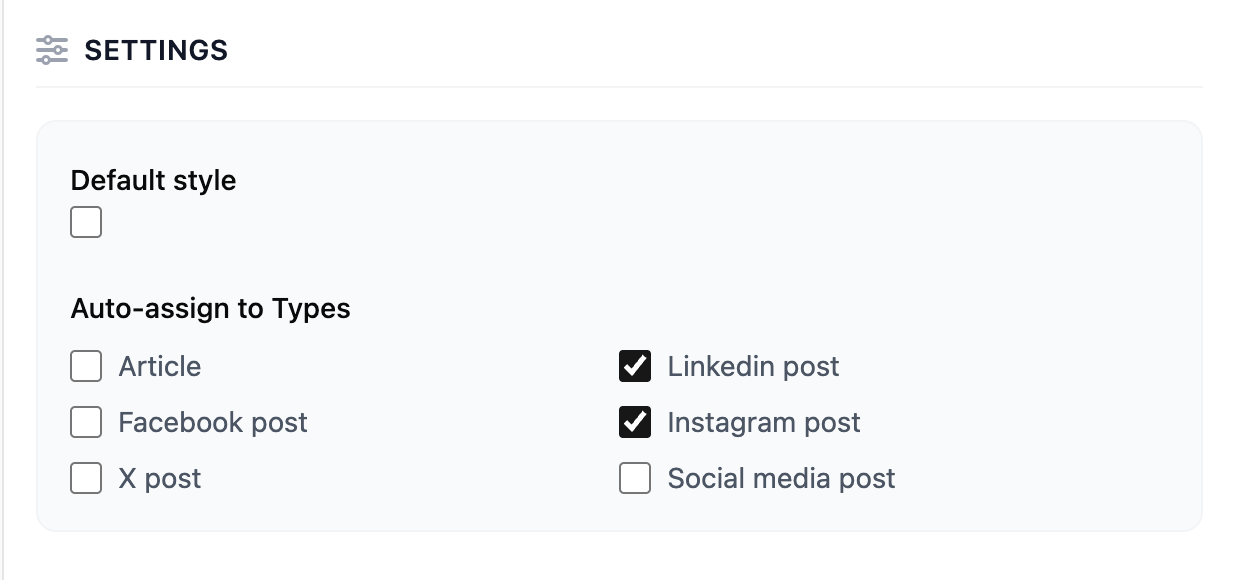
  • Define default styles for each destination
  • Enable A/B testing to compare variants

Tips

  • Keep text minimal and high contrast
  • Use consistent layouts for brand recognition
  • Favor platform-specific dimensions for clarity
Automated thumbnails
  • Brand-consistent image generation
  • Multiple style options
  • Size optimization per platform

What you’ll get

  • On-brand visuals for every destination
  • Optimized sizes and formats
  • Faster production with reusable styles

Use cases

  • YouTube thumbnails
  • Social cards and blog images
  • A/B visual tests