RSS trigger
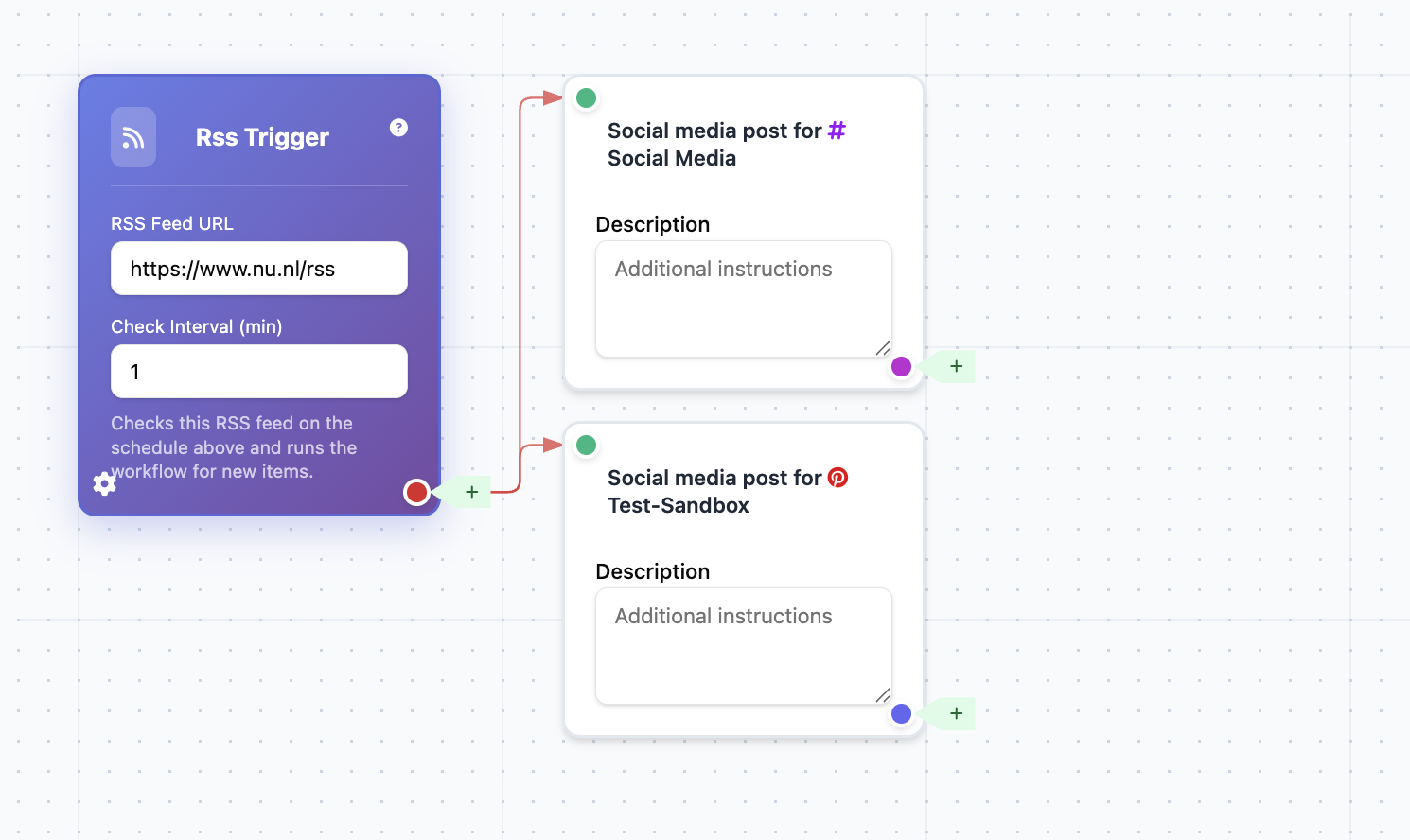
Start workflows when a connected RSS feed publishes a new entry.
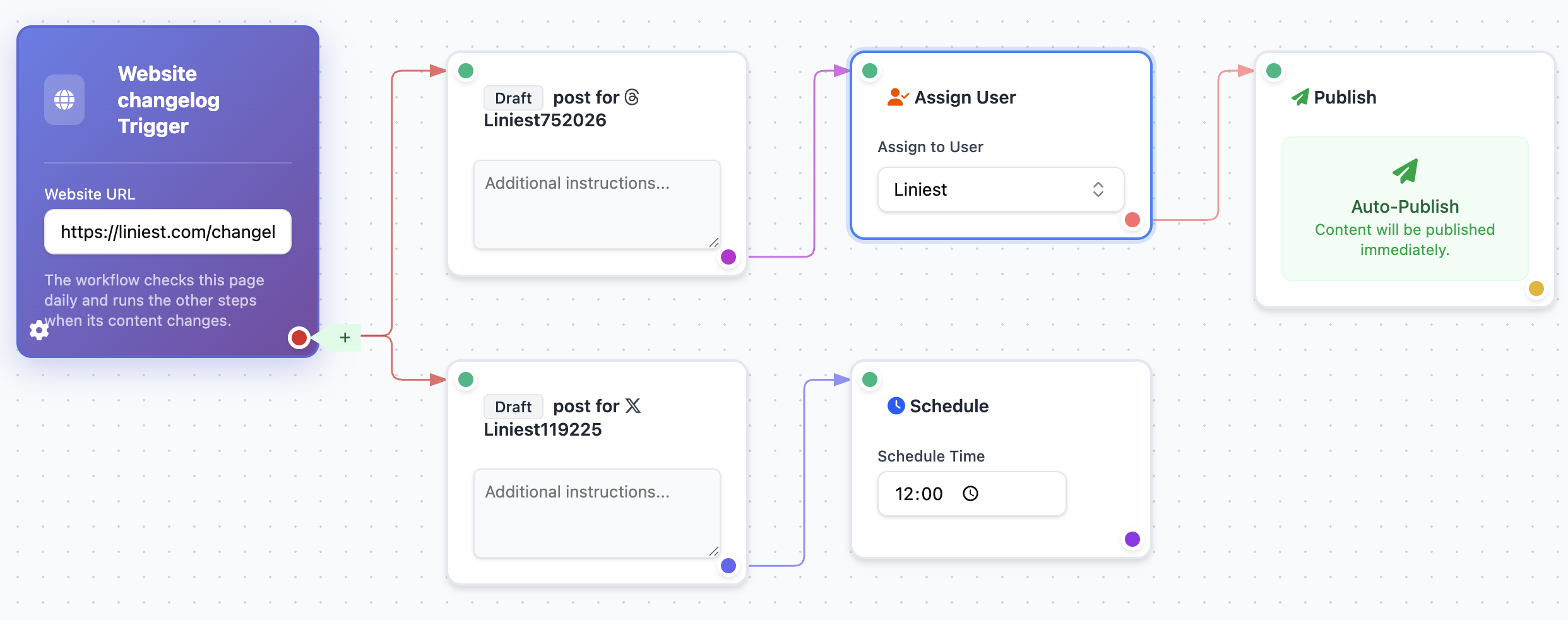
Build repeatable flows for recurring work like changelogs, auto-drafting, and scheduling, while keeping manual posting available.
Trigger types
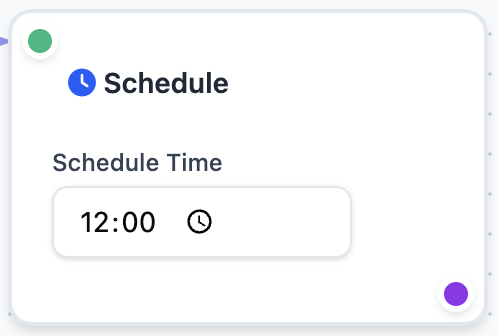
Use scheduling, webhooks, or manual starts depending on how each content flow should be activated.
Start workflows when a connected RSS feed publishes a new entry.
Start a workflow from external systems when product, CRM, or lifecycle events happen.
Launch workflows on demand for launches, promotions, and urgent publishing sequences.
Monitor your changelog page and run workflows automatically when updates are detected.
Step 01
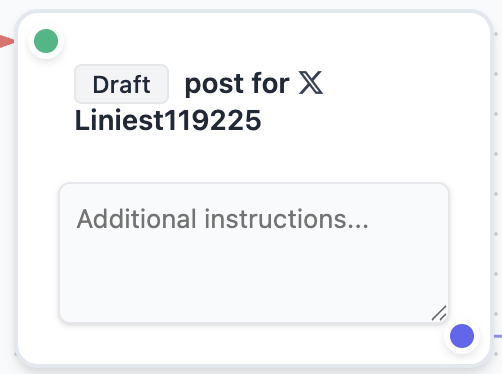
Generate the first draft from your trigger signal so each run starts with channel-ready content.
This block is configurable, repeatable, and designed to match how your team actually executes this part of the workflow.
Step 02
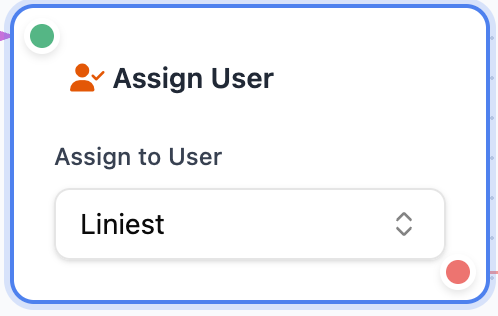
Route the draft to the right owner instantly so handoffs stay clear and nothing waits in a queue.
This block is configurable, repeatable, and designed to match how your team actually executes this part of the workflow.
Step 03
Choose to schedule or publish immediately, and skip this step when your flow should move directly to completion.
This block is configurable, repeatable, and designed to match how your team actually executes this part of the workflow.
Next step
Connect your channels, choose a trigger type, and launch a reusable automation flow in minutes.