
Landscape illustration
Built for people who hate marketing but still want to grow.

Run your entire SaaS marketing on autopilot.

Turn product updates into channel-ready posts with post-type-aware workflows, RSS and GitHub triggers, thumbnail automation, and one place to publish everywhere.

Publish across supported channels

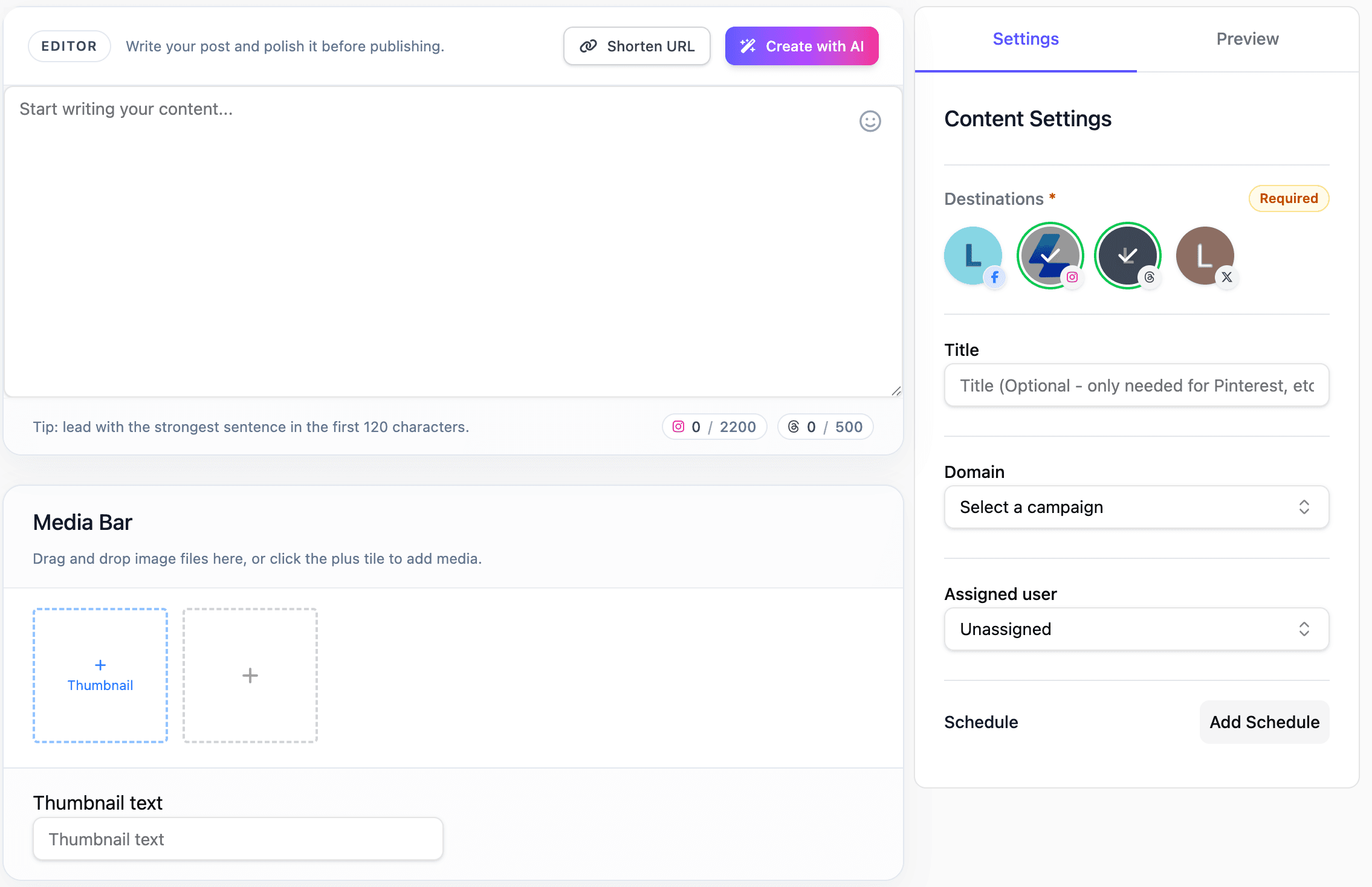
Instagram output preview
X output preview
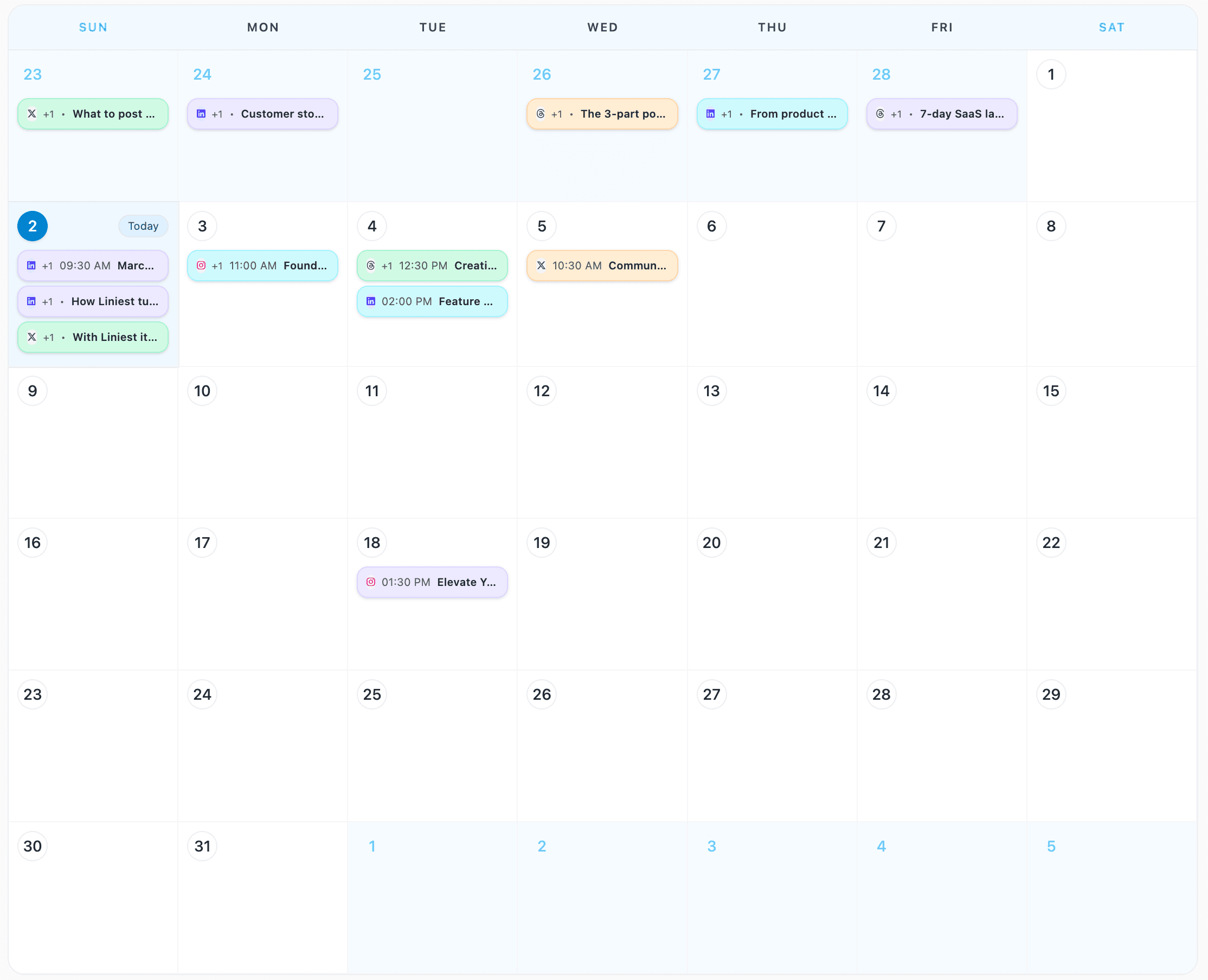
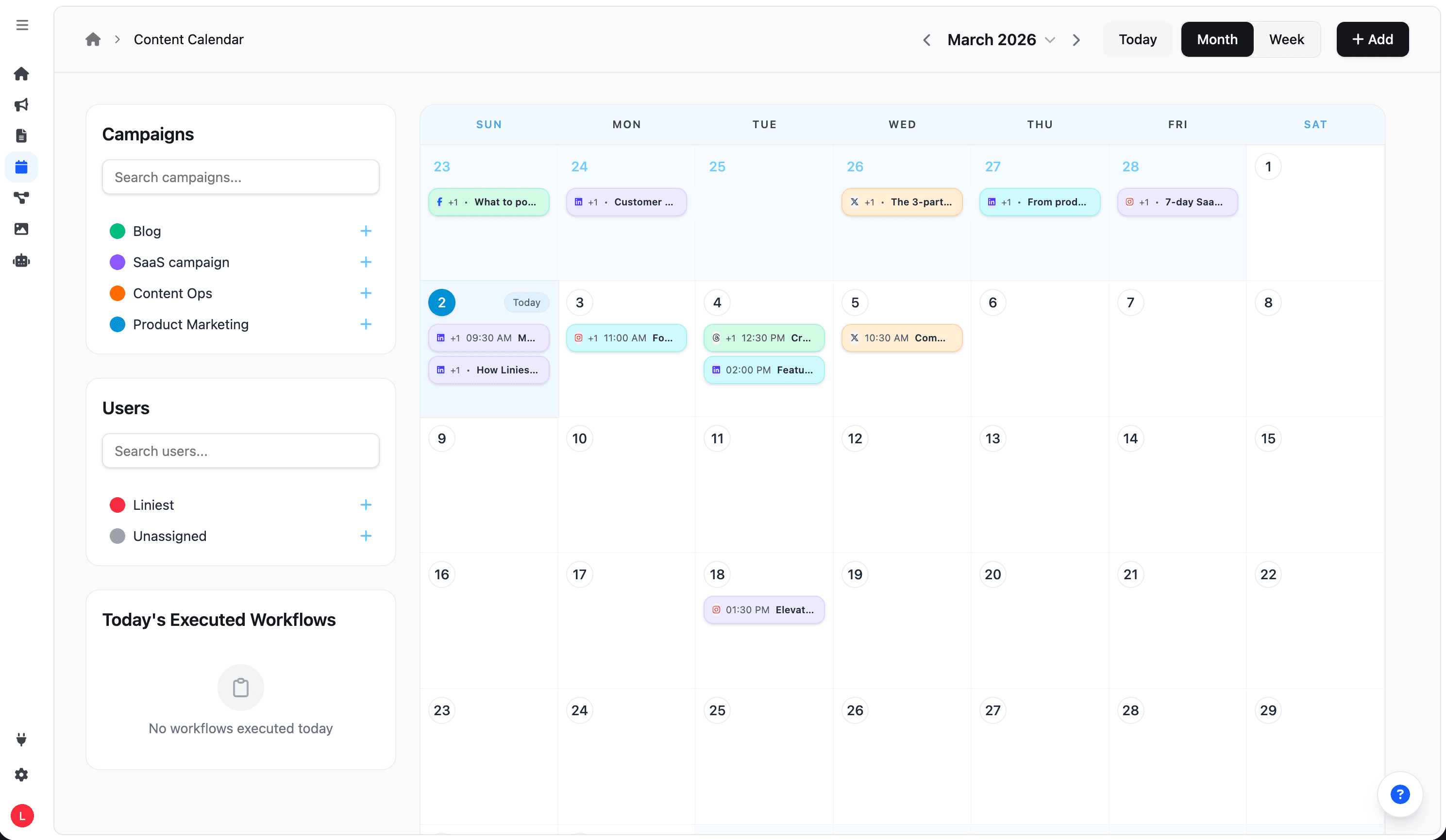
Liniest content calendar timeline

What Liniest Is

A shared workspace for post types, recurring workflows, and launch-ready visuals.

Liniest helps SaaS teams turn release notes, feeds, and product updates into channel-specific posts, reusable thumbnail assets, and scheduled publishing runs from one system.

Post types first

Match each SaaS update to the right channel format.

Use the same workspace for planning and publishing, while each destination keeps its own post types, preview needs, and release packaging.

Instagram

Live
  • Image posts
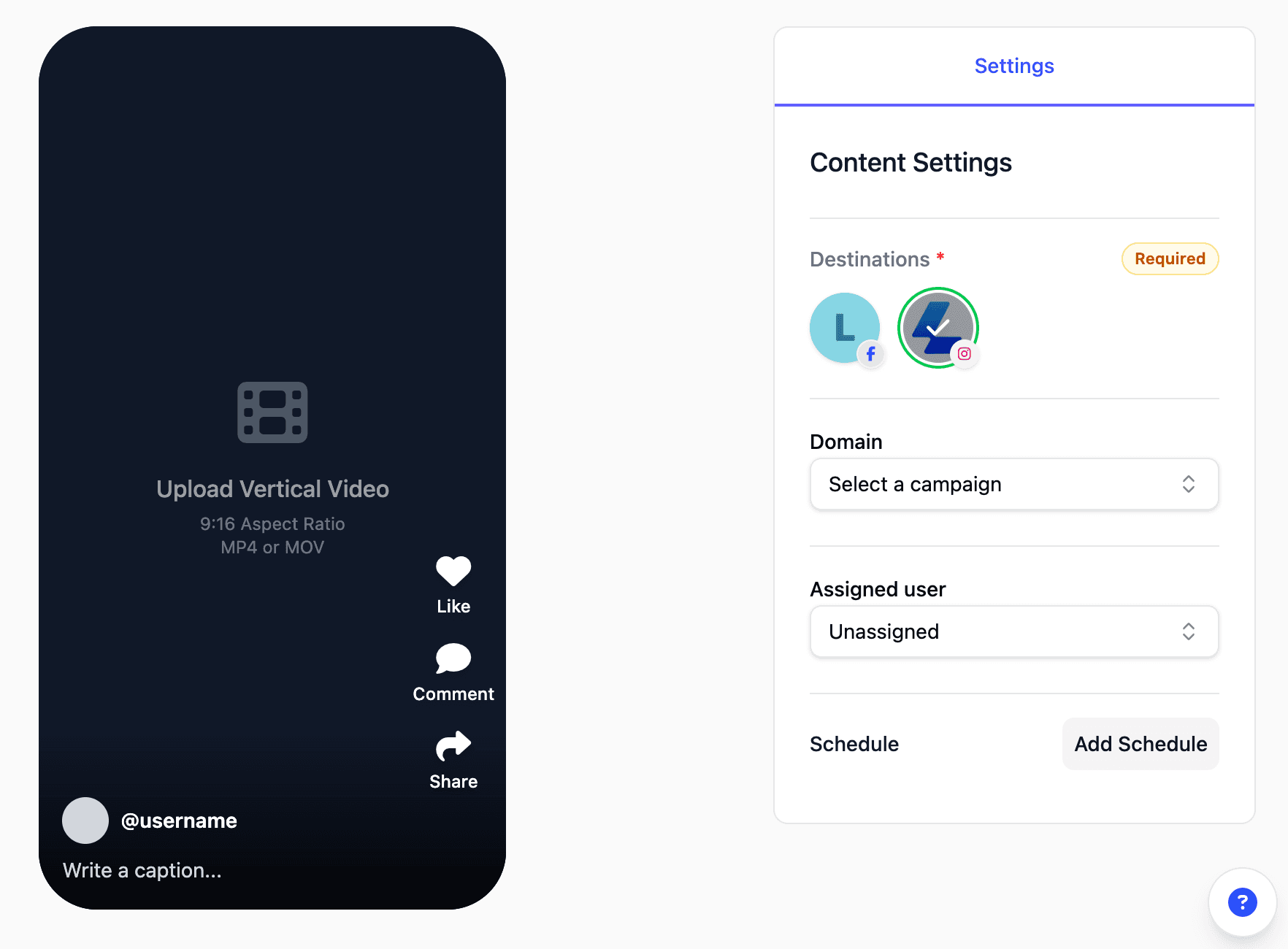
  • Short / Reel video

X

Live
  • Text posts
  • Image posts

Facebook

Live
  • Text + image posts
  • Short / Reel video

LinkedIn

Live
  • Text posts
  • Image posts

YouTube

Live
  • Shorts (video)
  • Custom thumbnails

Pinterest

Live
  • Image posts (pins)
  • Thumbnail-style visuals

Threads

Live
  • Text posts
  • Image posts

TikTok

Live
  • Short video posts
  • Creator settings

Actionable workflow

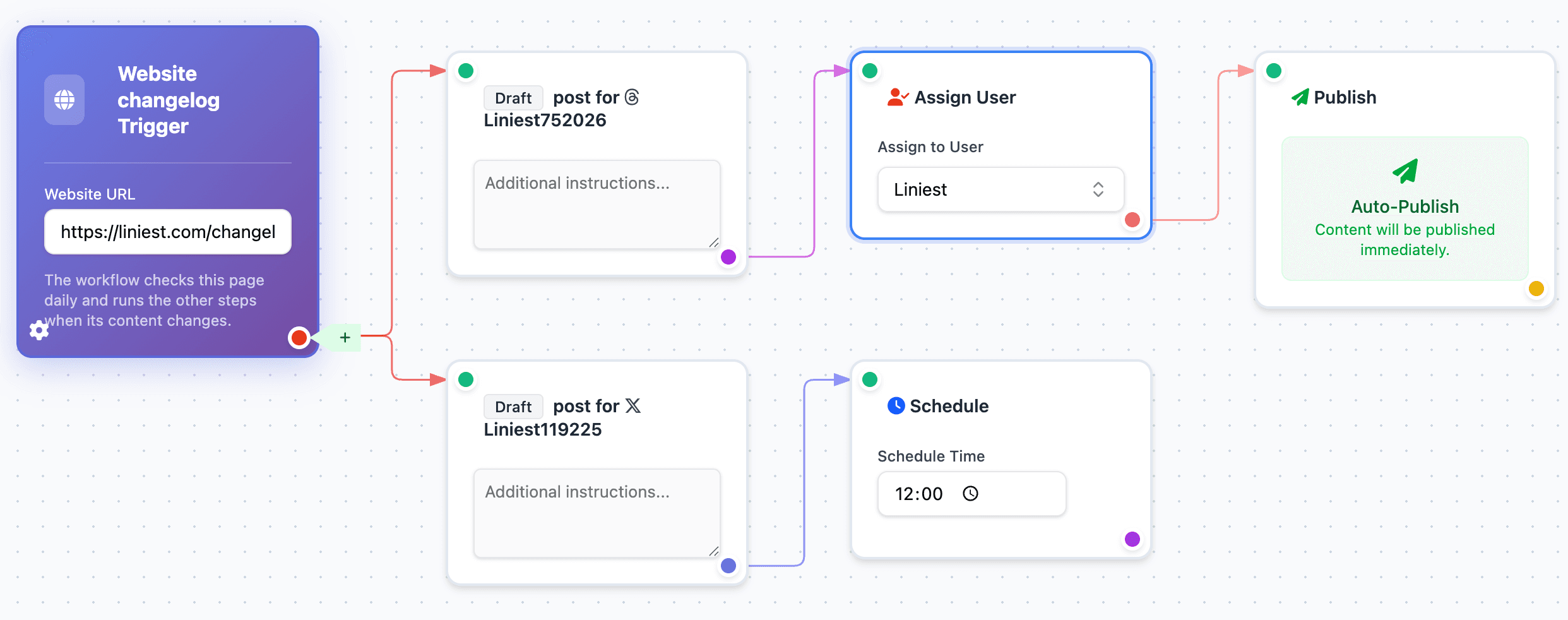
Example: turn RSS or GitHub updates into scheduled launch posts.

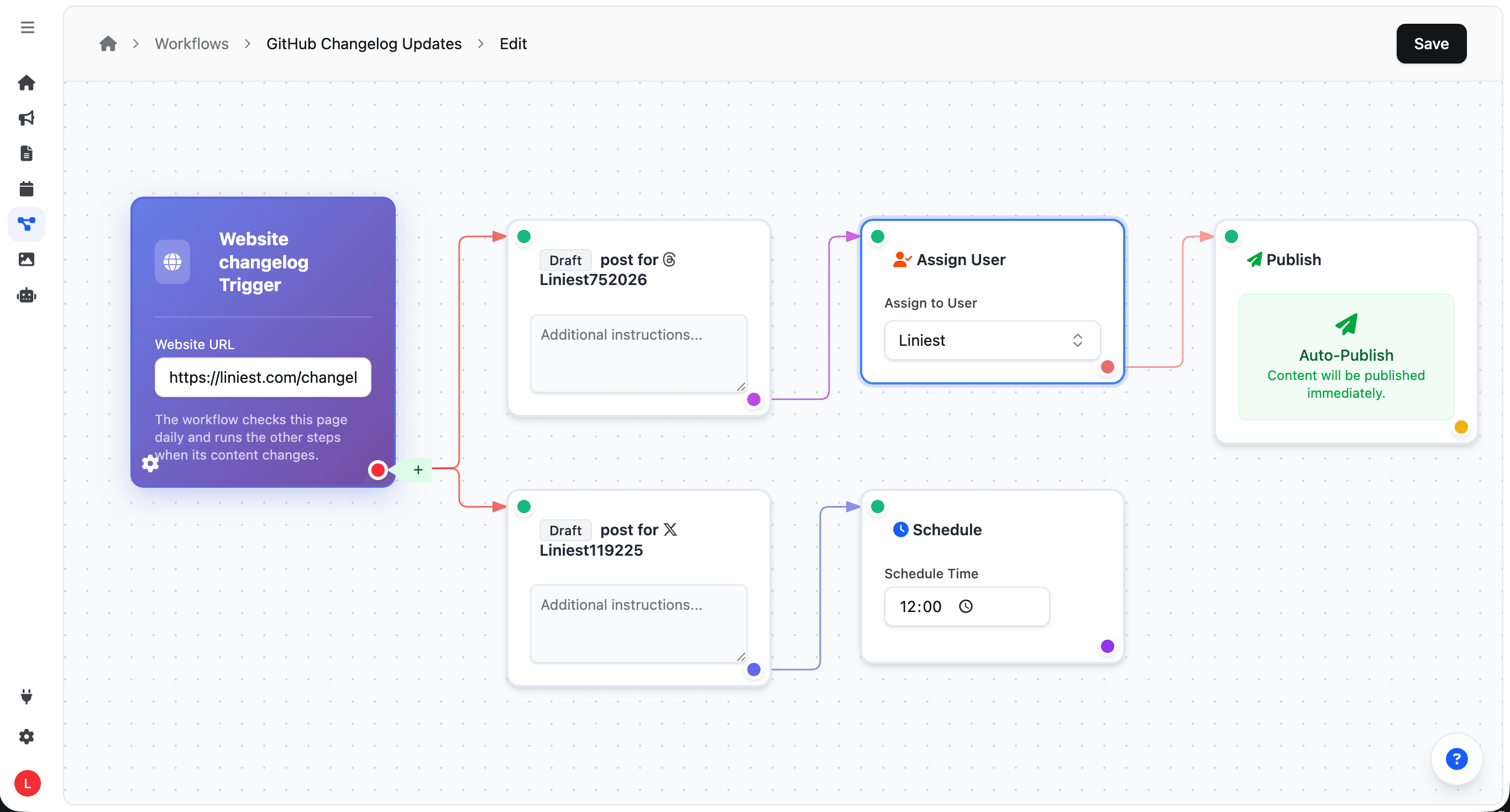
This is the kind of flow Liniest is built for: watch for a product signal, generate first drafts for the right post types, create the matching visuals, and schedule the final posts from the calendar.

  • Start from RSS, GitHub-connected automations, webhooks, manual runs, or a changelog page check.
  • Apply AI settings with examples and rules before the draft reaches review.
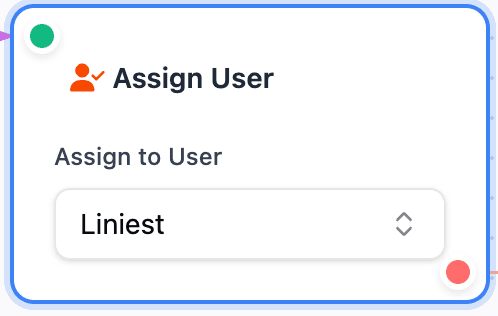
  • Assign, inspect, thumbnail, and schedule LinkedIn, X, Threads, or other channel variants from one workflow.
Workflow overview
Step 01

Start from a real signal

Launch a flow from RSS, a webhook, a manual run, or a website changelog check when there is something worth publishing.

Start from a real signal
Step 02

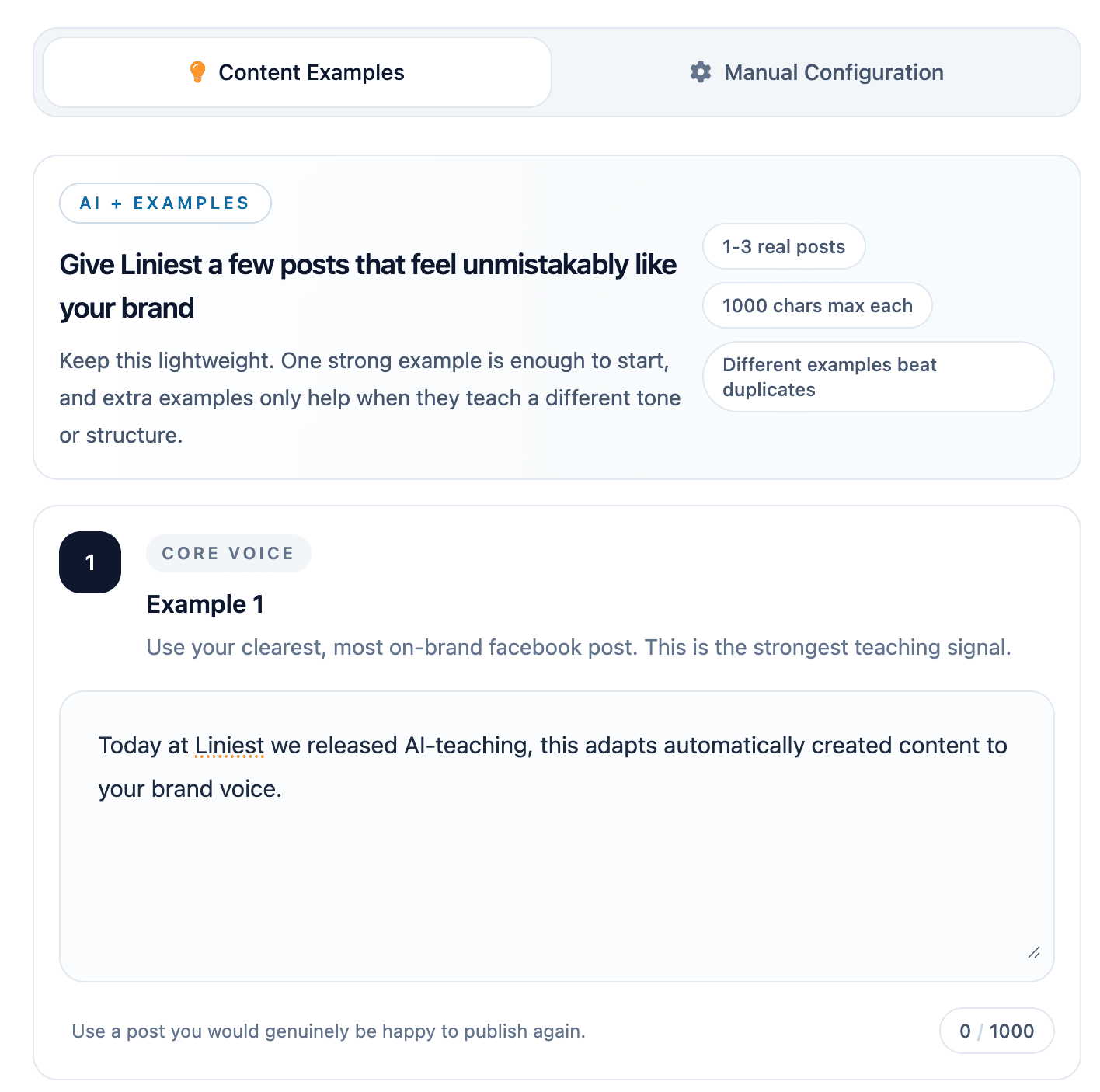
Generate the first draft with rules

Create channel-ready copy in the editor and apply content examples or manual AI rules before anyone reviews it.

Generate the first draft with rules
Step 03

Turn repeat work into a workflow

Use triggers like RSS, webhooks, and changelog checks to create recurring content without rebuilding the process each time.

Turn repeat work into a workflow
Step 04

Schedule and publish from one calendar

Inspect the output, adjust timing, and push the final posts to each connected channel from one shared timeline.

Schedule and publish from one calendar

Plans

Clear pricing for SaaS teams running social publishing.

Every plan includes the content editor, calendar, workflows, AI settings, and channel integrations.

Trial

$0/forever

  • Unlimited integrations
  • 10 scheduled posts (lifetime)
  • 50 AI credits (lifetime)
Start free

Standard

Popular

$19/per month

  • Unlimited integrations
  • 100 posts each month
  • 100 AI credits each month
Start free

Advanced

$49/per month

  • Unlimited integrations
  • Unlimited posts*
  • 300 AI credits each month
Start free

Why Teams Switch

The layer lightweight schedulers usually miss.

These capabilities help SaaS teams move from manual posting to a repeatable publishing system with stronger brand control, creative consistency, and automation.

AI settings

Define tone, rules, and examples once, then reuse those settings in both the editor and workflows.

  • Shared voice settings for the team
  • Example-based guidance
  • Platform-aware output rules
AI settings

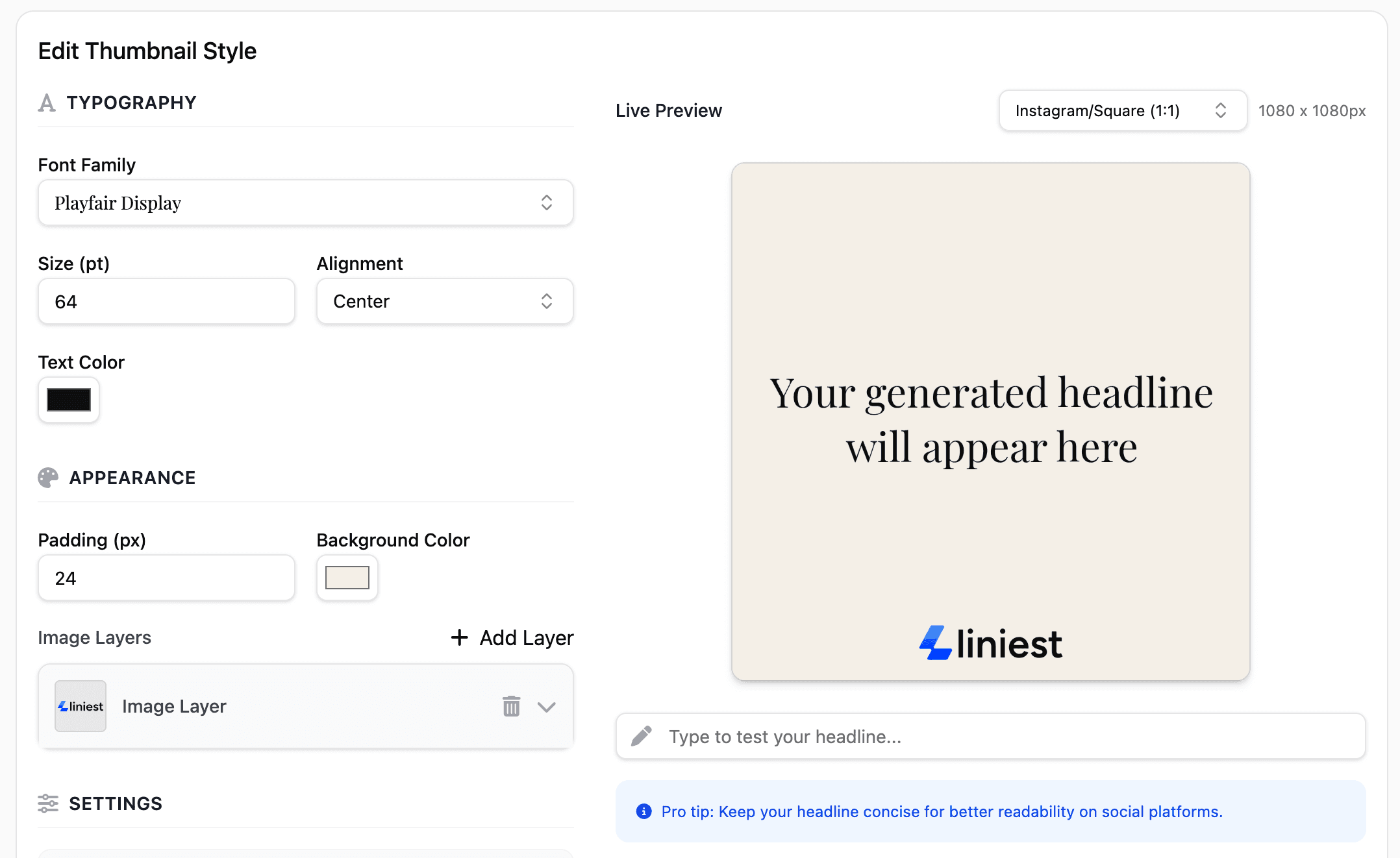
Thumbnail tooling

Create reusable visual styles and generate consistent creative assets for launches, changelog posts, and recurring publishing work.

  • Reusable style library
  • Multi-format sizing presets
  • Live visual previews
Thumbnail tooling

Dashboard and analytics

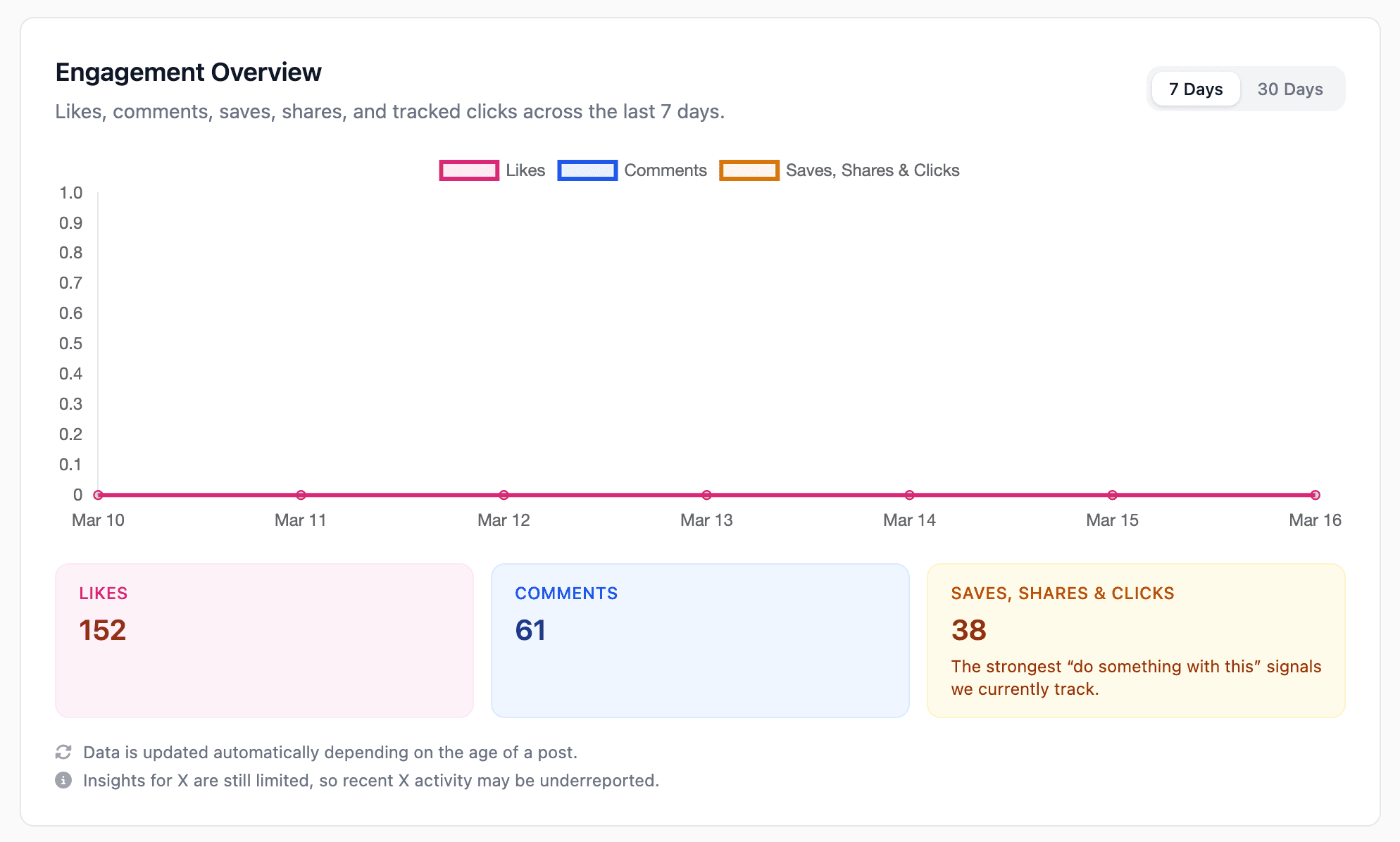
Track engagement, top-performing posts, and live publishing activity without leaving the workspace.

  • Likes, comments, saves, shares, and tracked clicks
  • Top-performing posts and recent trends
  • Campaign context close to publishing
Dashboard and analytics

Short-form outputs

Generate short-video-ready captions and post variants that are easy to review and publish quickly.

  • Short-form focused copy
  • Fast preview checks
  • Ready for rapid publishing
Short-form outputs

FAQ

Practical questions before switching tools.

Which post types can SaaS teams publish from Liniest?

Liniest supports text, image, and short-form video workflows across Instagram, X, Facebook, LinkedIn, Threads, YouTube, Pinterest, and TikTok, with platform-specific options where needed.

Can workflows start from RSS feeds or GitHub updates?

Yes. Teams can trigger workflows from RSS, webhooks, manual runs, scheduled checks, and GitHub-driven events routed through their own automation stack.

Can we automate thumbnails as part of the publishing flow?

Yes. Reusable thumbnail styles can be applied inside the workflow so visual assets stay aligned with the content type and destination.

Do we still get a shared calendar and manual scheduling?

Yes. The page is still built around one editor, one calendar, one workflow layer, and direct publishing to connected destinations.

Is this mainly for launch marketing and product updates?

That is a strong fit. Liniest works well when changelogs, release notes, RSS updates, and recurring growth content need to become channel-ready posts quickly.

Get started

Run your SaaS publishing system in one place.

Liniest is a strong fit for teams managing launches, product updates, recurring feeds, and cross-channel publishing without wanting separate tools for every step.