What this page covers
A practical Facebook workflow inside Liniest
This guide focuses on what the product already does well: build the post, connect the right page, check the preview, and manage it from the calendar.
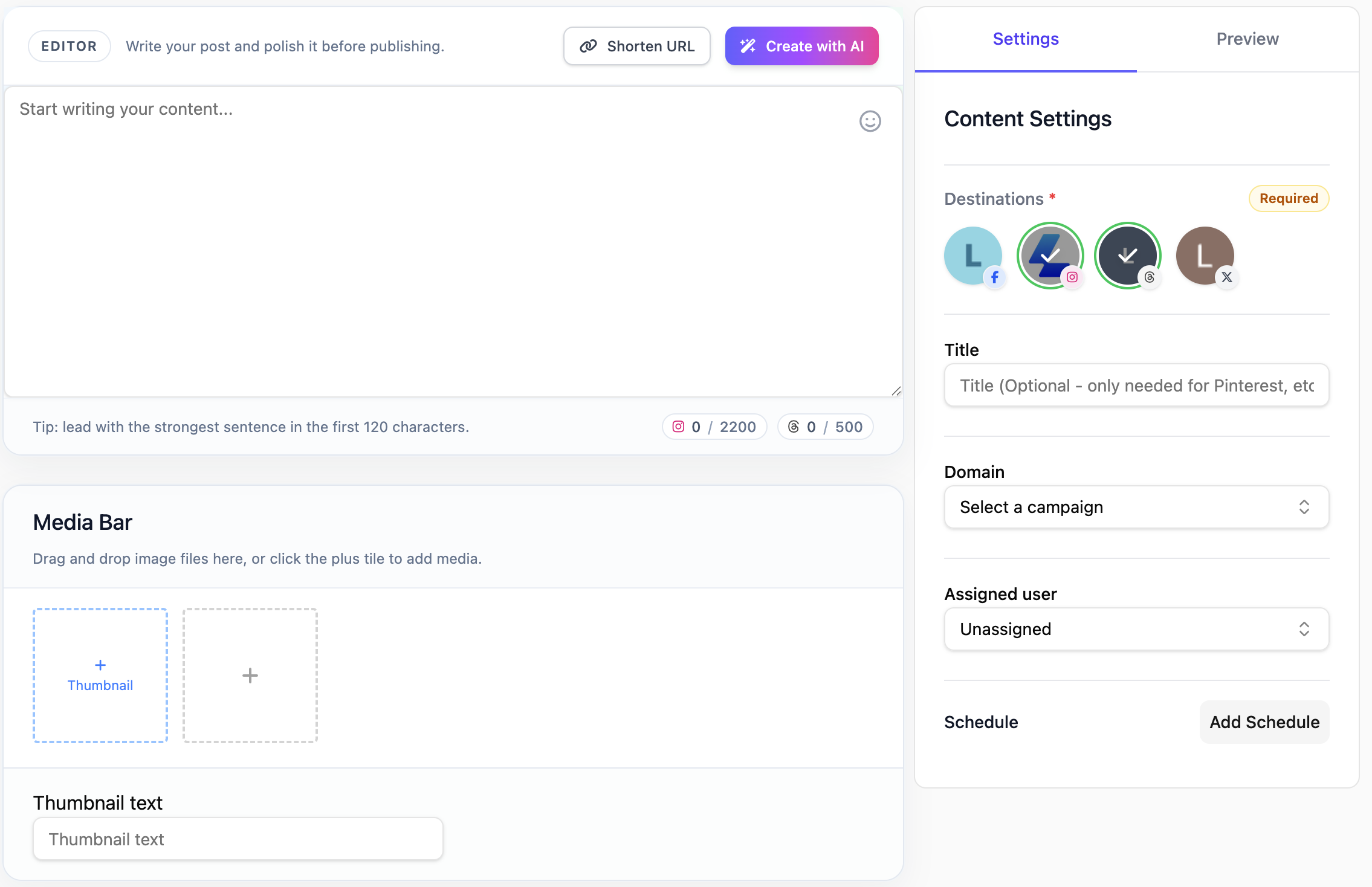
Prepare and post Facebook content with one workflow for copy, media, destination selection, and publish timing.
What this page covers
This guide focuses on what the product already does well: build the post, connect the right page, check the preview, and manage it from the calendar.
In the product
Feature 01
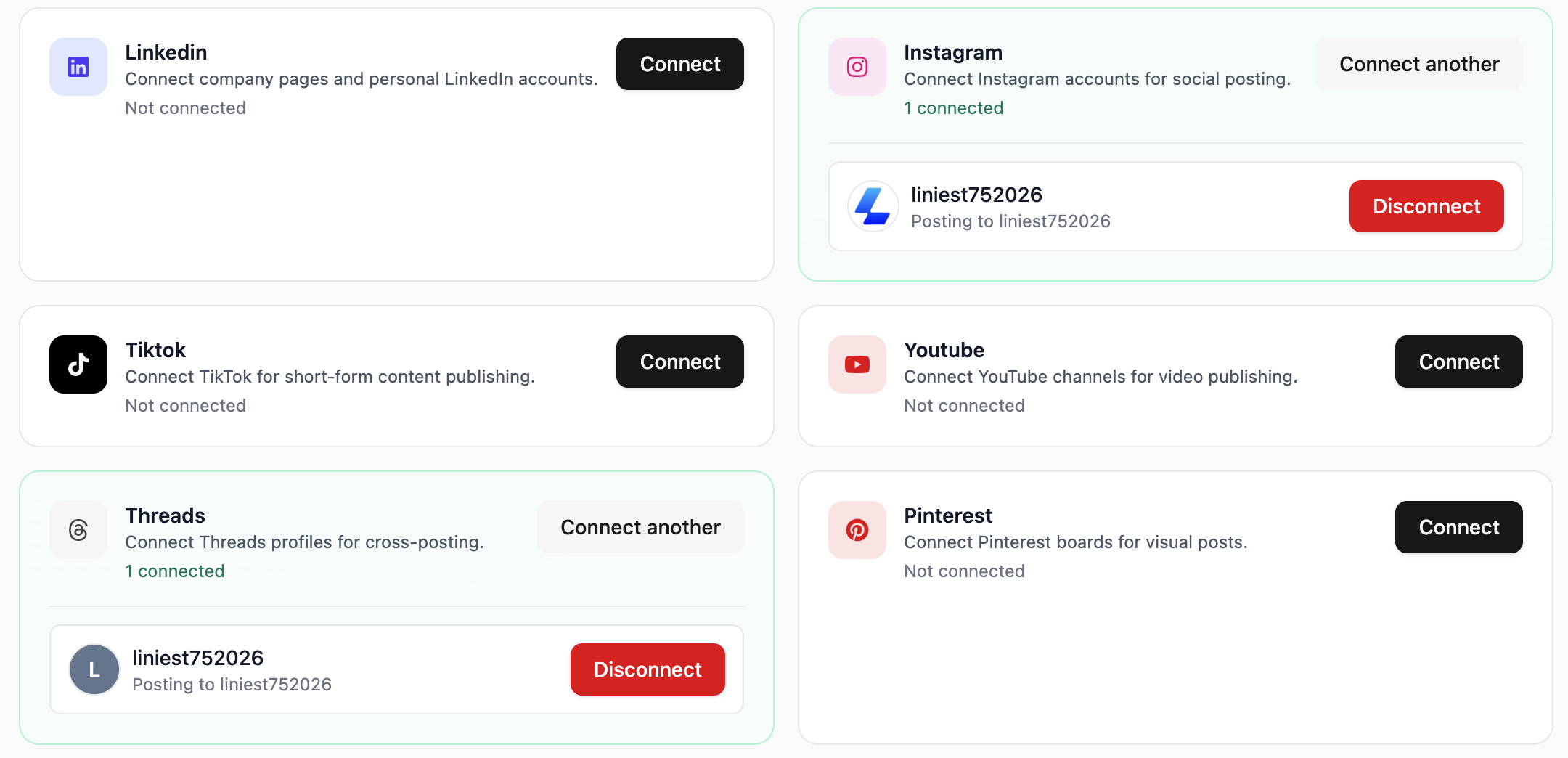
Liniest lets you choose the correct connected page before you schedule or publish the Facebook post.
Feature 02
Prepare Facebook posts in one draft workspace so the caption, media, destination, and scheduling details stay aligned. That makes review easier and cuts down on last-minute fixes.

Feature 03
Liniest keeps preview and publish controls close to the draft so you can check the Facebook post before you send it.
Feature 04
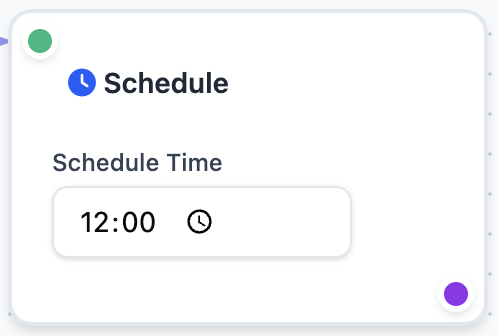
If you repeat the same Facebook post flow often, workflows can handle the recurring draft, assignment, and scheduling steps while still leaving manual posting available.
Yes. Media and copy can be managed together in the content editor.
Yes. Manual posting is still available when you need it.
Yes. It is helpful when the same post needs drafting, review, and scheduling in one shared place.
Related features