Instagram posting

How to post on Instagram

Prepare and post Instagram content with the Liniest editor, preview tools, and destination controls in one place.
Content editorPreview toolsDestination selectionVisual styles
How to post on Instagram

What this page covers

A practical Instagram workflow inside Liniest

This page is about the actual Liniest flow for Instagram: connect the right account, draft the post with media, check the preview, and place it on the calendar.

In the product
What you actually use to post

  • Connect the right account
  • Build the post with copy and media together
  • Preview before you publish
  • Keep Instagram visuals consistent

How to prepare and post on Instagram in Liniest

  1. 1Connect the right account in Liniest.
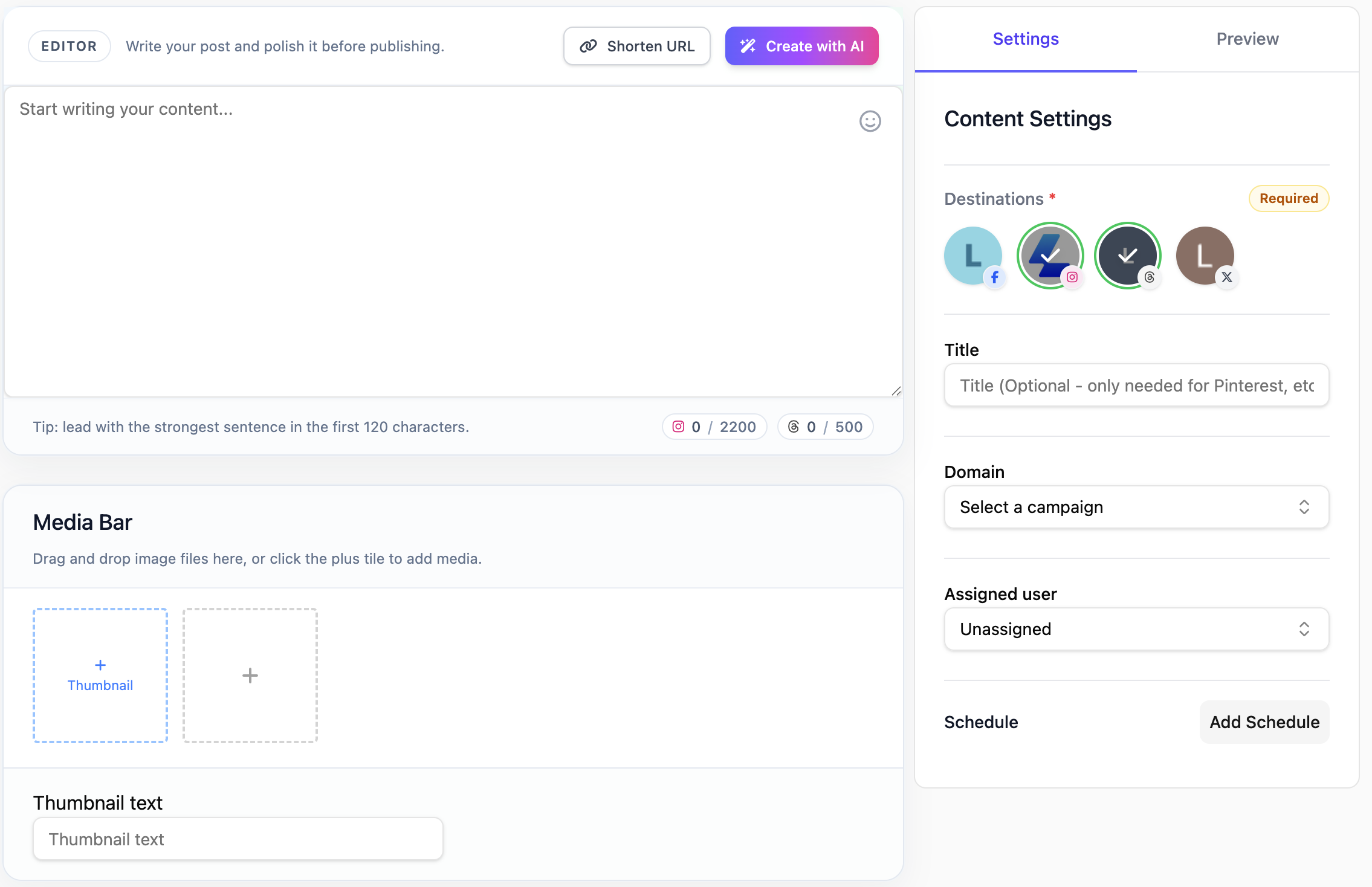
  2. 2Create the Instagram post in the content editor and attach any media you need.
  3. 3Use the preview to check the post before it goes live.
  4. 4Publish immediately or schedule it for later from the same Instagram draft.
  5. 5If this task repeats often, reuse AI settings or workflows where they actually help.
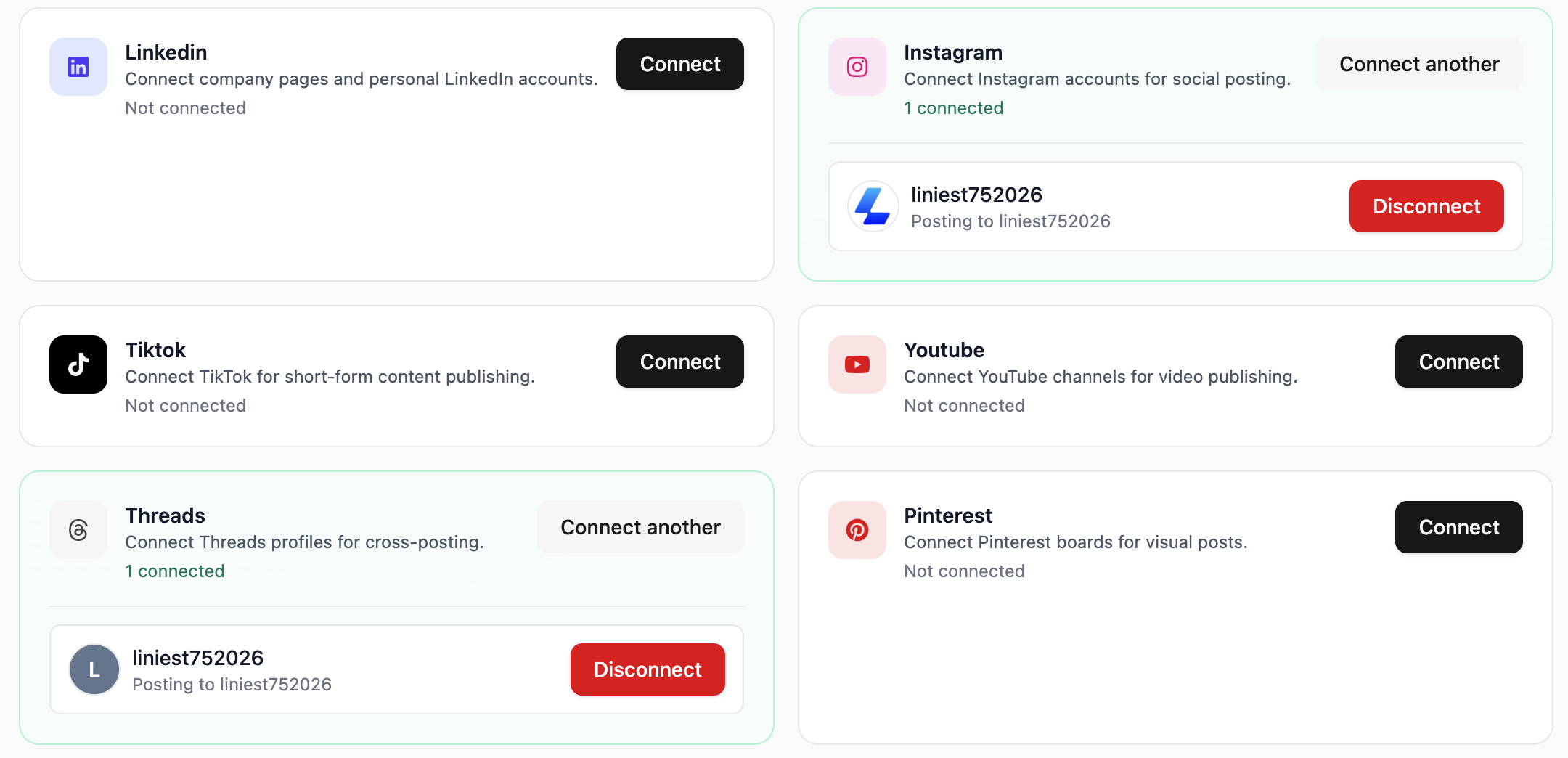
Connect the right account

Feature 01

Connect the right account

Liniest lets you choose the correct connected account before you schedule or publish the Instagram post.

  • Choose pages, accounts, channels, or boards from connected destinations
  • Keep destination selection inside the same draft flow
  • Use the same setup across the rest of your channels
Build the post with copy and media together

Feature 02

Build the post with copy and media together

Prepare Instagram posts in one draft workspace so the caption, media, destination, and scheduling details stay aligned. That makes review easier and cuts down on last-minute fixes.
  • Upload media directly in the editor
  • Adjust the post for specific destinations when needed
  • Keep draft, media, and schedule tied to the same record
Preview before you publish

Feature 03

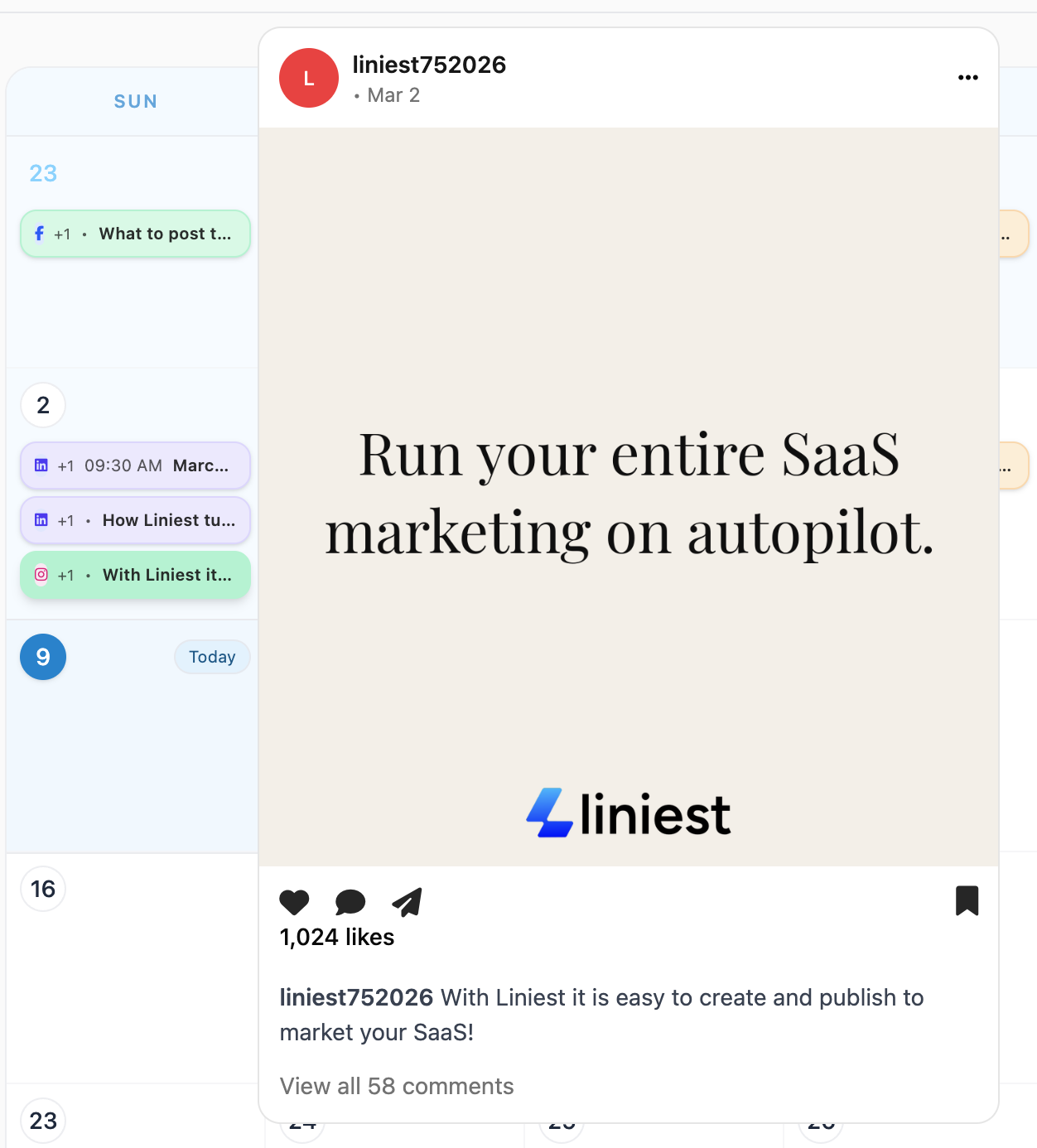
Preview before you publish

Liniest keeps preview and publish controls close to the draft so you can check the Instagram post before you send it.
  • Review the post in preview mode
  • Check media and formatting before sending
  • Publish now or switch to a scheduled date
Keep Instagram visuals consistent

Feature 04

Keep Instagram visuals consistent

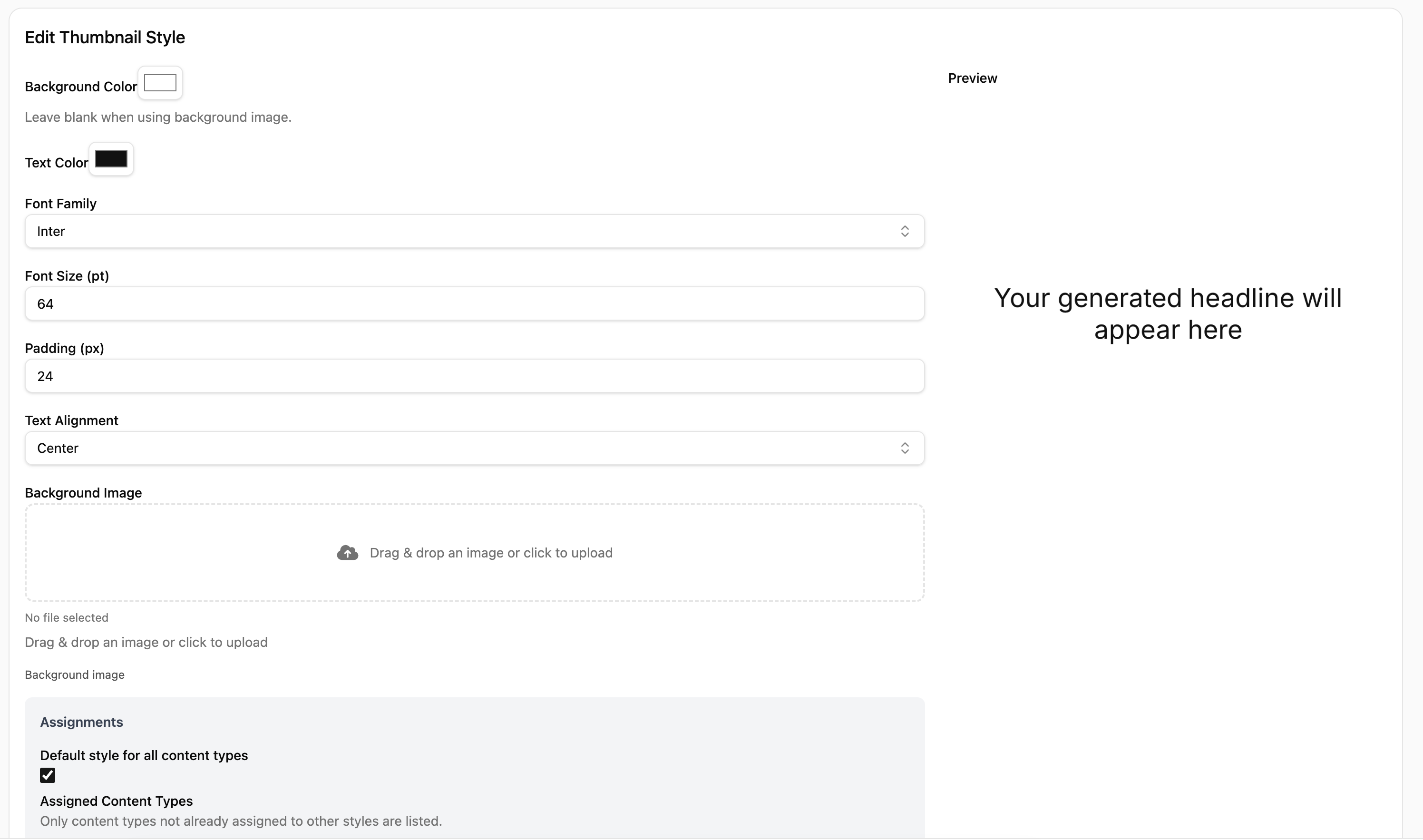
Liniest includes reusable visual styles so teams can preview and reuse branded image treatments while preparing Instagram content. It is useful when the visual system matters as much as the caption.

  • Create reusable visual styles
  • Preview generated text on the image in real time
  • Override the style or text for a single post when needed

Common Instagram jobs this helps with

  • Prepare a product announcement with image, caption, and publish time from one draft.
  • Keep a few Instagram launch posts visible in the calendar so the rest of the team knows what is going out.
  • Reuse branded visual styles when the post needs a consistent look.

Instagram posting FAQ

Can I prepare Instagram posts in Liniest and publish from there?

Yes. You can draft the post, choose the destination, review it, and publish or schedule from the same workspace.

Does Liniest keep the caption and media together?

Yes. The content editor keeps the copy, media, and destination attached to the same draft.

Is the Instagram flow useful for a team?

Yes. It is especially useful when more than one person needs to review the post before publish time.