LinkedIn posting

How to post on LinkedIn

Prepare and post LinkedIn content with a clearer workflow for copy, review, and destination selection.
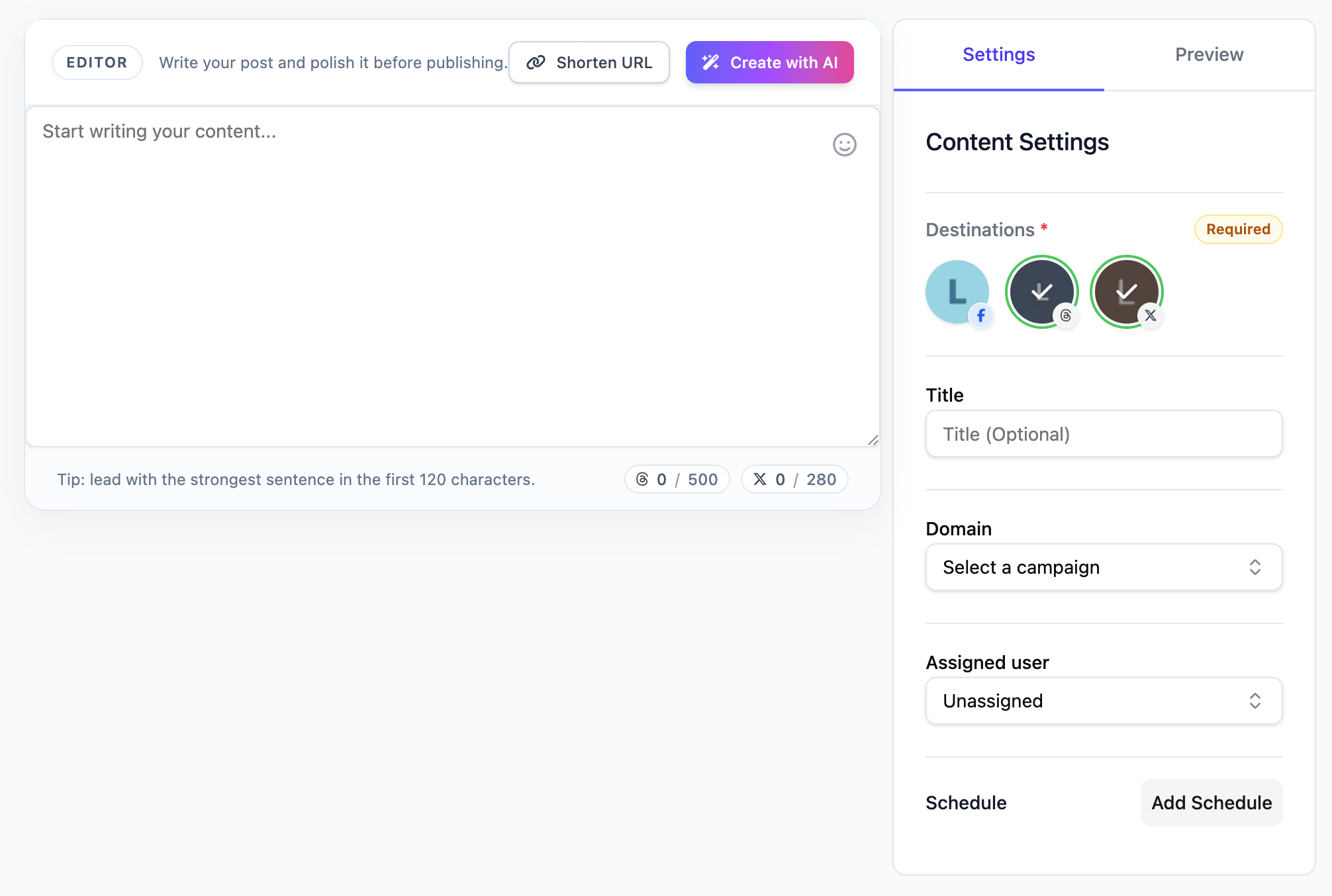
Content editorPreview toolsDestination selectionAI settings
How to post on LinkedIn

What this page covers

A practical LinkedIn workflow inside Liniest

This page stays close to the product: one editor for the post, a preview while you write, destination selection, and a calendar for the final date and time.

In the product
What you actually use to post

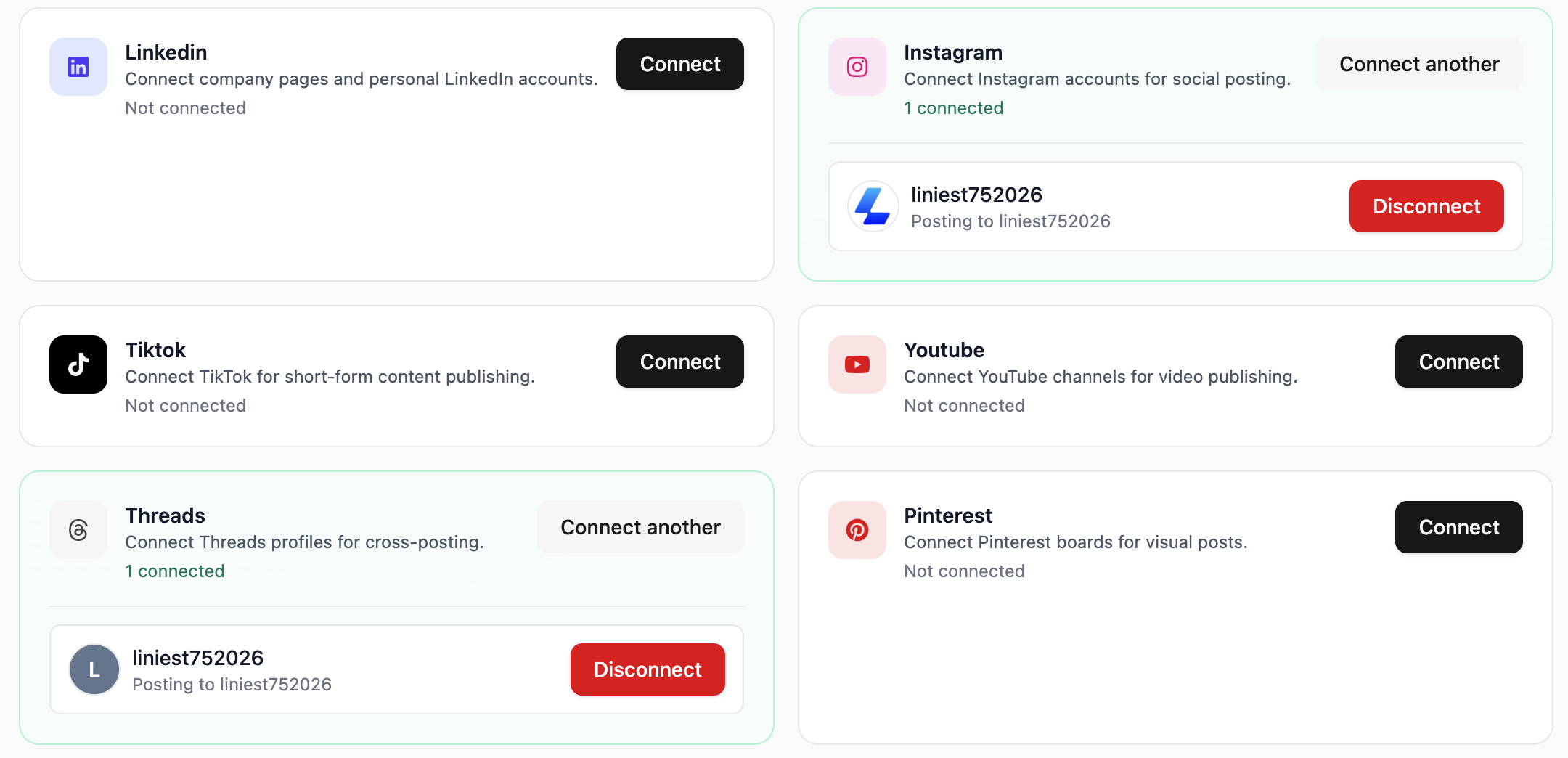
  • Connect the right page or profile
  • Write in one content editor
  • Preview before you publish
  • Set AI rules for LinkedIn writing

How to prepare and post on LinkedIn in Liniest

  1. 1Connect the right page or profile in Liniest.
  2. 2Create the LinkedIn post in the content editor and attach any media you need.
  3. 3Use the preview to check the post before it goes live.
  4. 4Publish immediately or schedule it for later from the same LinkedIn draft.
  5. 5If this task repeats often, reuse AI settings or workflows where they actually help.
Connect the right page or profile

Feature 01

Connect the right page or profile

Liniest lets you choose the correct connected page or profile before you schedule or publish the LinkedIn post.

  • Choose pages, accounts, channels, or boards from connected destinations
  • Keep destination selection inside the same draft flow
  • Use the same setup across the rest of your channels
Write in one content editor

Feature 02

Write in one content editor

Create LinkedIn drafts in one editor with rich text editing, media attachments, assignments, and AI assistance. The editor is built to keep the writing, destination, and scheduling context together instead of splitting them across tools.

  • Use the built-in AI assistant to create a first draft
  • Select one or more destinations from the same draft
  • Keep copy, media, and assignee in one place
Preview before you publish

Feature 03

Preview before you publish

Liniest keeps preview and publish controls close to the draft so you can check the LinkedIn post before you send it.
  • Review the post in preview mode
  • Check media and formatting before sending
  • Publish now or switch to a scheduled date
Set AI rules for LinkedIn writing

Feature 04

Set AI rules for LinkedIn writing

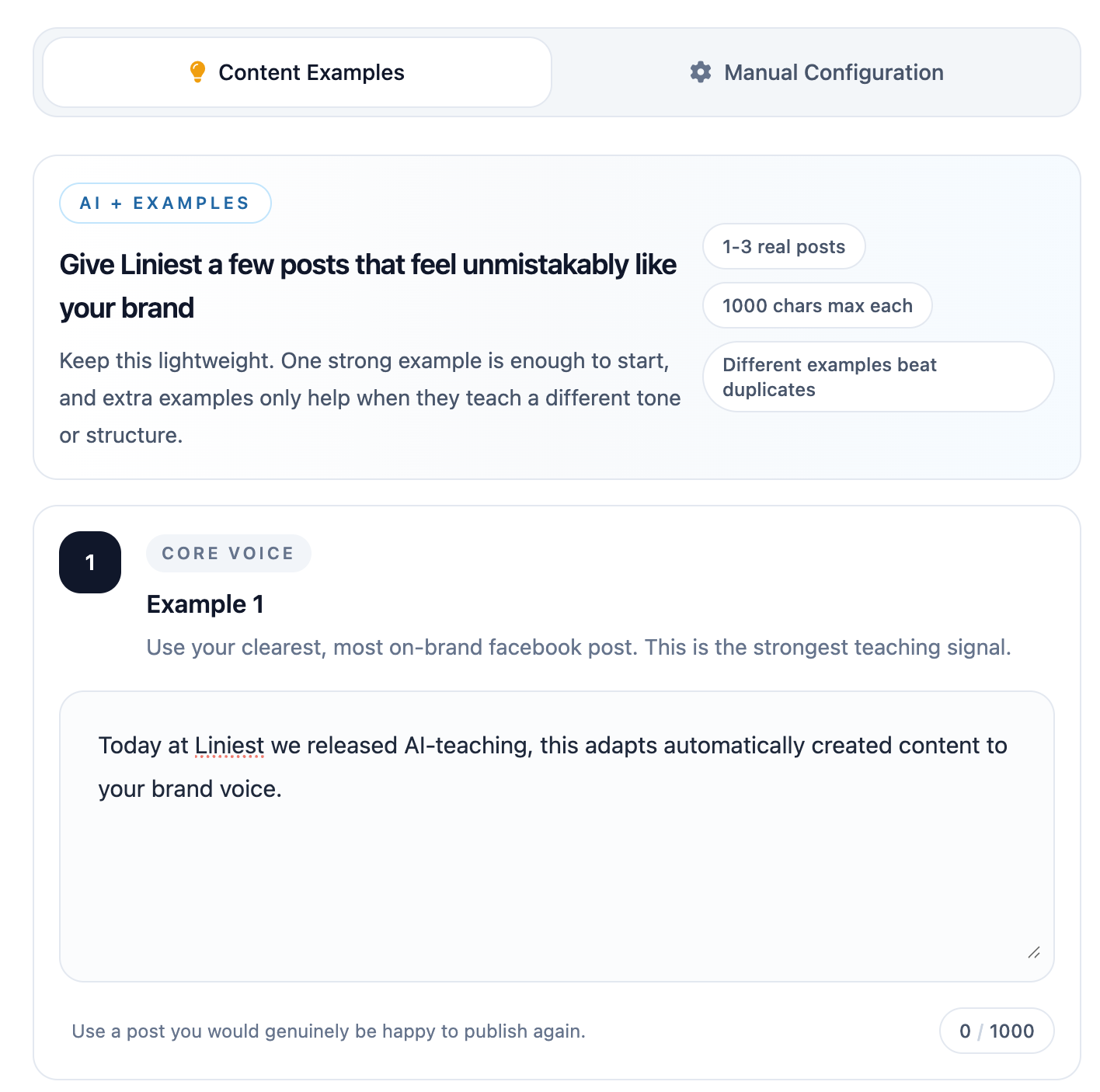
If your team uses AI to prepare LinkedIn drafts, Liniest lets you teach tone with examples and set manual rules such as banned terms, formatting preferences, or platform-specific instructions.

  • Add example posts to teach tone and phrasing
  • Set manual rules and do-not-use terms
  • Use platform-specific instructions when needed

Common LinkedIn jobs this helps with

  • Draft a company update, assign it to a teammate, and set a publish date from the same draft.
  • Keep a few founder or brand posts visible in the calendar while you coordinate the rest of the launch.
  • Use shared AI instructions when you want LinkedIn drafts to follow a specific tone.

LinkedIn posting FAQ

Can Liniest help with LinkedIn copy review?

Yes. The shared draft view keeps the copy, destination, and schedule together for review.

Can I target a specific LinkedIn page or profile?

Yes. Connected destinations can be chosen from within the draft.

Does the LinkedIn flow include previews?

Yes. The preview tools help you check the post before publishing it.