YouTube

YouTube Posting

How to post on YouTube with brand-safe systems and reliable publishing. Liniest gives you a single calendar, brand-safe templates, and channel-ready previews so every YouTube launch looks intentional.

Why teams use Liniest for YouTube

Publishing on YouTube moves fast. Liniest keeps every draft, asset, and posting slot in one place so your team can move quickly without losing quality or consistency. You get a calm, reliable publish flow that turns ideas into live posts in hours, not days.

Single calendar

Plan every YouTube post on the same calendar as the rest of your channels.

Brand-safe previews

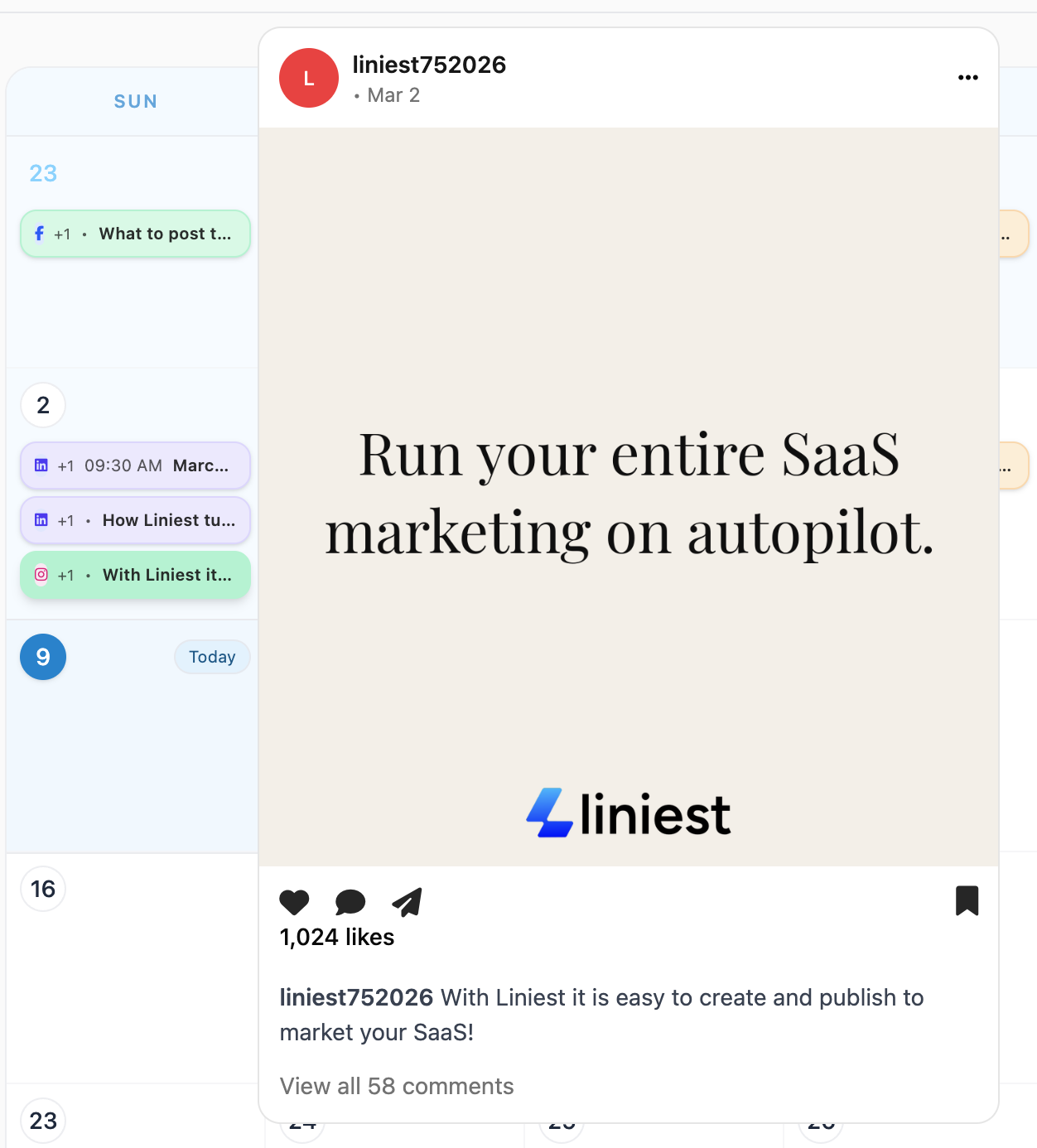
See exactly how the post will look before you post it.

Reusable templates

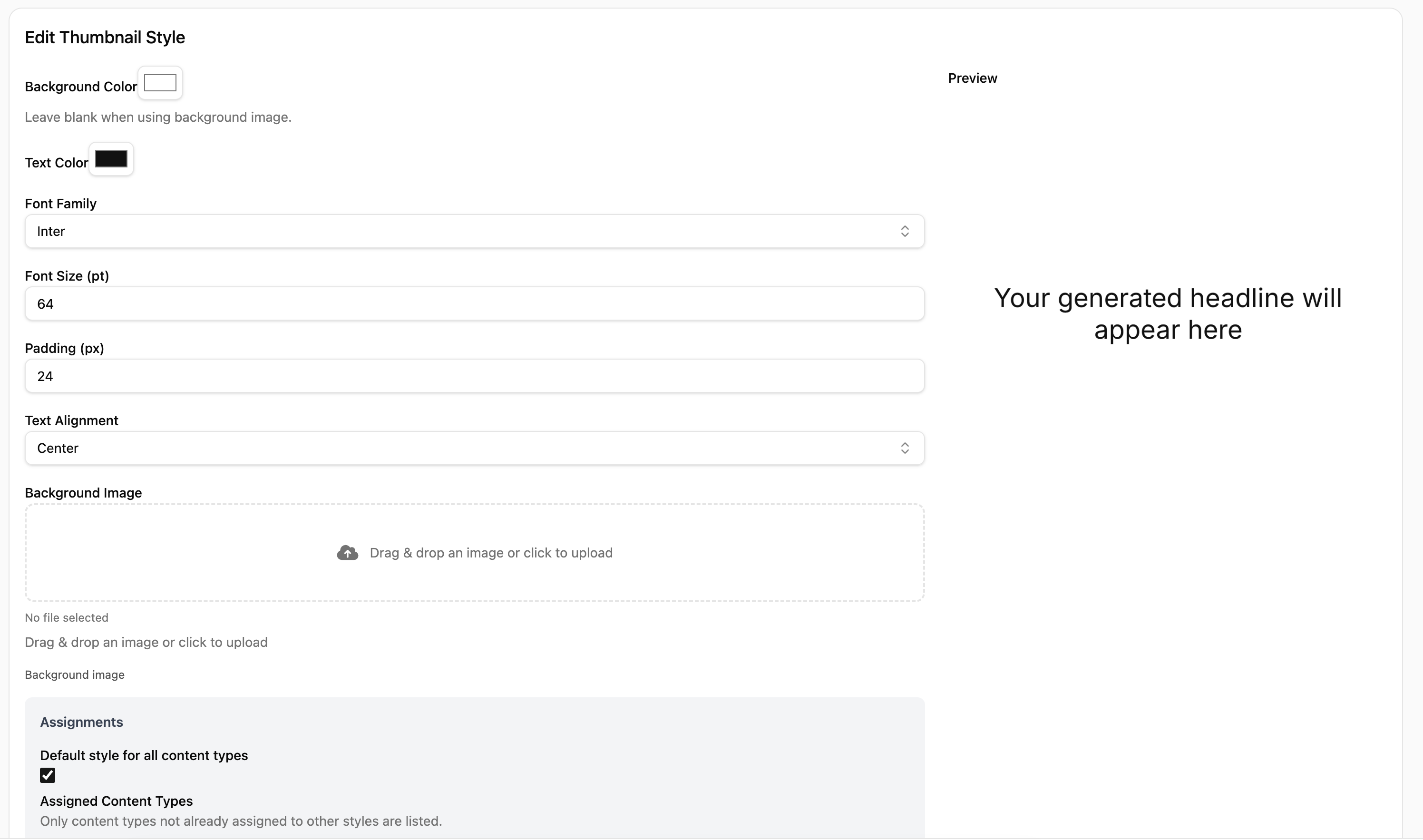
Turn winning formats into templates so teams can ship consistently.

How to post with Liniest

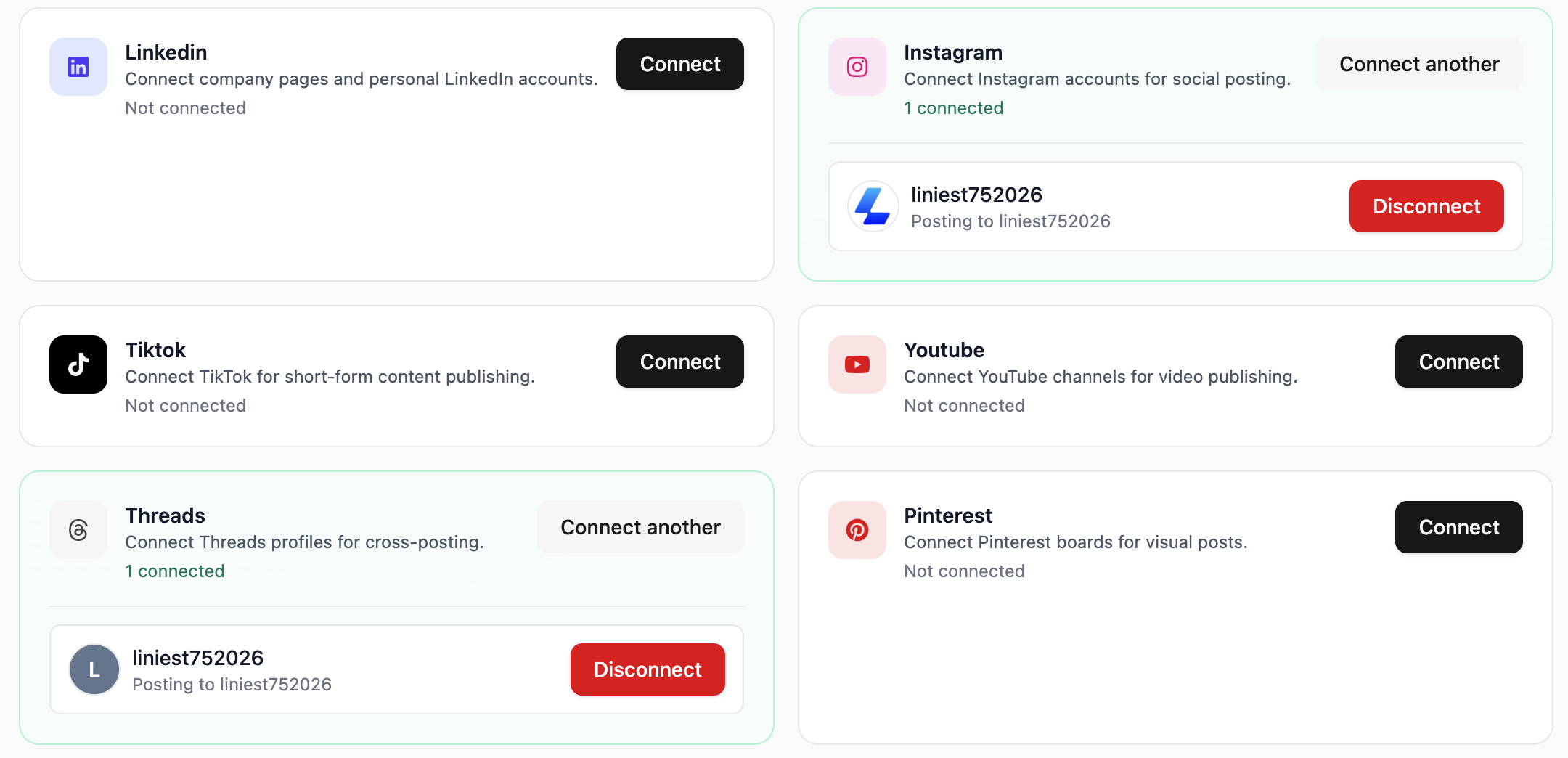
  1. Connect your account in Liniest and confirm permissions.
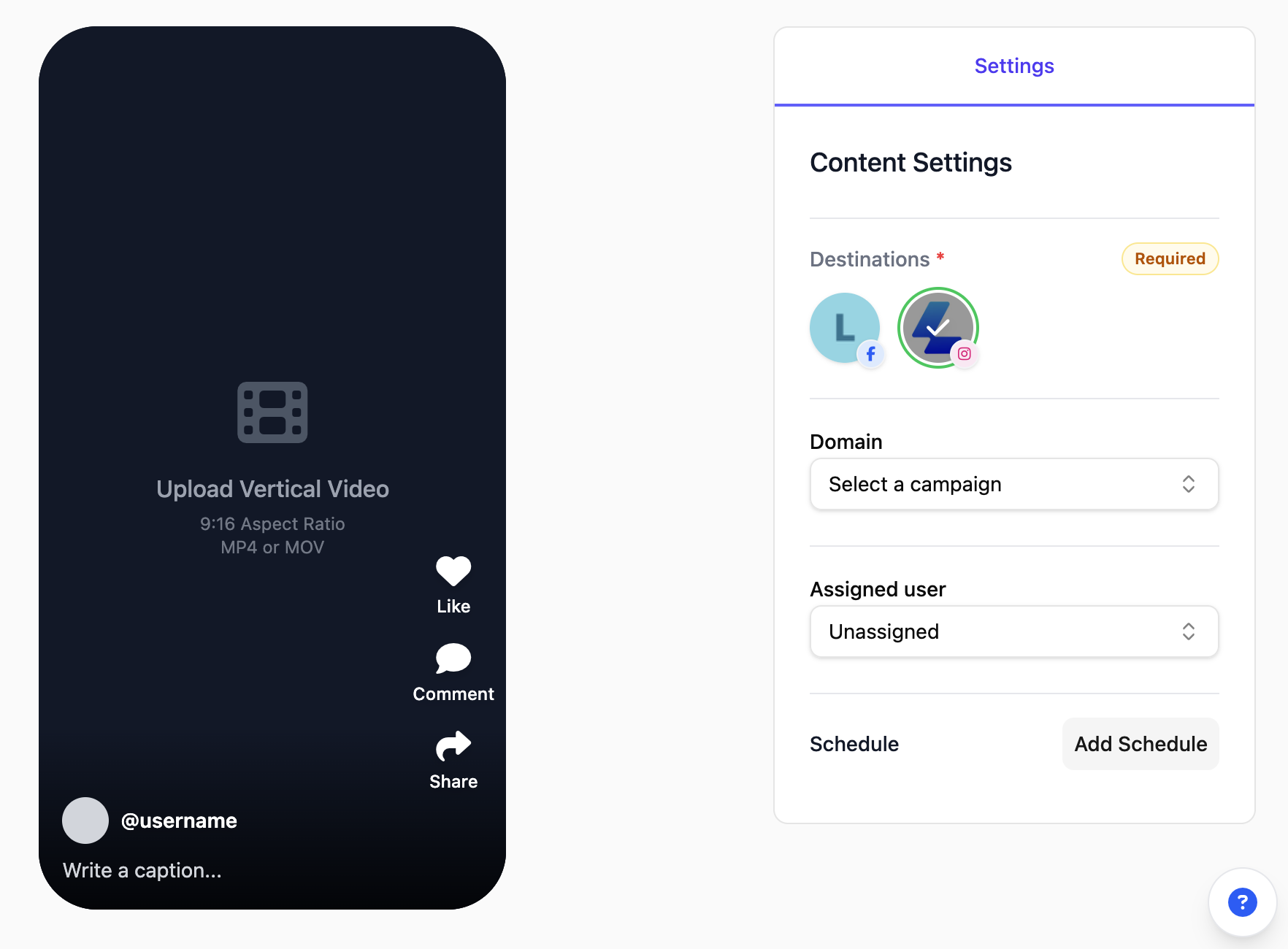
  2. Start a new post and choose the correct content format for the platform.
  3. Write or generate the copy, then add visuals or video assets.
  4. Preview the post to confirm formatting, links, and mentions.
  5. Publish immediately or schedule it for later.

YouTube tips that keep momentum

  • Use YouTube-specific previews to avoid formatting surprises.
  • Keep the first line punchy so the post earns a click or expand.
  • Add a clear call to action that matches the platform.

Example YouTube posts

  • Post a YouTube product update with three bullet highlights and a short CTA link.
  • Share a YouTube customer win with a quote graphic and a quick summary in the caption.
  • Publish a YouTube event reminder with date, time, and registration link.